
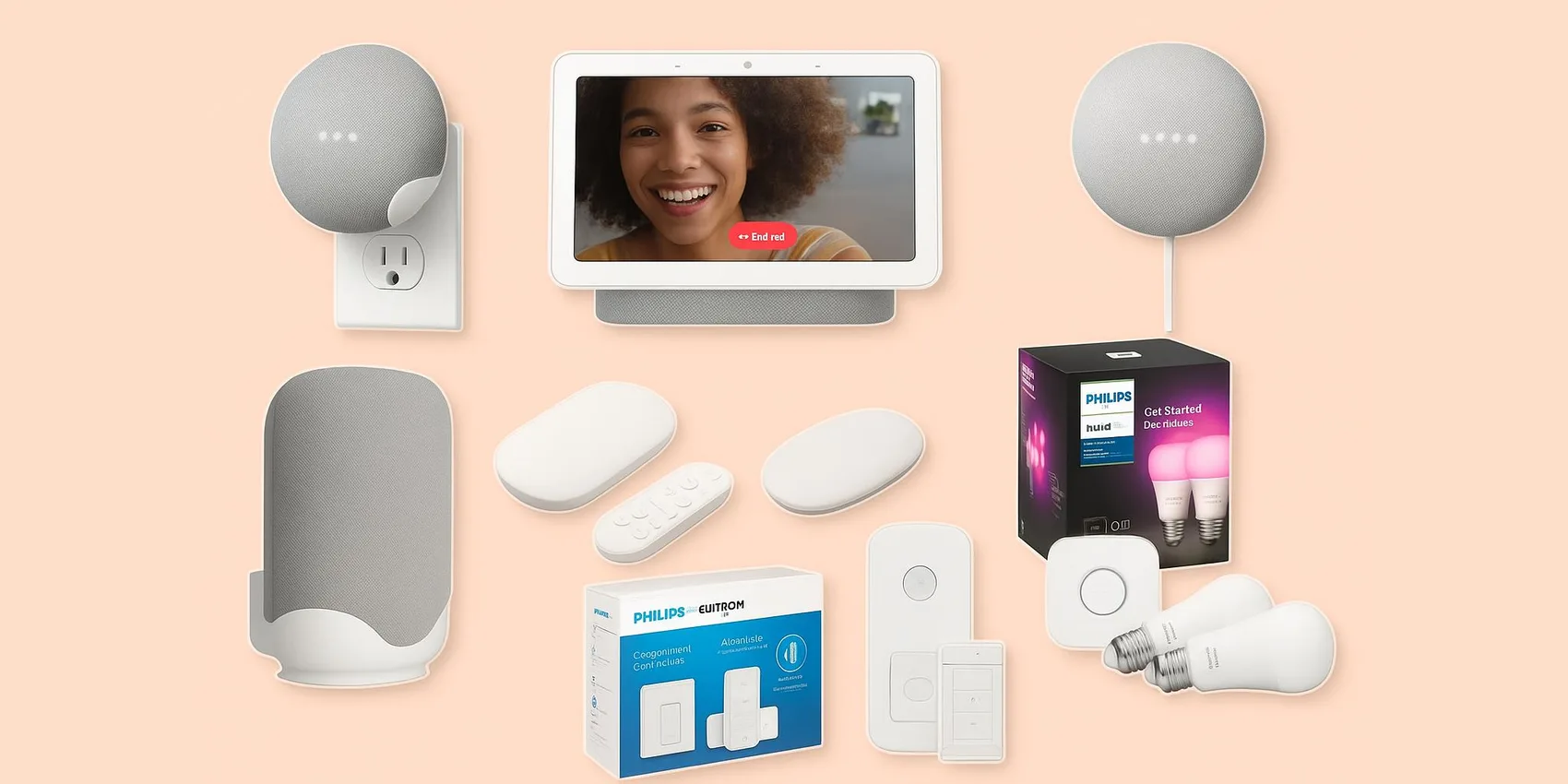
Best Home Automations: Google Routines (2026)
If you’re planning a 2026 smart-home refresh—or gifting upgrades to someone who loves convenience—this guide is for you. It highlights Google Home routines that make everyday moments feel effortless: wake-ups, leaving the house, movie nights, and bedtime. You’ll get practical ideas you can copy, tweak, and scale from simple to advanced, so you can see results fast without getting lost in settings. Start now; a few minutes of setup can save you hours of daily friction.
Add-on magic: Save gift ideas to your WishDeck wishlist in a tap so you don’t lose ideas and can compare later. Add picks to your wishlist and share with friends in one tap to get gifts you love.
Table of Contents
Smart Displays & Speakers (Your Routine Command Center)
These are the “talk to your home” hubs that make Google Home routines feel effortless in 2026. Use them to trigger multi-step actions—lights, temperature, music, and reminders—without touching your phone.
1. Google Nest Hub (2nd Gen)
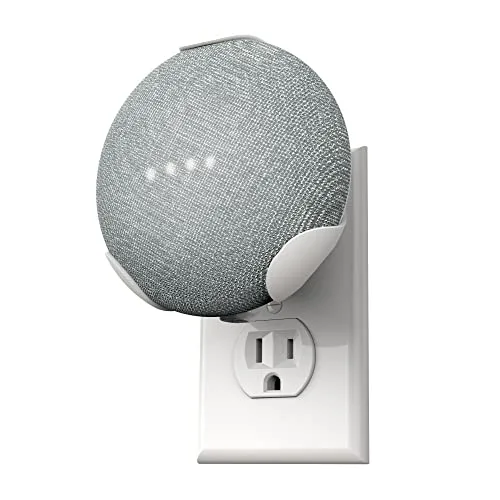
1. Google Nest Hub (2nd Gen)
A compact smart display that’s ideal for running Google Home routines from the kitchen, nightstand, or entryway. In 2026 it’s still one of the simplest ways to make automations feel visual: timers, calendars, room controls, and quick taps for scenes. It’s a great fit for someone who wants smart-home convenience without a complicated setup. Use it as the “good morning” dashboard that kicks off lights, temperature, and music.
- Touchscreen makes routines easy for non-techy households
- Great bedside/kitchen footprint for daily check-ins
- Fast access to room controls without opening an app
- Best experience depends on solid Wi‑Fi coverage
- Not ideal if you prefer audio-only control everywhere
- Screen placement matters for visibility and privacy comfort
2. Google Nest Hub Max
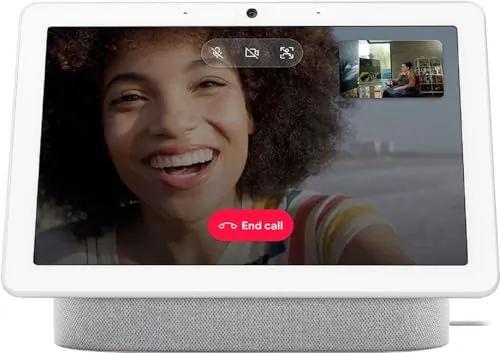
2. Google Nest Hub Max
A larger smart display built for shared spaces where routines need to be visible and hands-free. In 2026 it’s a strong “family command center” for checking cameras, controlling rooms, and launching multi-step scenes like *Movie Night* or *Leaving Home*. It’s best for households that want a big screen for controls and video calls in one place. Put it in the kitchen or living room to keep routines front-and-center.
- Big display is easy to read from across a room
- Convenient hub for shared routines and smart-home controls
- Great for central placement (kitchen/living room)
- Takes more counter space than smaller displays
- May feel like overkill for solo apartments
- Camera presence isn’t for everyone’s privacy preferences
3. Google Nest Mini (2nd Gen)
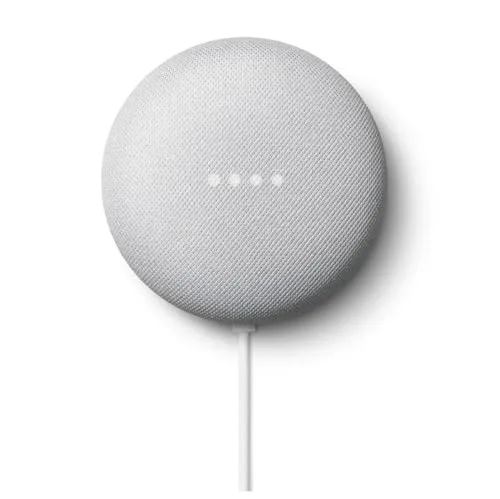
3. Google Nest Mini (2nd Gen)
A small voice speaker that’s perfect for adding Google Assistant control to bedrooms, bathrooms, or hallways. In 2026 it remains a low-friction way to expand routine coverage room-by-room—think “lights off,” “goodnight,” or “start the coffee plug.” It’s ideal for renters or anyone who wants voice control without rewiring anything. Add several to make whole-home routines feel consistent.
- Easy way to add voice control to more rooms
- Great for simple routines like bedtime and timers
- Minimal footprint for shelves and nightstands
- Audio is fine for casual listening, not audiophile use
- Needs careful mic placement in noisy rooms
- No screen for quick tap controls
4. Google Nest Audio
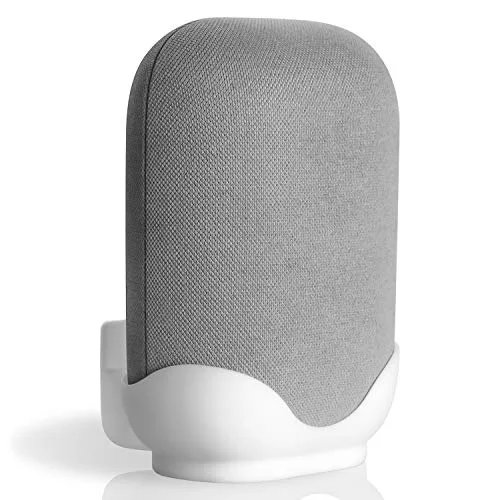
4. Google Nest Audio
A smarter speaker upgrade when you want routines *and* better sound for music, podcasts, and TV audio groups. In 2026 it’s a solid pick for living rooms and open spaces where voice commands need to be heard and audio should fill the room. It’s great for anyone who wants their routines to end with “and play my playlist” without tinny output. Pair it with lights for a one-command ambiance shift.
- Fuller sound than mini speakers for shared spaces
- Good anchor device for routines that include music
- Easy to place on shelves or media consoles
- Still depends on room acoustics and placement
- Not portable—best as a “set it and forget it” speaker
- If you only need voice control, it may be more than necessary
5. Google TV Streamer (4K)
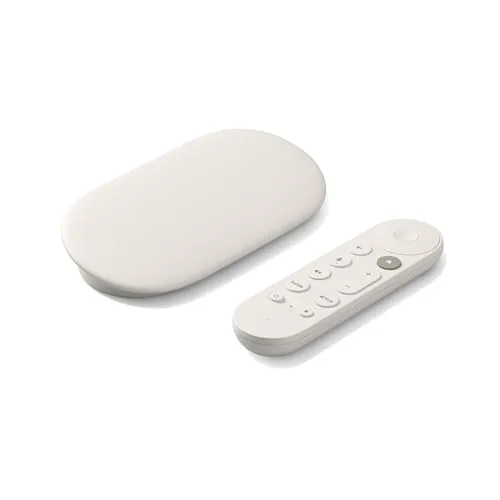
5. Google TV Streamer (4K)
A fast streaming device that turns *Movie Night* routines into a one-command experience—lights dim, TV launches, and sound devices group up. In 2026 it’s a practical upgrade for households that want smooth 4K streaming plus smart-home-friendly control. It’s perfect for anyone who loves cozy evenings and wants the living room to “set itself.” Add it to routines that also lock doors and adjust the thermostat when you hit play.
- Great foundation for entertainment-focused routines
- Easy way to modernize an older TV setup
- Pairs well with lighting scenes for instant ambiance
- Some features depend on your TV/receiver compatibility
- Requires a stable network for best streaming quality
- May duplicate features if your TV already has a strong built-in platform
Lighting That Feels Instant (Bulbs, Dimmers, and Wall Switches)
Lighting is the quickest way to make routines feel like magic in 2026—wake gently, focus faster, or wind down without thinking. Choose bulbs for flexibility, or switches for a more “it just works” household experience.
6. Philips Hue White and Color Ambiance Starter Kit (Bridge + Bulbs)
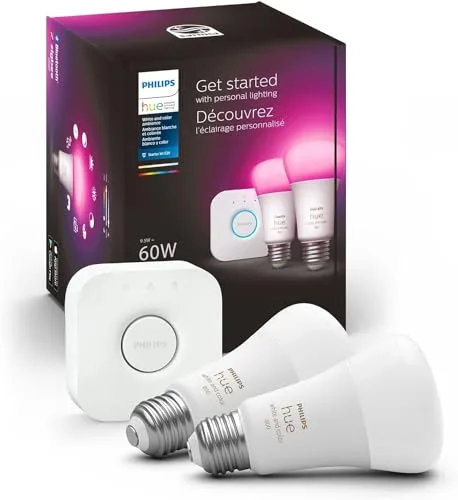
6. Philips Hue White and Color Ambiance Starter Kit (Bridge + Bulbs)
A starter kit that brings color scenes and reliable control to your Google Home routines with a dedicated bridge. In 2026, it’s a go-to pick for anyone who wants lighting to *feel* cinematic: sunrise fades, cozy warm tones, and party colors on command. It’s ideal for first-time smart lighting buyers who want a strong foundation they can expand room by room. Use it for routines like *Wake Up*, *Dinner*, and *Movie Night*.
- Scenes and colors make routines feel instantly “premium”
- Bridge-based setup can be more reliable than Wi‑Fi-only bulbs
- Easy to expand with more Hue lights later
- Upfront cost is higher than basic smart bulbs
- Bridge adds an extra box to place near your router
- Color options can lead to tinkering instead of “set and forget”
7. Philips Hue Dimmer Switch (v2)
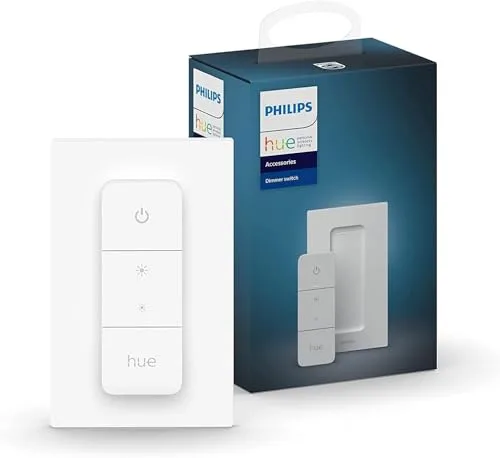
7. Philips Hue Dimmer Switch (v2)
A simple wall-mounted remote that makes smart lighting feel normal for everyone in the house. In 2026 it’s a smart pick for guests, kids, or anyone who doesn’t want to use voice commands or apps. It’s perfect for routines where you want a physical “sleep” or “movie” button that always works. Mount it by the door for an easy *All Off* moment.
- Physical control that guests instantly understand
- Great for “scene” switching without pulling out a phone
- Flexible placement (wall, nightstand, entry)
- Works best when you’re already in the Hue ecosystem
- Another accessory to keep track of if not wall-mounted
- Not a full replacement for a hardwired wall dimmer
8. Lutron Caseta Smart Dimmer Switch Starter Kit (with Smart Bridge)
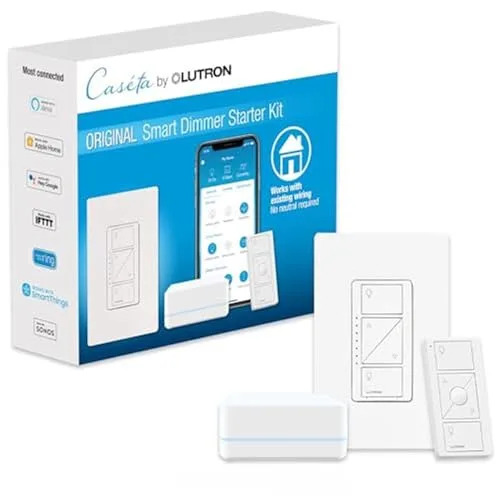
8. Lutron Caseta Smart Dimmer Switch Starter Kit (with Smart Bridge)
A wall-dimmer starter kit that’s built for people who want smart lighting that behaves like a real light switch. In 2026 it’s a top choice for dependable routines—like dimming at sunset or setting a gentle bedtime level—without relying on smart bulbs in every fixture. It’s ideal for homeowners (or long-term renters with permission) who want a clean, always-works experience. Great for living rooms and high-traffic areas.
- Wall-switch control feels natural for the whole household
- Excellent for scheduled dimming and sunset routines
- Starter kit includes the bridge for a cohesive setup
- Requires installation and basic electrical comfort
- Not as flexible as color bulbs for mood lighting
- Bridge adds another device near your router
9. Leviton Decora Smart Wi-Fi 2nd Gen Dimmer (D26HD)
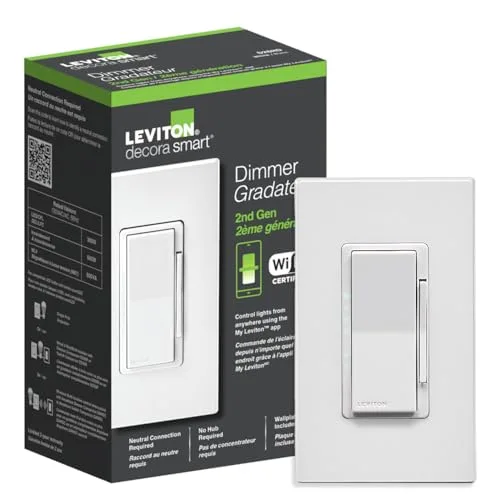
9. Leviton Decora Smart Wi-Fi 2nd Gen Dimmer (D26HD)
A Wi‑Fi smart dimmer that upgrades a single room without needing a separate hub. In 2026 it’s a practical pick for quick routine wins—like dimming the hallway at night or brightening the kitchen at breakfast—especially when you want a clean Decora-style wall look. It’s best for someone comfortable with basic switch installation who wants smart control at a reasonable entry point. Add it to Google Home routines for time-based or voice-triggered scenes.
- No extra bridge required for basic smart dimming
- Clean in-wall look that feels like a standard upgrade
- Great for targeted routines in one or two rooms
- Installation can be a barrier for some households
- Wi‑Fi devices can be sensitive to router placement
- Not designed for color lighting effects
Comfort on Autopilot (Thermostats)
A smart thermostat is one of the most “invisible” automations: it quietly makes the home feel better without constant tweaking. In 2026, pair one with routines like *Leaving Home* and *Goodnight* for comfort that tracks real life.
10. Google Nest Learning Thermostat (4th Gen)
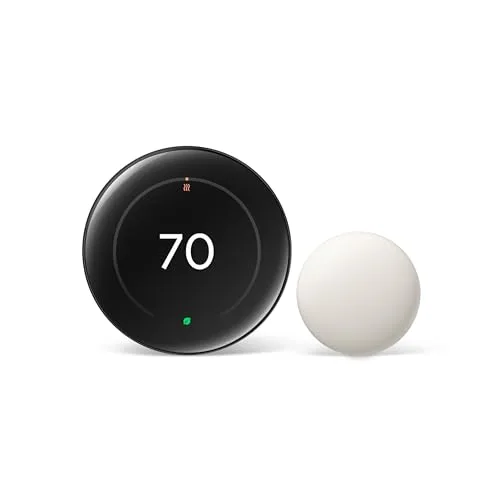
10. Google Nest Learning Thermostat (4th Gen)
A premium thermostat designed to make temperature routines feel automatic instead of manual. In 2026 it’s a strong choice for Google Home households that want comfort changes tied to daily patterns—wake, work, sleep, and away. It’s ideal for homeowners who like the idea of the house “figuring it out” over time and still want easy on-device control. Add it to routines that also lock doors and turn off lights when you leave.
- Fits naturally into Google Home-based routines
- On-device controls make quick adjustments simple
- Great for pairing with away/home automations
- Installation may require HVAC compatibility checks
- Premium price compared to basic thermostats
- Learning-style automation may need a short adjustment period
11. ecobee Smart Thermostat Premium
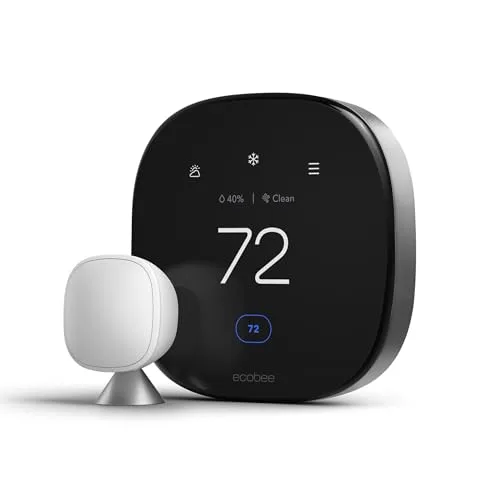
11. ecobee Smart Thermostat Premium
A feature-rich smart thermostat that’s great for households who want comfort routines with a modern, polished interface. In 2026 it’s a smart pick for people who like fine-tuning schedules and integrating temperature changes into broader routines (lights down, doors locked, temp adjusted). It’s ideal for busy families who want the home to feel consistent across mornings, school nights, and weekends. Use it as the backbone of a *Goodnight* routine that actually sticks.
- Strong option for schedule-driven comfort routines
- Premium look and easy day-to-day control
- Plays well in multi-device automation setups
- Requires compatibility and installation planning
- Some advanced features may take time to set up
- Overkill if you only want basic temperature control
Security & Entry (Doorbells, Cams, and Smart Locks)
The best security automations in 2026 feel calm: see who’s there, check in remotely, and make arriving home smoother. These picks pair well with routines like *Away*, *Bedtime*, and *I’m Home*.
12. Google Nest Doorbell (Battery)
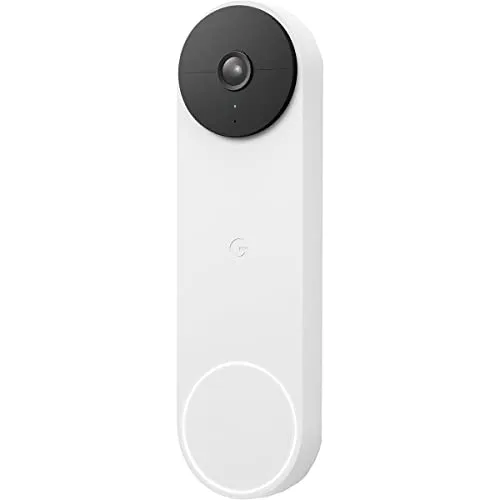
12. Google Nest Doorbell (Battery)
A battery-powered video doorbell that’s great for adding smart awareness to your front door without complicated wiring. In 2026 it’s a strong routine companion: announce visitors on your speakers, pop a feed on a smart display, and trigger lighting when motion is detected. It’s ideal for renters or anyone who wants flexibility in installation. Pair it with an entryway light routine so arrivals feel seamless.
- Flexible install thanks to battery power
- Pairs nicely with smart displays for quick visual checks
- Easy to include in away/arrival routines
- Battery needs periodic recharging
- Placement can affect motion detection reliability
- Some features may depend on subscription preferences
13. Google Nest Cam (Battery)
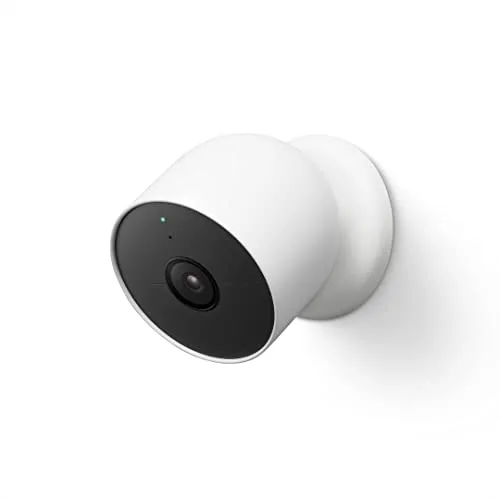
13. Google Nest Cam (Battery)
A flexible indoor/outdoor battery camera that helps routines feel safer—without needing a full security overhaul. In 2026 it’s a strong pick for monitoring a driveway, backyard, garage, or even a nursery corner, with quick checks from a smart display. It’s ideal for households that want simple visibility and alerts tied to *Away* routines. Combine it with smart lighting so motion can trigger a gentle porch light at night.
- Battery-powered flexibility for placement
- Works well with display-based “check the camera” moments
- Good add-on for away and nighttime routines
- Battery maintenance is part of the deal
- Outdoor placement needs thoughtful mounting and coverage
- Alerts can feel noisy until you tune settings
14. Aqara Smart Lock U100
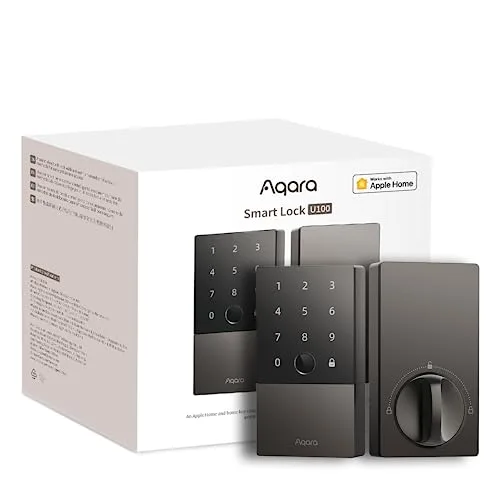
14. Aqara Smart Lock U100
A smart lock that makes “I’m home” routines feel instant—unlock, lights on, and temperature adjusted in one flow. In 2026 it’s a great pick for busy households who want fewer keys and smoother entry, especially when juggling groceries, kids, or deliveries. It’s ideal for people who want a modern access experience and the option to build routines around coming and going. Pair it with a doorbell and entryway lighting for a polished setup.
- Makes arrival routines feel seamless and hands-free
- Great upgrade for households that misplace keys
- Pairs well with entryway lighting and security routines
- Installation requires compatibility and careful setup
- Battery management is ongoing
- Smart access features can take time to configure to your comfort level
Sensors & Smart Plugs (Automation Glue)
These are the behind-the-scenes heroes that make routines feel truly automatic in 2026. Use presence sensing and smart plugs to trigger actions based on real life—entering a room, leaving the house, or turning on a lamp.
15. Aqara Presence Sensor FP2
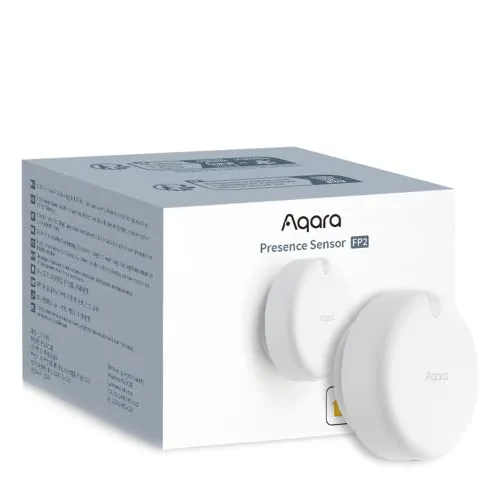
15. Aqara Presence Sensor FP2
A presence sensor designed to detect when someone is actually in a space—so routines can trigger more naturally than basic motion. In 2026 it’s a smart pick for rooms where you want lights or music to respond to occupancy without constantly turning off at the wrong time. It’s ideal for offices, bathrooms, and living rooms where “stillness” is common. Use it to keep lights softly on while you read, then fade them out when the room is truly empty.
- Better ‘someone is here’ logic than simple motion triggers
- Great for hands-free lighting routines in tricky rooms
- Helps reduce annoying on/off automation behavior
- Requires thoughtful placement for best results
- Tuning zones/settings can take a bit of setup time
- May be more advanced than what casual users need
16. Aqara Presence Multi-Sensor FP300
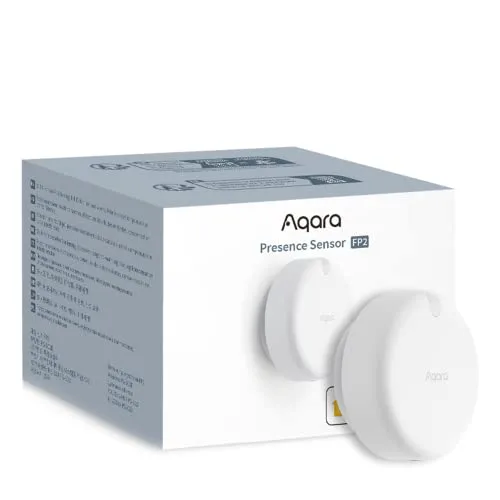
16. Aqara Presence Multi-Sensor FP300
A multi-sensor approach to presence that’s built for more nuanced automations than “motion detected.” In 2026 it’s a great pick for people who want routines that feel invisible—like keeping lights comfortable while you’re working, then switching to a relaxing scene when you step away. It’s ideal for open-plan spaces where motion sensors can be inconsistent. Add it to routines that adjust lighting and media based on where you actually are.
- Enables more nuanced room-based automations
- Useful in open spaces where motion sensors struggle
- Great for ‘set and forget’ comfort routines
- May require experimentation to dial in behavior
- Placement and room layout heavily affect performance
- Not necessary for simple “turn on when I walk in” needs
17. Eve Energy (Matter) Smart Plug
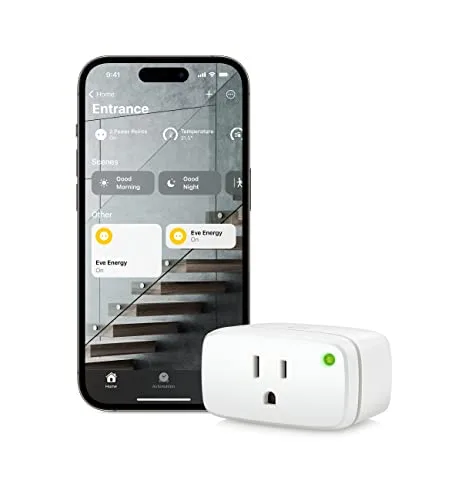
17. Eve Energy (Matter) Smart Plug
A smart plug that’s great for turning “dumb” devices into routine-friendly ones—lamps, fans, coffee gear, or a diffuser. In 2026, Matter support makes it a forward-looking pick for mixed-ecosystem homes that still want simple control. It’s ideal for someone who wants quick wins without installation: plug it in, name it, and add it to a routine. Use it to power a bedside lamp as part of a *Goodnight* routine.
- Matter support helps future-proof your setup
- Instant upgrade for lamps and small appliances
- Easy to add to time-based routines
- Not suitable for high-power appliances
- Can be bulky on crowded power strips
- Best experience depends on your smart home platform setup
18. TP-Link Tapo P125M Mini Smart Wi-Fi Plug (Matter)
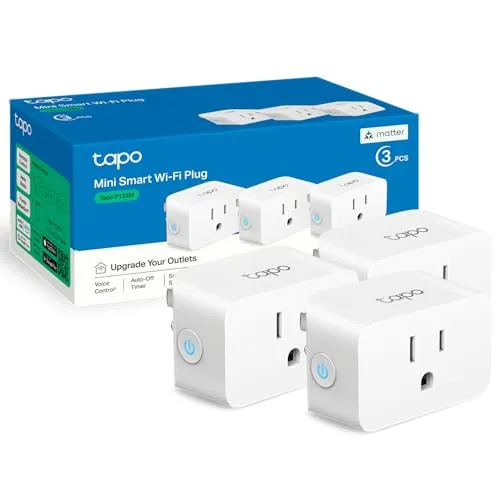
18. TP-Link Tapo P125M Mini Smart Wi-Fi Plug (Matter)
A compact Matter smart plug that’s perfect for adding routine control in tight spaces behind furniture or on busy outlets. In 2026 it’s a great budget-friendly way to automate lamps, seasonal decor, fans, or chargers with Google Home routines. It’s ideal for renters, students, and anyone who wants fast setup with minimal fuss. Add it to an *Away* routine to turn off devices you always forget.
- Compact size fits better on crowded outlets
- Matter support adds flexibility across ecosystems
- Great for simple routines like lamps and seasonal lights
- Not designed for large appliances
- Wi‑Fi reliability depends on router coverage
- You may need multiple plugs to automate a whole room
Robot Vacuums That Actually Help
The most satisfying 2026 routine might be the one you don’t see: floors that stay clean on a schedule. Add a robot vacuum to routines like *Leave Home* so it runs when you’re out and feels like free time when you’re back.
19. iRobot Roomba Combo j9+
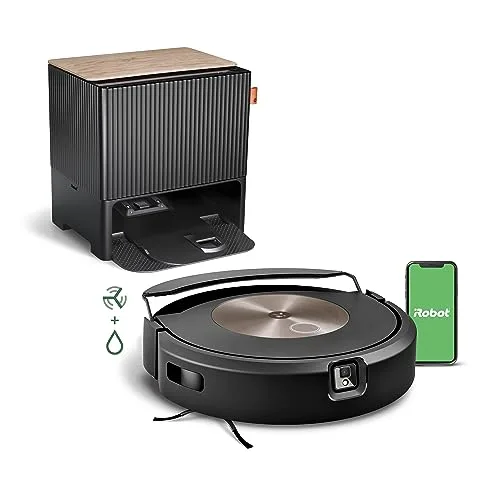
19. iRobot Roomba Combo j9+
A combo robot vacuum/mop setup designed for busy homes that want cleaning to happen in the background. In 2026 it’s a great gift for anyone balancing work, kids, pets, or just a packed calendar—set a routine and stop thinking about crumbs. It’s ideal for households that want a recognizable, hands-off cleaning workflow with minimal daily involvement. Trigger it via routine when everyone leaves, then come home to reset floors.
- Great for automating everyday floor maintenance
- Ideal for routines that run while you’re out
- Helps reduce the mental load of frequent cleaning
- Needs occasional bin/dock and brush maintenance
- Cluttered floors can reduce performance without prep
- Premium features come with a higher overall cost
20. Roborock S8 MaxV Ultra
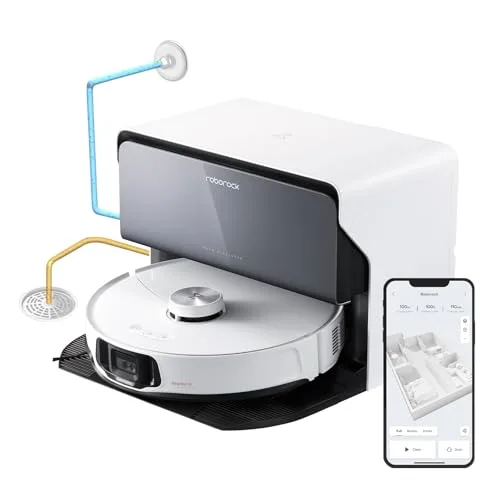
20. Roborock S8 MaxV Ultra
A high-end robot vacuum and mop system for people who want the closest thing to “set it and forget it” cleaning. In 2026 it’s a standout pick for larger homes, pet-heavy households, or anyone who values automation that feels truly hands-off. It’s ideal for pairing with a *Leaving Home* routine so cleaning happens when the house is empty. Expect a premium footprint and a premium experience—best for dedicated smart-home builders.
- Excellent for hands-off cleaning routines in busy households
- Great match for scheduled ‘run while I’m out’ automations
- Premium option for homes with lots of floor area
- High upfront cost
- Dock and accessories need space and occasional upkeep
- Best results still benefit from basic floor prep
Ready to Share Your Wishlist
Make your 2026 smart-home plan simple: add any device from this guide to your WishDeck wishlist in one tap so you don’t lose the exact models you liked. Create a wishlist (or folders for Living Room, Security, and Lighting), then share it with friends and family—when they reserve an item, you avoid getting the same upgrade twice. It’s the easiest way to turn “someday” routines into a real setup.
Frequently Asked Questions
Popular Reads
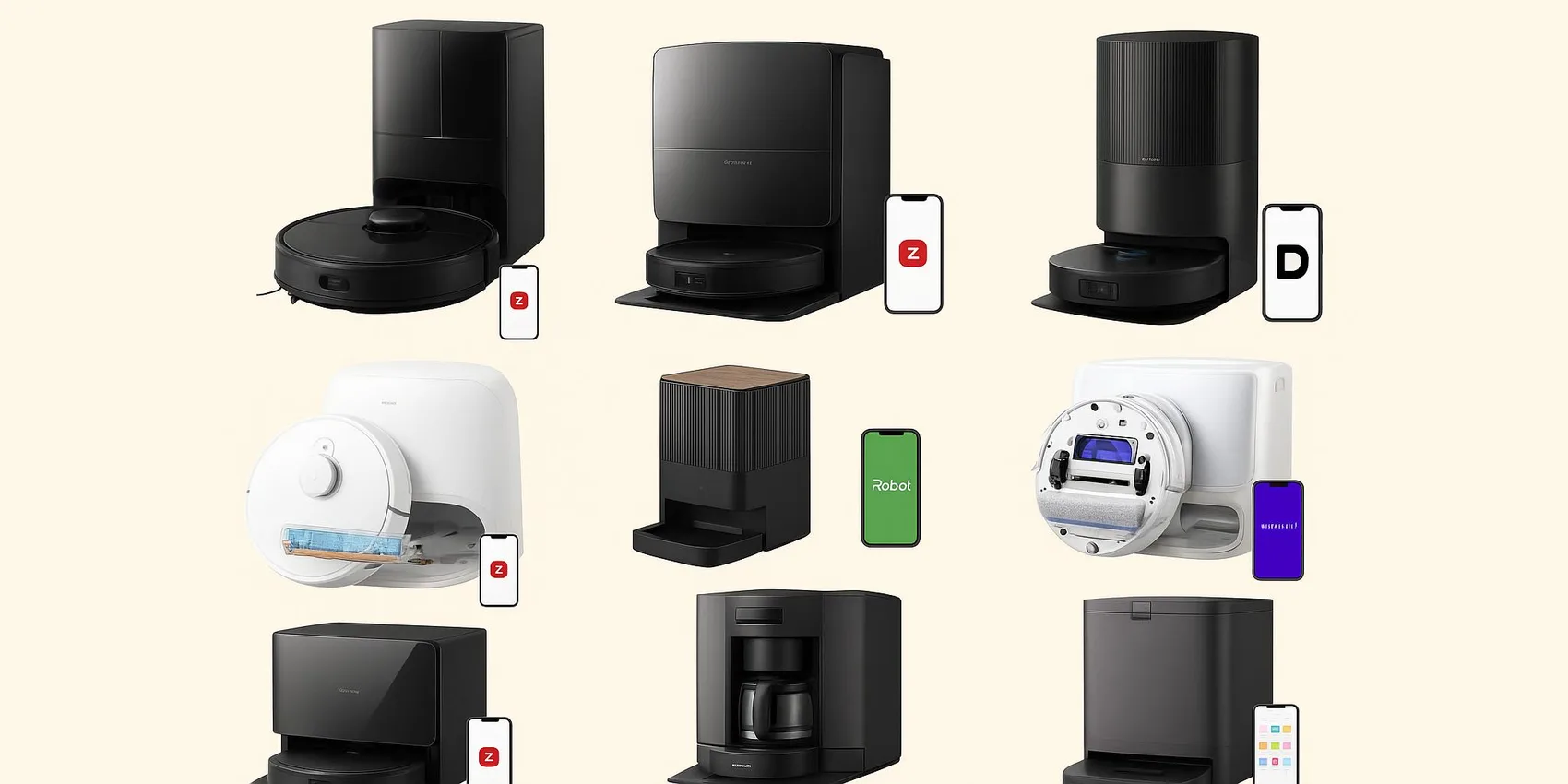
- Best Robot Vacuum Cleaners 2026: How to Choose + What's Better for Your Home
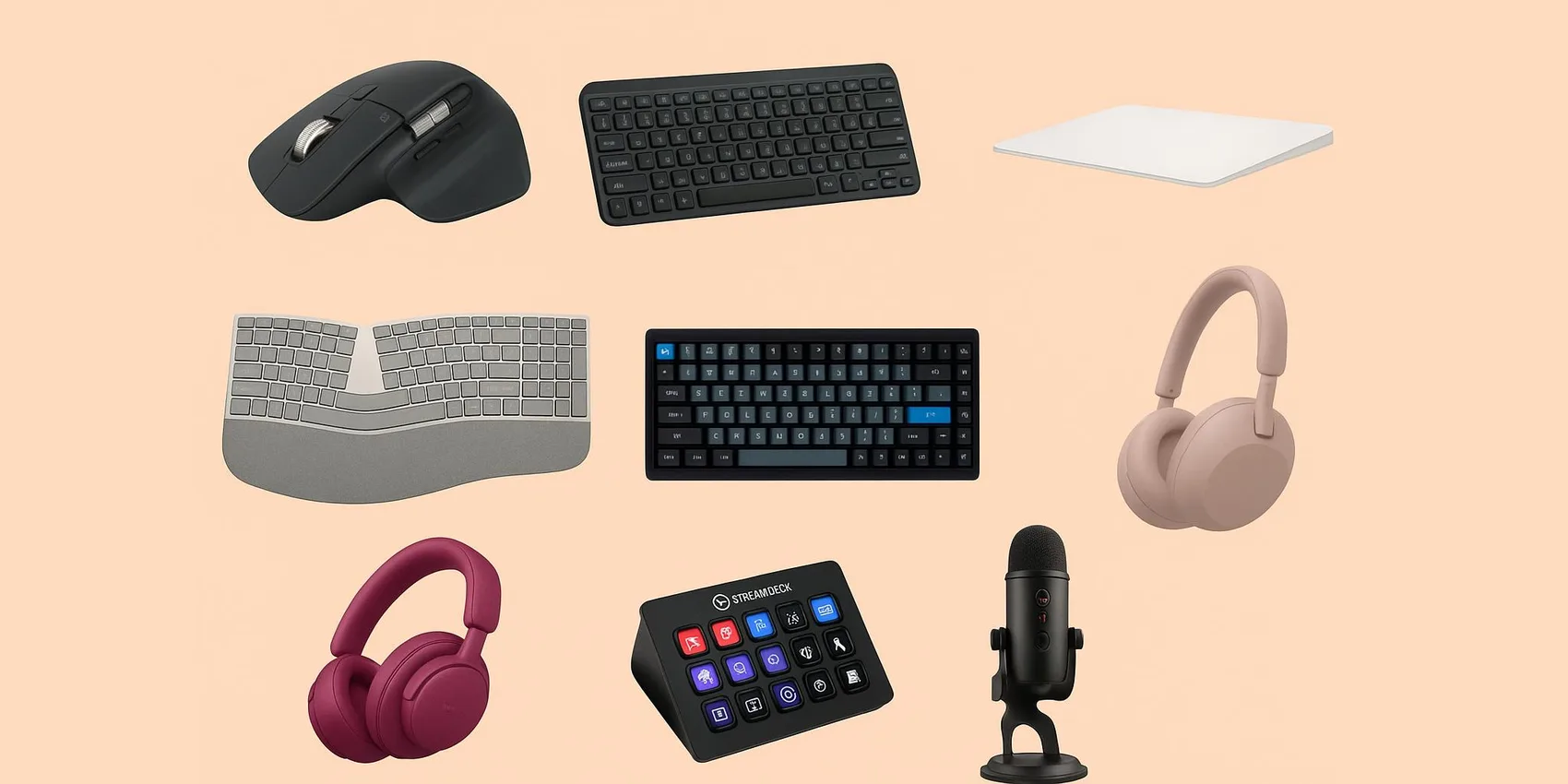
- Best Desk Gifts for Remote Workers (2026): Ergonomic + Productivity Upgrades
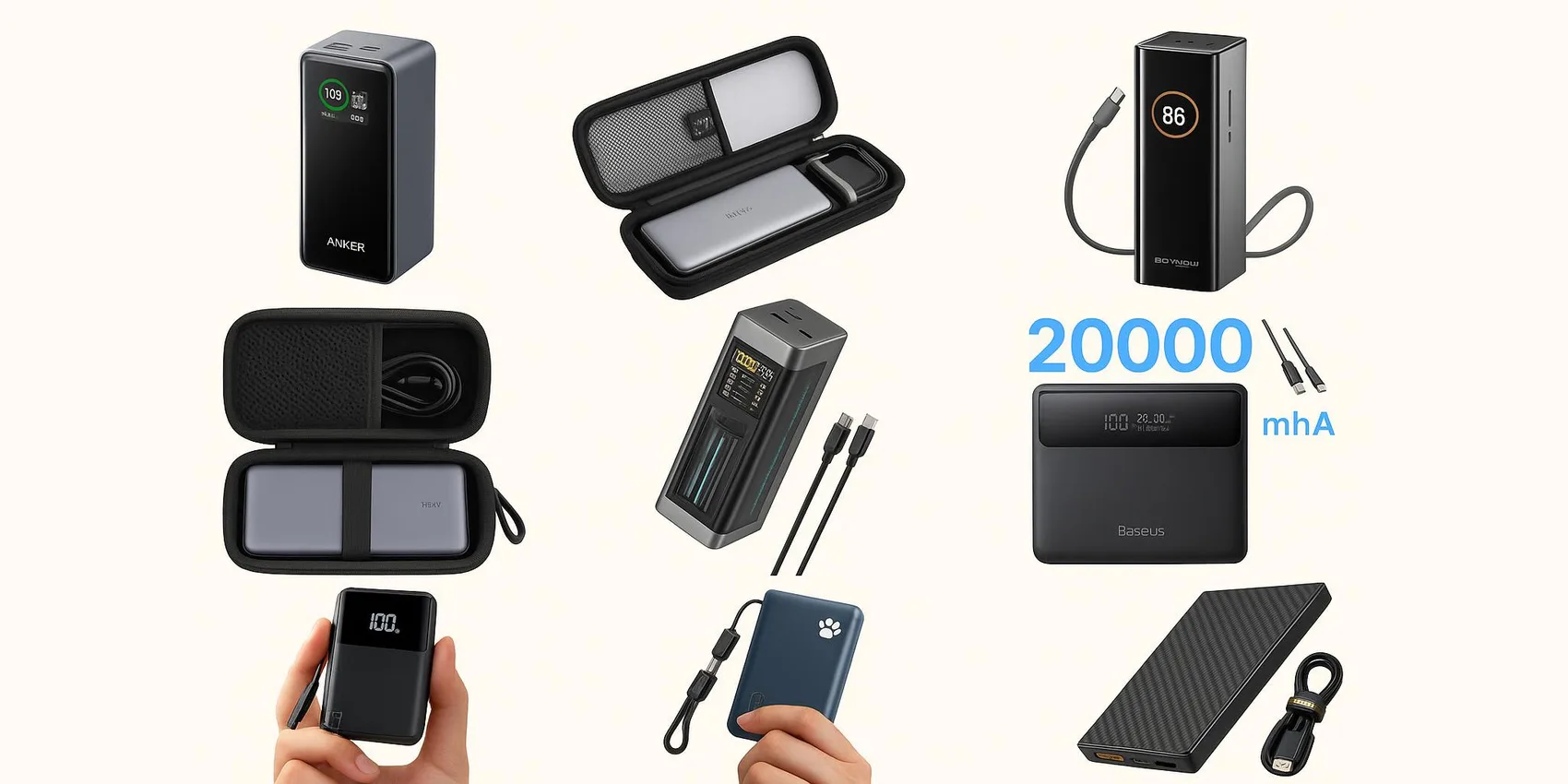
- Best Power Banks & GaN Chargers for Students 2026 (USB‑C + Laptop‑Friendly)
- 20 Best Gifts for Content Creators (Starter Kit) 2026
- 15 Study Gadgets College Students Actually Use (2026)
Looking for more insights? Explore related topics: Best Robot Vacuum Cleaners 2026, Best Desk Gifts for Remote Workers (2026), Best Power Banks & GaN Chargers for Students 2026 or find more on our Blog.