
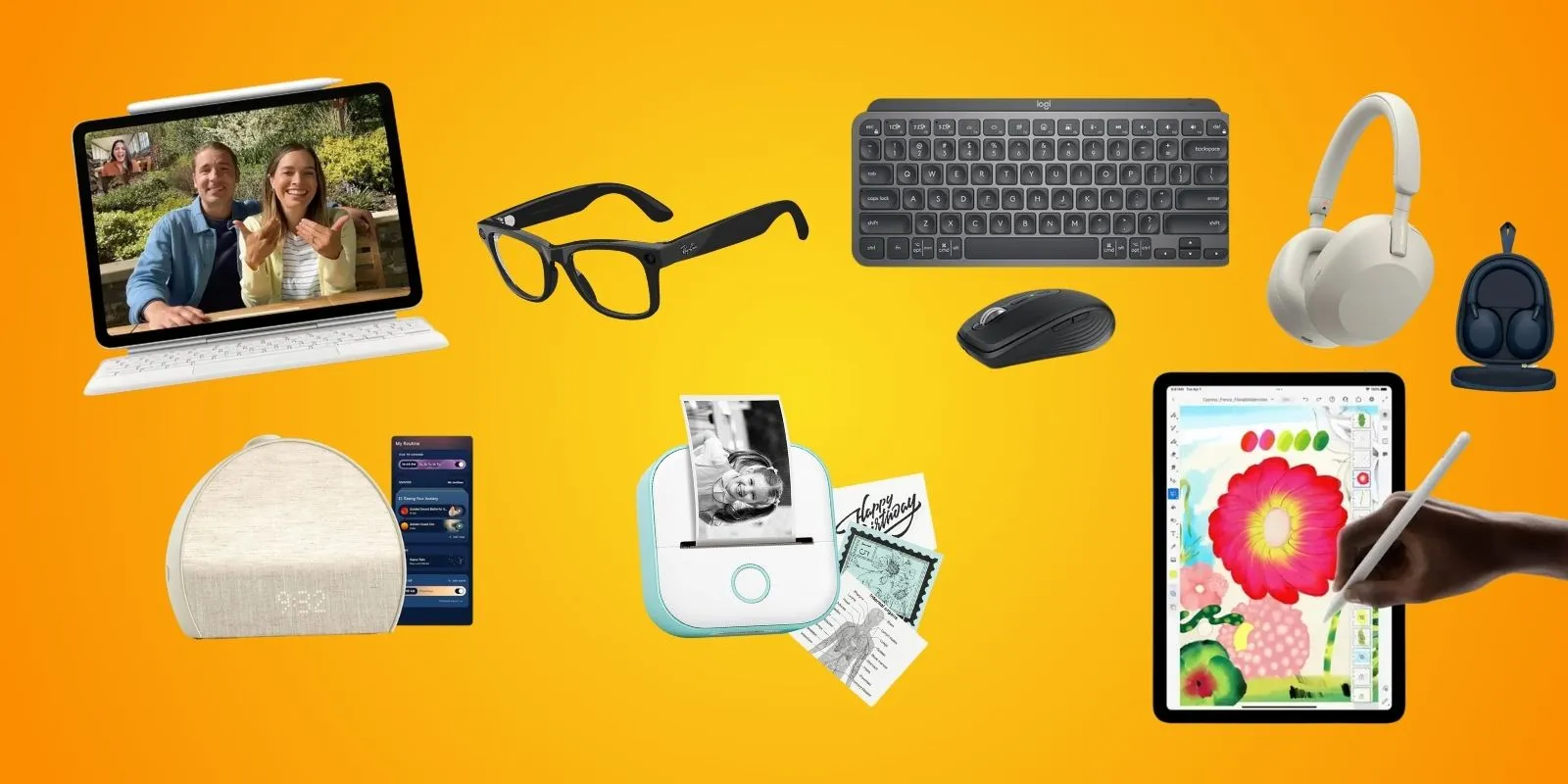
 Budget-Friendly Student Gadgets (2026)
College Gadgets 2026: 15 Student Must-Haves (By Budget)
2026-02-24Looking for budget-friendly student gadgets that actually make a difference? This guide covers 15 picks from $23 to $599—organized by category so you can grab what fits your budget and skip the rest. Every gadget here was chosen because real students rave about it on Reddit, TikTok, and YouTube, not because of hype. Whether you're stocking up on college dorm tech essentials, need focus headphones for the library, or want a tablet that handles notes and creative work, there's something here for elementary kids through college seniors.
If you're also shopping for laptops by major and budget, STEM-specific gadgets, or dorm tech under $55—we have dedicated guides for those too.
Save now, decide later: Drop any pick into your WishDeck wishlist in one tap, compare options side by side, and share your list so family knows exactly what to get you—no duplicates.
Table of Contents
1. Portable Powerhouses: Tablets & Laptops for On-the-Go Learning
2. Audio & Focus Tools: Headphones & Speakers for Immersive Study
3. Note-Taking & Organization Innovations: Smart Pens & Accessories
4. Wellness & Safety Tech: Trackers & Watches for Balanced Learning
5. Interactive & Immersive Tools: VR & Robotics for Hands-On Education
Portable Powerhouses: Tablets & Laptops for On-the-Go Learning
Portable devices with AI features dominate back-to-school lists, helping students access interactive lessons, virtual tutors, and cloud-based notes anywhere. These are the biggest-ticket items—but they earn their price through daily use across years of school.
1. Apple iPad Air 11-Inch (M3) — Built for Apple Intelligence

1. Apple iPad Air 11-Inch (M3) — Built for Apple Intelligence
The M3-powered iPad Air with an 11-inch Liquid Retina display is the most versatile student tablet you can buy right now. Apple Intelligence handles on-device tasks like Writing Tools, smart summaries, and image cleanup without needing Wi-Fi. The 10-hour all-day battery gets you through a full class schedule, and the 12MP front camera with Center Stage keeps you framed perfectly on Zoom and FaceTime calls. Pair it with Apple Pencil Pro (sold separately) for handwritten notes with hover previews and haptic feedback—students on Reddit consistently rate it the best tablet for college. Works seamlessly with Mac and iPhone for Handoff, AirDrop, and Universal Clipboard across devices.
- M3 chip with Apple Intelligence for on-device AI writing, summaries, and image tools
- 10-hour battery covers a full day of classes without charging
- Center Stage 12MP front camera keeps you framed on video calls
- Seamless ecosystem with Mac and iPhone (Handoff, AirDrop, Universal Clipboard)
- Apple Pencil Pro sold separately—adds $129 to total cost
- Base 128GB storage fills up fast with large files and apps
- Higher price than comparable Android tablets with similar screen size
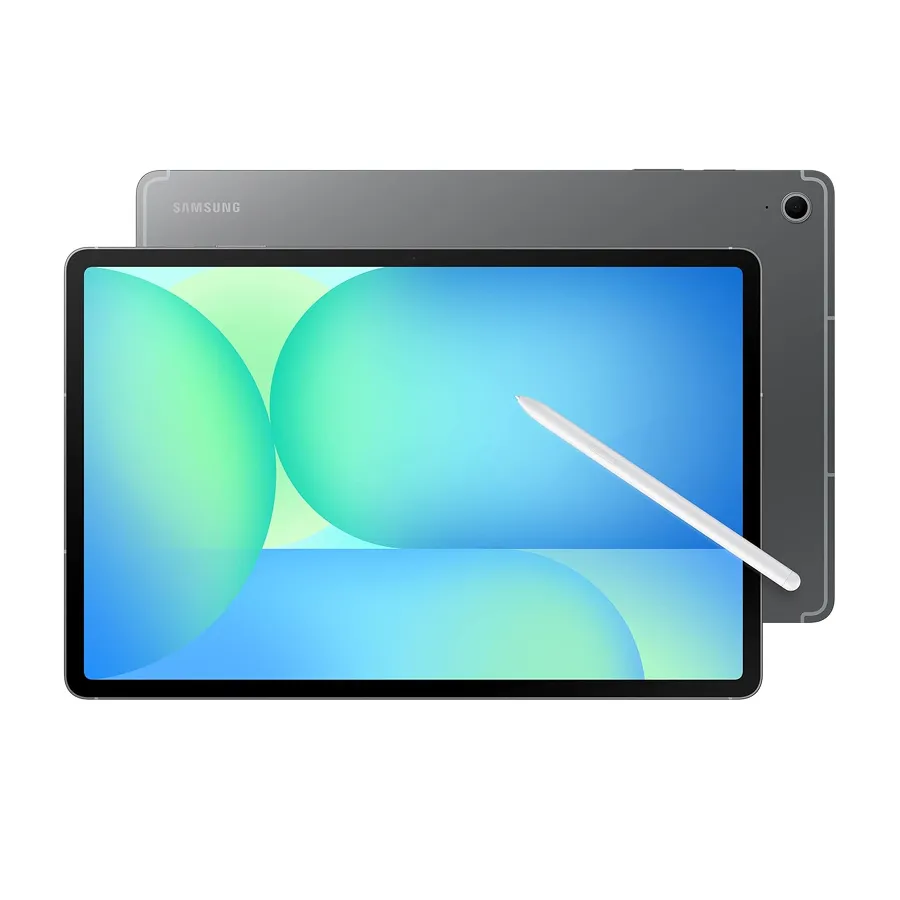
2. Samsung Galaxy Tab S10 FE+
2. Samsung Galaxy Tab S10 FE+
Affordable Android tablet with DeX mode for desktop multitasking, Galaxy AI for article summaries and quizzes, 12.4-inch screen with S Pen support, and 18-hour battery. Loved by STEM students for equation-solving on the fly, as high schoolers share TikTok hacks for note organization, Reddit reviews praise its value for university use, and fans highlight budget-friendly productivity. Great for budget-conscious middle schoolers to college kids.
- Expandable storage via microSD for projects and media
- DeX mode turns it into a desktop-style workspace for multitasking
- Long 18-hour battery for all-day use without charging
- S Pen often sold separately—check bundle before buying
- Galaxy AI features may vary by region and software updates
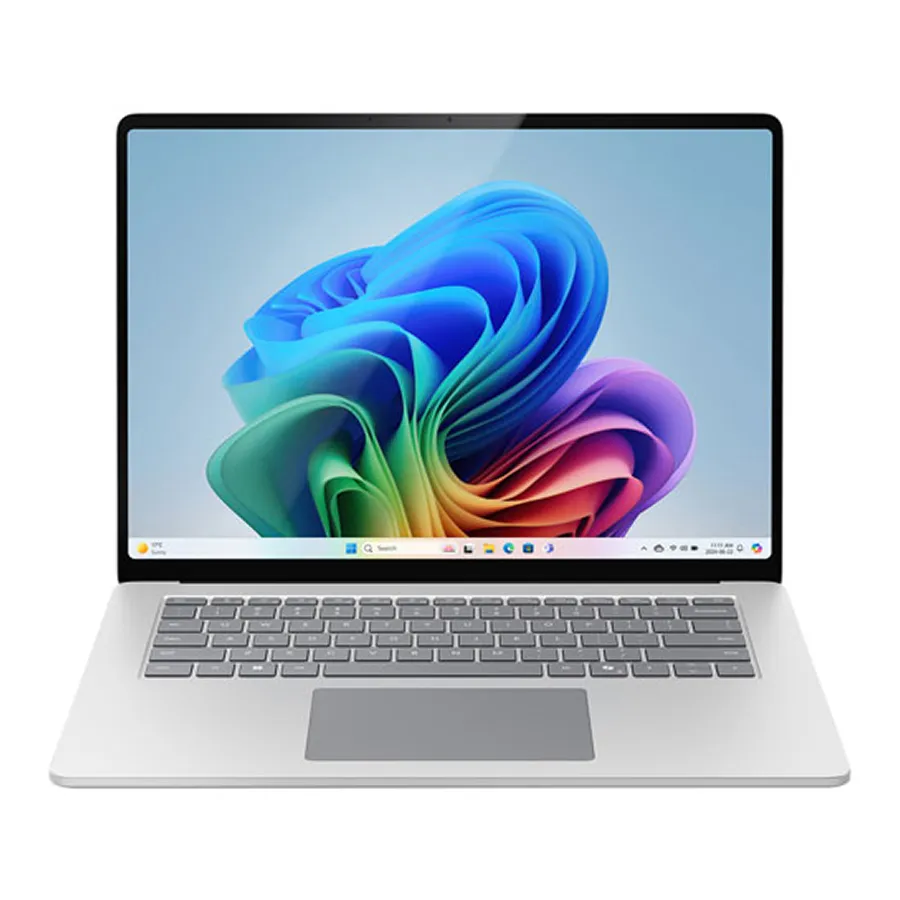
3. Microsoft Surface Laptop Go 3
3. Microsoft Surface Laptop Go 3
Lightweight Windows 11 laptop with Copilot AI for writing/code help, 12.4-inch touchscreen, Microsoft 365 integration for auto-notes and focus sessions, 13-hour battery. Favored by college students for virtual labs, with YouTube unboxings showing dorm setups, Reddit threads discuss its portability for classes, and TikTok users love the webcam for online tutoring. Suited for high schoolers and pros needing seamless Office tools.
- Excellent webcam and mics for Zoom and online classes
- Touchscreen + Copilot useful for notes and quick research
- Light and compact for carrying between classes
- Limited ports—you may need a hub for peripherals
- Base config can feel tight for heavy multitasking
Audio & Focus Tools: Headphones & Speakers for Immersive Study
With noise pollution affecting 40% of students' concentration (per recent studies), audio gadgets are trending on Pinterest and Instagram for creating distraction-free zones. These picks enhance focus during online lectures or group study calls.
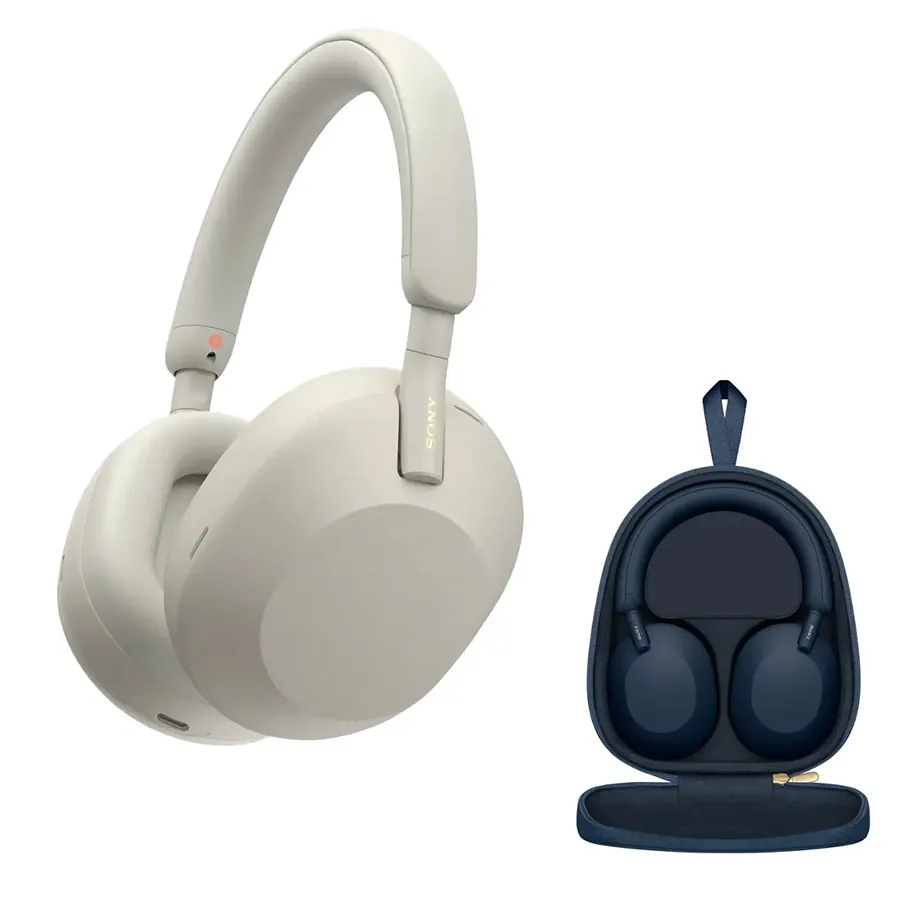
4. Sony WH-1000XM5 Noise-Cancelling Headphones
4. Sony WH-1000XM5 Noise-Cancelling Headphones
Over-ear with AI-adapted noise cancellation, auto-pause, and 30-hour battery; pairs with apps for study music boosting retention 25%. Popular with university students for blocking dorm noise, as TikTok users demo study playlists, Reddit praises call clarity for tutoring, and YouTube reviews highlight comfort for long sessions. Ideal for focused teens.
- Excellent call clarity for Zoom and tutoring sessions
- AI-adapted ANC and 30-hour battery for all-day focus
- Comfortable for long study sessions
- Bulky to carry in a bag compared to earbuds
- Premium price—budget options exist for lighter use
5. Earfun Wave Pro Wireless Earbuds
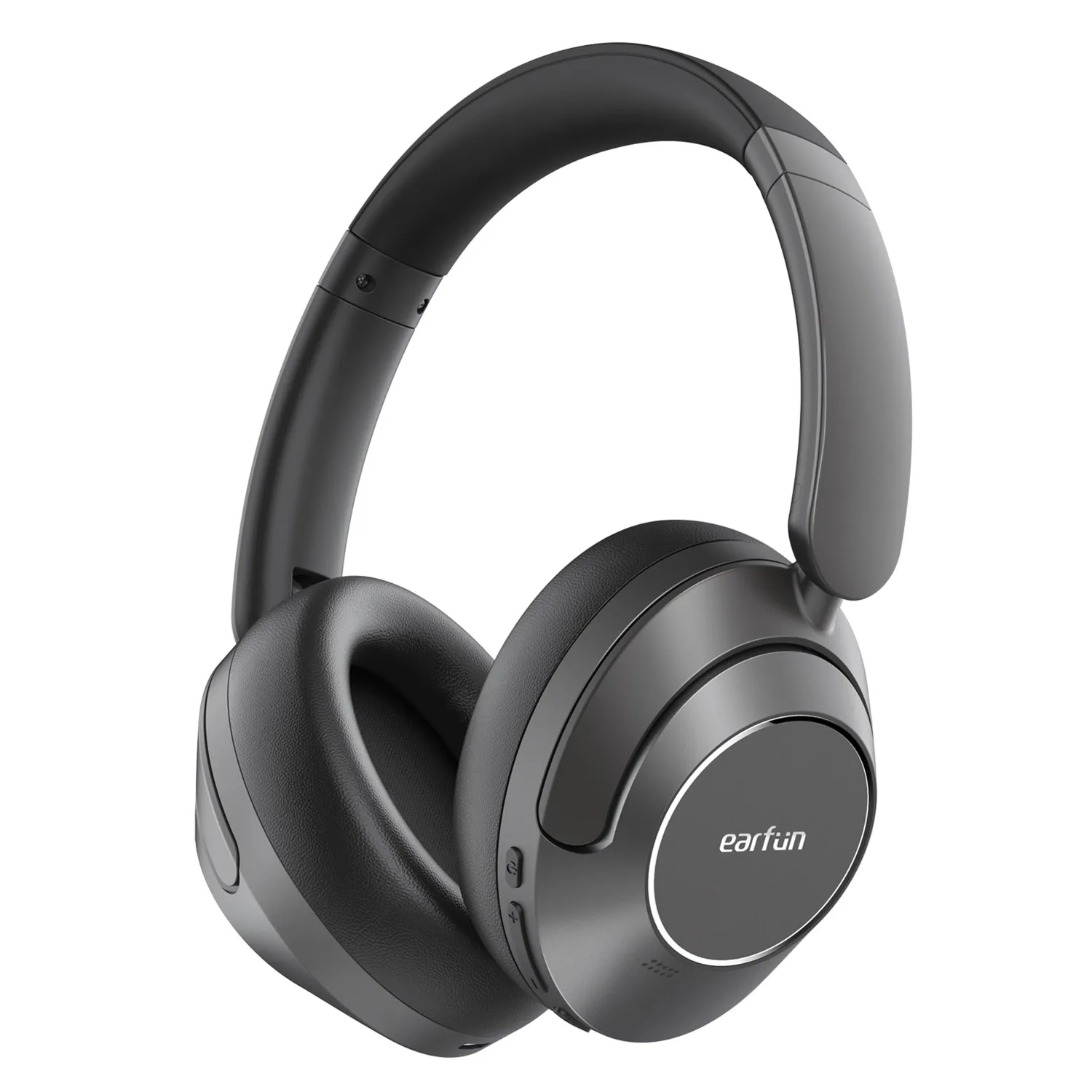
5. Earfun Wave Pro Wireless Earbuds
Budget ANC earbuds with 50-hour battery, low-latency for videos, and waterproof design. Students rave about distraction-free Khan Academy sessions, with Reddit threads calling them affordable ANC gems for classes, TikTok unboxings show gym-study combos, and YouTube demos emphasize mic quality for calls. Great for active high schoolers.
- Waterproof design for gym, rain, and dorm life
- 50-hour battery and low-latency for videos and calls
- Strong value for ANC at a budget price
- Sound quality not as refined as premium earbuds
- ANC less effective in very loud environments
6. Google Nest Hub (2nd Gen)
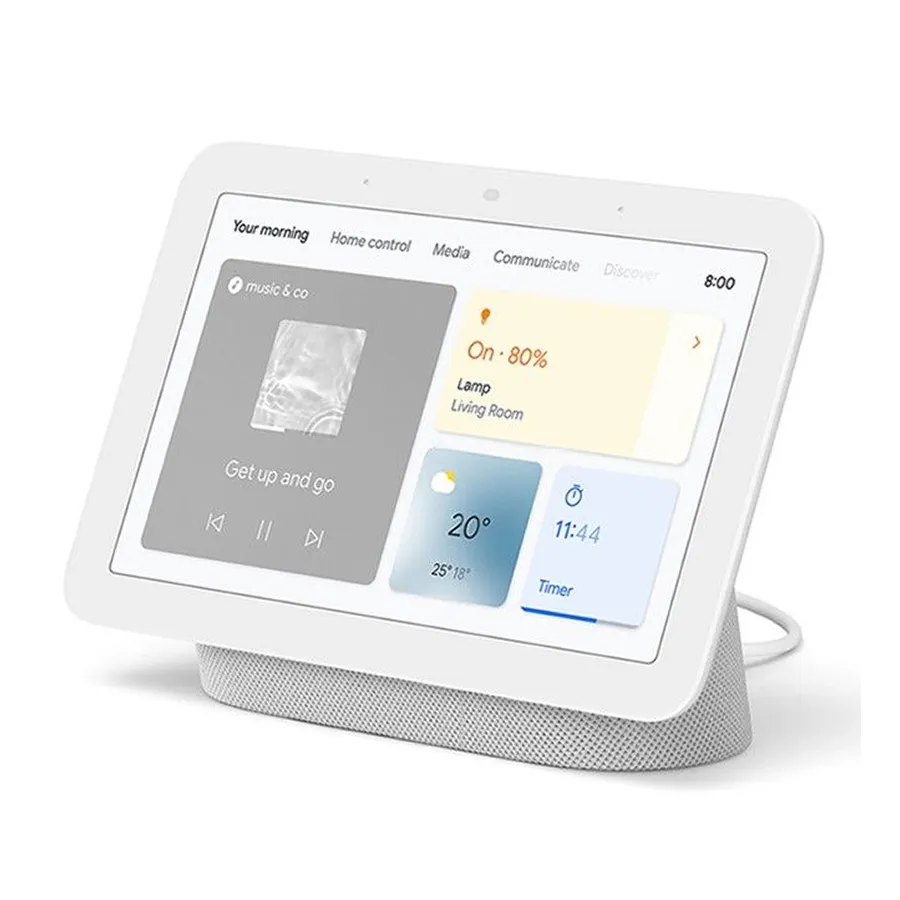
6. Google Nest Hub (2nd Gen)
Smart display/speaker with Gemini AI for explanations/timers, hands-free flashcards, and sleep tracking. College kids use it for visual exam prep, as YouTube tutorials show student routines, Reddit discusses bedtime wind-downs for better focus, and TikTok shares hands-free study tips. Perfect for dorm dwellers.
- Sleep insights and routines for better focus the next day
- Gemini AI for explanations, timers, and hands-free flashcards
- Compact for dorm desks; visual exam prep on screen
- Requires Wi-Fi—no offline mode for core features
- Voice and display only; no keyboard for long typing
Note-Taking & Organization Innovations: Smart Pens & Accessories
Digital note-taking tools are booming as students go paperless. These gadgets digitize handwriting and integrate with AI apps for smarter organization—all under $150.
7. Logitech MX Anywhere 3S Mouse

7. Logitech MX Anywhere 3S Mouse
Ergonomic mouse with customizable buttons, any-surface tracking, and 70-day battery for quick AI tool shortcuts. Productivity enthusiasts like graphic design students love it for research speed, with TikTok hacks showing setup tips, Reddit compares it to Masters for portability, and YouTube reviews demo browser workflows.
- 70-day battery and any-surface tracking for library or café
- Customizable buttons for AI shortcuts and workflows
- Compact and portable for laptop bags
- Right-hand bias—left-handed users may find it less comfortable
- No thumb rest like the Master series for very long sessions
8. Mini Thermal Label Printer
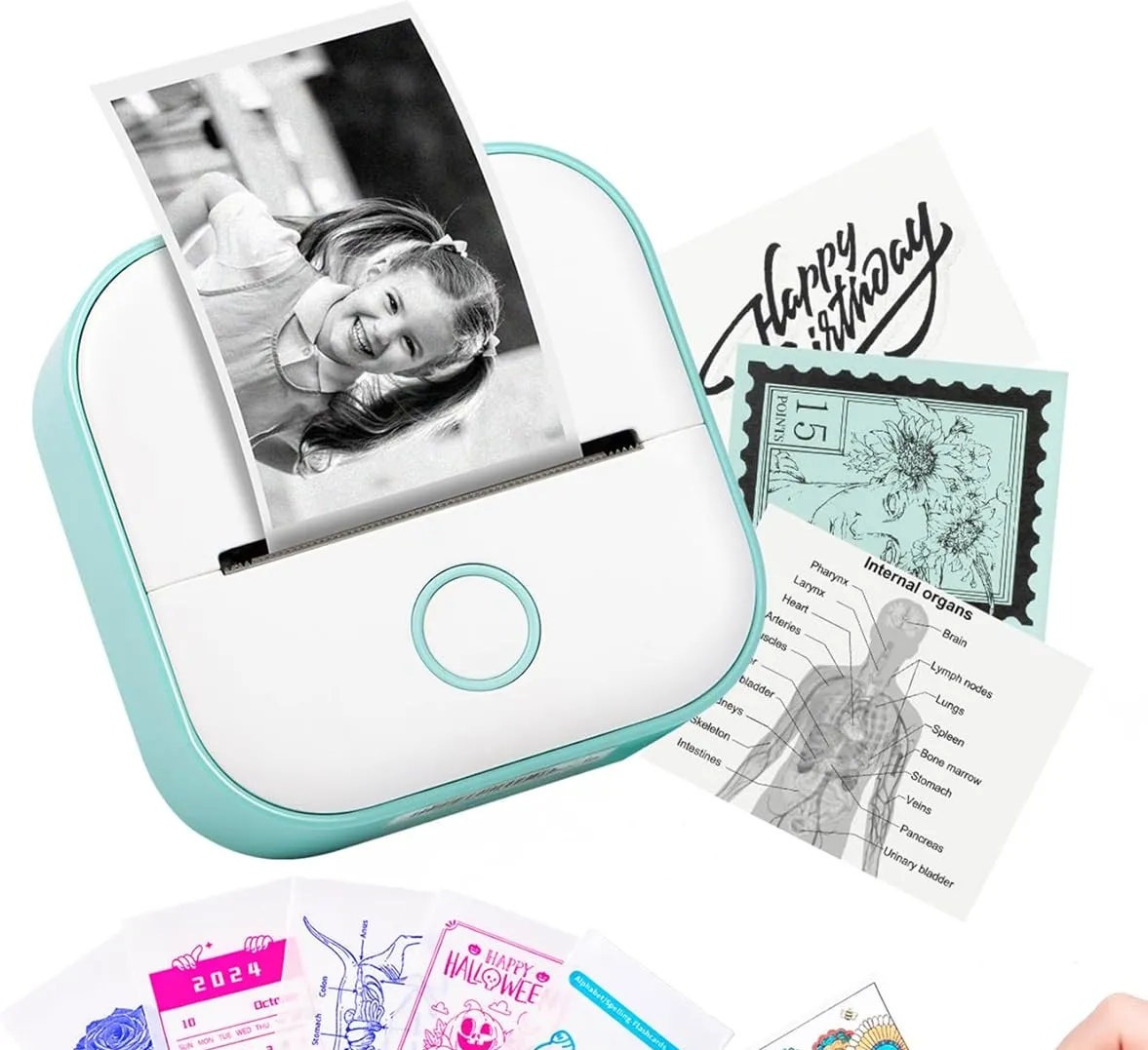
8. Mini Thermal Label Printer
Bluetooth printer like T02 for custom labels on notebooks/flashcards, app-driven for easy organization. Busy students swear by it for folder stickers, with Reddit hacks for home organization, TikTok videos show study space makeovers, and YouTube demos highlight portability. Great for visual learners in middle school.
- Portable and app-driven—labels for notebooks and flashcards in seconds
- Low cost and great for organizing binders and study materials
- No ink; thermal rolls are cheap and long-lasting
- Requires thermal rolls—need to keep refills on hand
- Labels are monochrome; no color for fancy organization
9. ScanMarker Air Digital Highlighter
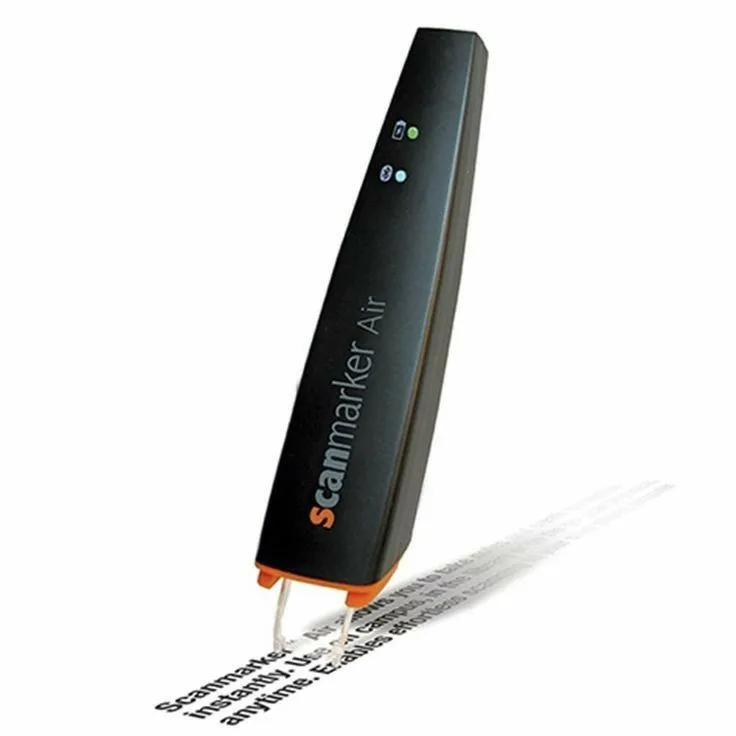
9. ScanMarker Air Digital Highlighter
Pen scanner digitizes text with OCR for editable notes, supports 140+ languages, and reads aloud—3-4 hour battery. Dyslexic students and heavy readers adore it for quick quotes, as YouTube demos show study workflows, Reddit praises it for law school scanning, and TikTok clips feature cramming tips. Ideal for multilingual college kids.
- 140+ languages and read-aloud for accessibility and language learning
- OCR to editable text—great for quotes and law school scanning
- Compact; works on books and handouts without a flatbed scanner
- Short 3–4 hour battery—charge before long study sessions
- Higher price than basic highlighters; best for heavy readers
Wellness & Safety Tech: Trackers & Watches for Balanced Learning
Mental health is key to smarter learning, with fitness trackers trending on TikTok for "study with me" routines. These keep students energized and safe.
10. Pinwheel Watch for Kids
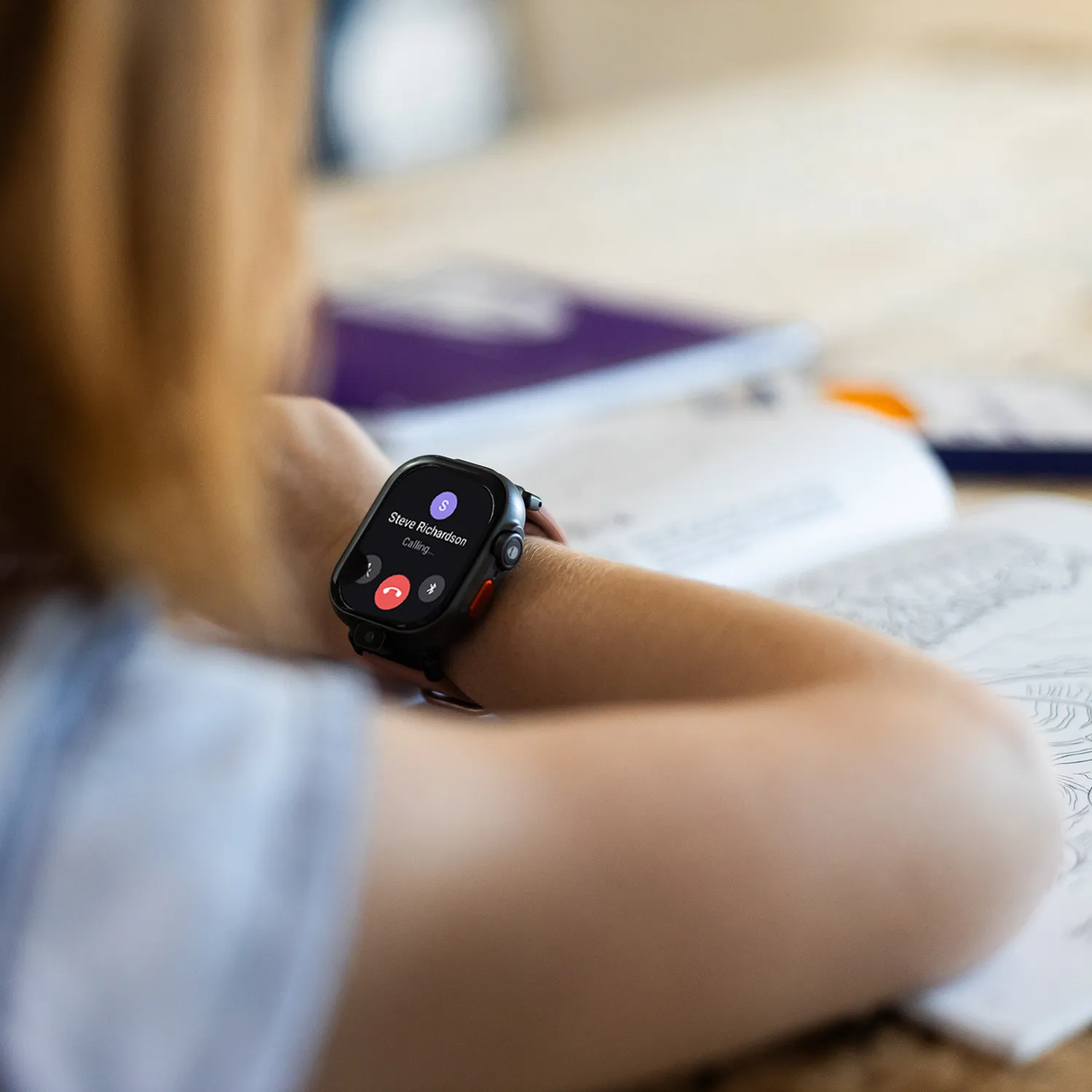
10. Pinwheel Watch for Kids
Smartwatch with parent controls, GPS, calls/texts, and AI reminders—no social media. Parents love it for safe intro to tech, with TikTok videos showing kids' learning apps, Reddit moms discuss phone alternatives, and YouTube reviews highlight educational features. Perfect for elementary safety.
- Kid-proof: no social media, parent controls, and GPS for safety
- Calls and texts without a full smartphone
- Educational apps and AI reminders for routines
- Monthly subscription for full features
- Depends on parent phone for setup and management
11. Sunrise Smart Alarm Clock
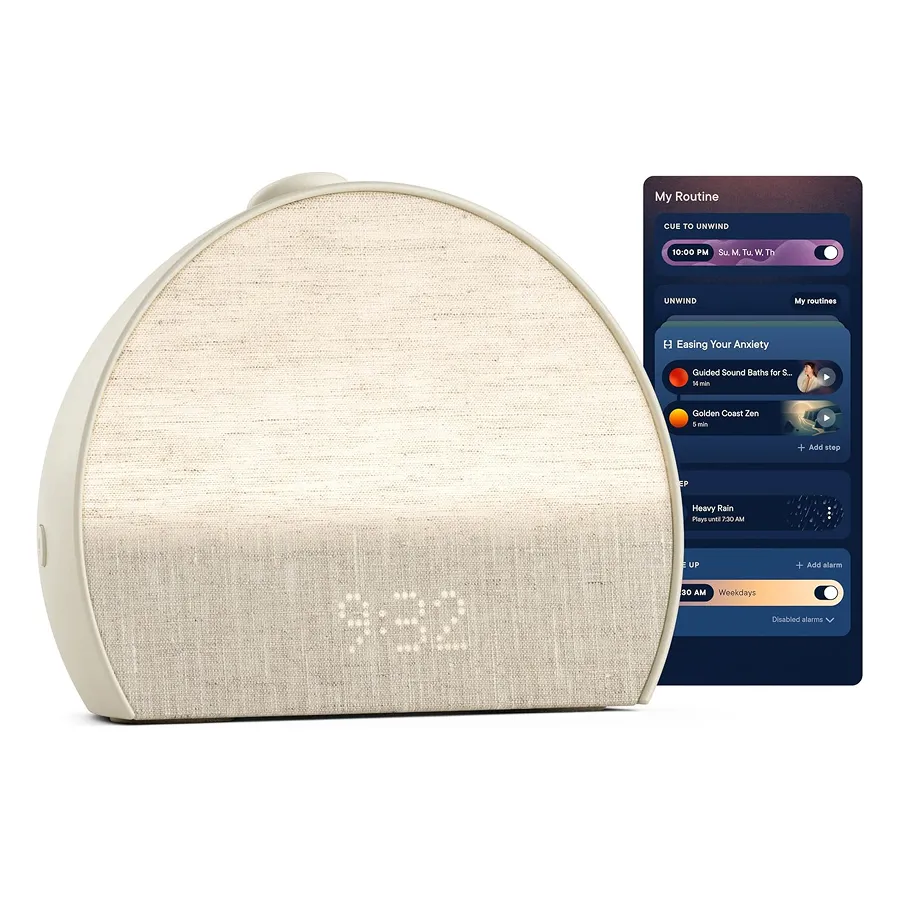
11. Sunrise Smart Alarm Clock
Like Hatch Restore 3, simulates sunrise with light/sounds for gentle wake-ups, customizable for routines. Students report better energy, with Reddit users sharing sleep hacks for exams, TikTok demos morning routines, and YouTube reviews praise noise for focus. Ideal for drowsy teens in dorms.
- App controls for routines and wind-down
- Sunrise simulation and sounds for gentler wake-ups
- Supports better sleep and next-day focus
- Needs an outlet—not battery powered
- Best in a fixed spot (e.g. nightstand), not portable
12. USB Desk Fan & Heater
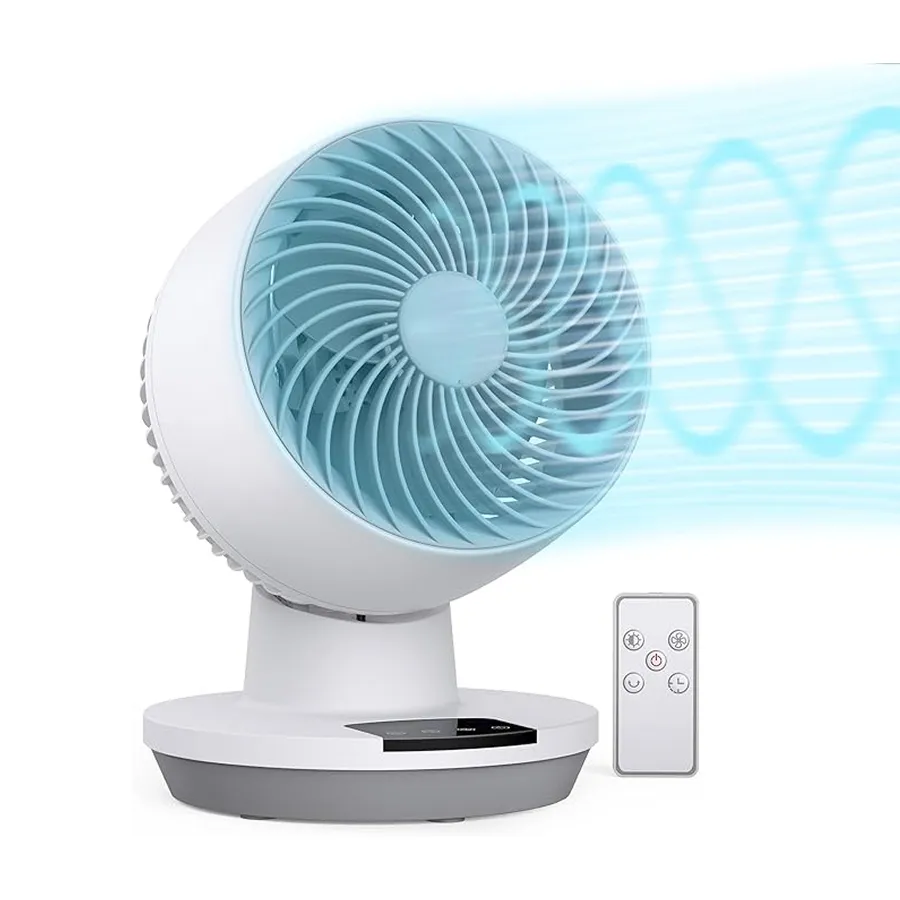
12. USB Desk Fan & Heater
2-in-1 combo switches between cooling and heating for comfort, quiet with overheat protection. Dorm students use it year-round to stay focused, as YouTube reviews show desk setups, Reddit discusses portable options for study spaces, and TikTok hacks feature summer camping analogs for portability. Great for variable weather.
- Quiet operation for libraries and dorms
- Cooling and heating in one—USB powered for desk or laptop
- Overheat protection and compact size
- Not for large rooms—best for personal desk space
- USB only; no battery for truly portable use
Interactive & Immersive Tools: VR & Robotics for Hands-On Education
AR and VR are transforming abstract concepts into interactive experiences—and prices have dropped enough to make them realistic student picks.
13. Meta Quest 3 VR Headset
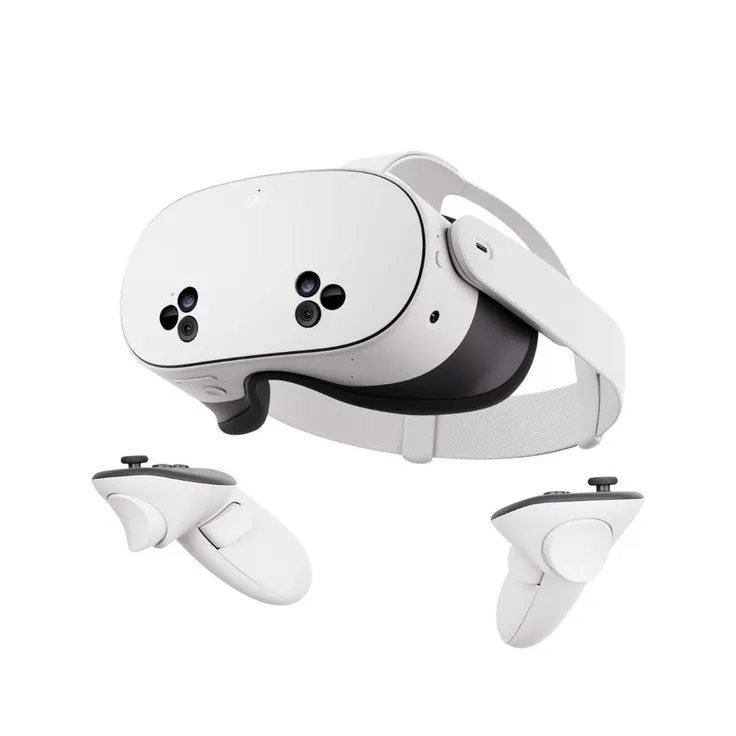
13. Meta Quest 3 VR Headset
Standalone VR with educational apps like dissections, AI-adjusted difficulty, boosting retention 75% per studies; no PC needed. STEM students geek out over biology sims, with TikTok clips sharing education apps, Reddit debates value for learning, and YouTube demos history tours. Suited for middle schoolers+.
- Immersive learning—dissections, history, and STEM sims without a PC
- AI-adjusted difficulty and strong retention in studies
- Standalone; no console or PC required
- Motion sickness possible for some users—short sessions at first
- Needs space and can be distracting if overused
14. Sphero Indi Robot Car Kit
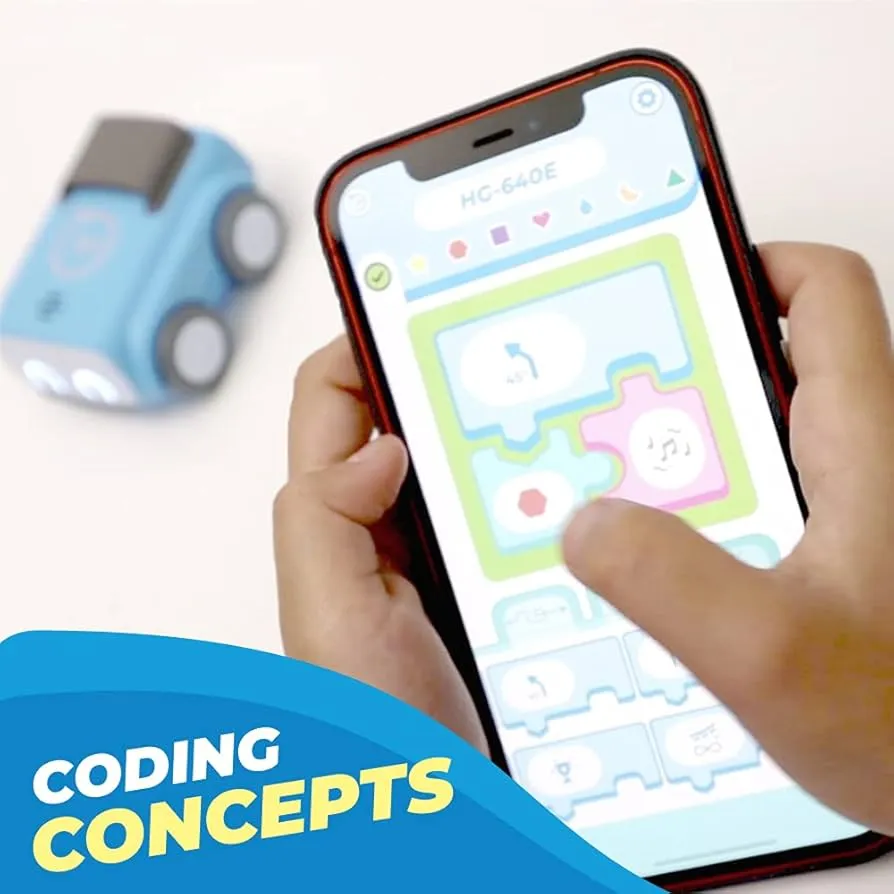
14. Sphero Indi Robot Car Kit
Beginner robotics with color-coded cards for coding, AI app challenges—no screens. Parents and teachers love it for STEM play, with Reddit users recommend for 7-year-olds, TikTok shows kid experiments, and YouTube tutorials highlight problem-solving. Ideal for elementary creativity.
- Screen-free coding with color cards—great for young kids
- Builds logic and problem-solving without a tablet
- AI app challenges for progression as they grow
- Ages 4+—toddlers may not follow the logic yet
- Requires floor space and card set for full use
15. Ray-Ban Meta Smart Glasses 2
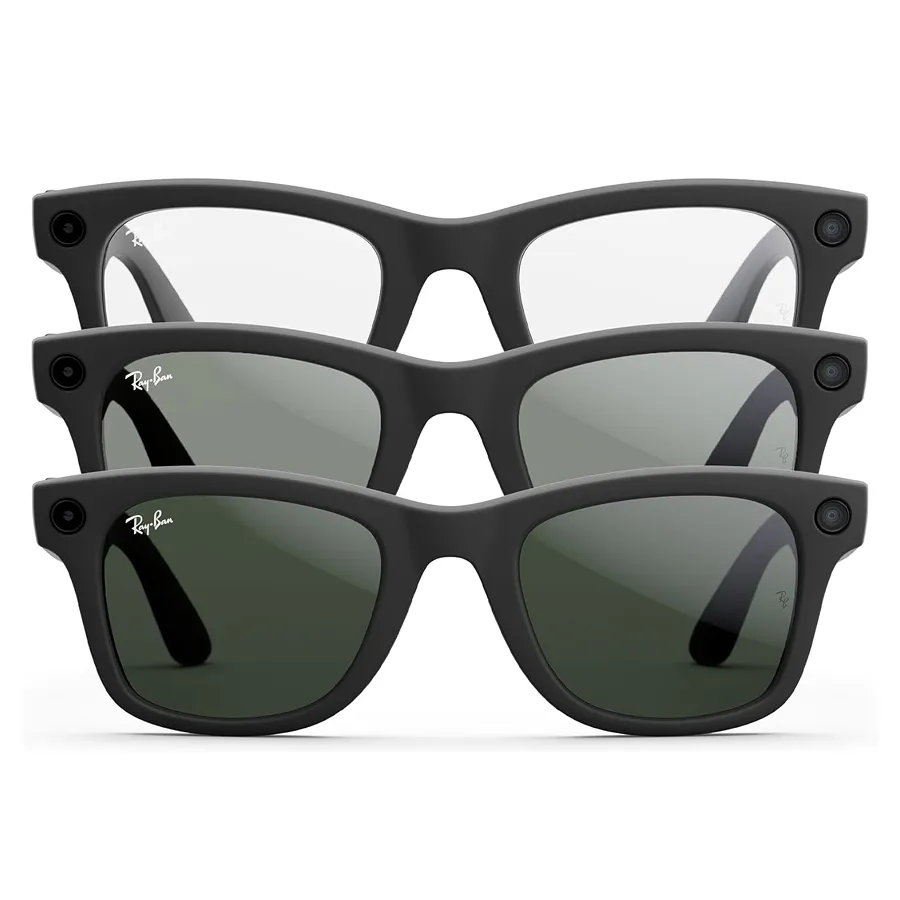
15. Ray-Ban Meta Smart Glasses 2
Stylish glasses with Meta AI for queries, 12MP camera, open-ear audio; hands-free for quick facts. College students use for discreet lecture captures, with YouTube videos on educational hacks, Reddit reviews everyday wear, and TikTok shares on-the-go learning. Great for fashionable teens.
- Up to 8 hours battery for all-day wear
- Hands-free Meta AI and open-ear audio for quick facts and music
- 12MP camera and stylish look for everyday use
- Some features and app experience better on iOS
- Premium price for a secondary device
Smart Shopping: Quick Budget Guide
Not sure where to start? Here's every pick sorted by price so you can jump straight to your budget range:
- Under $25: Label printer ($23)
- Under $50: Desk fan/heater ($30)
- Under $100: ANC earbuds ($79), portable mouse ($90)
- Under $200: Smart display ($99), sunrise alarm ($170)
- Splurge: Sony WH-1000XM5 ($348), iPad Air M3 ($599)
3 things to check before you buy:
1. Battery life — aim for 8+ hours so it lasts a full school day without hunting for outlets.
2. Ecosystem fit — make sure it works with your phone and laptop (iOS vs. Android matters for tablets, earbuds, and smartwatches).
3. Student discounts — Apple, Samsung, Microsoft, and Best Buy all run education pricing. Always check before paying full price.
Save your picks to a WishDeck wishlist and share with family—they'll see exactly what you want, with prices and links. No duplicates, no guesswork.
Frequently Asked Questions
Popular Reads

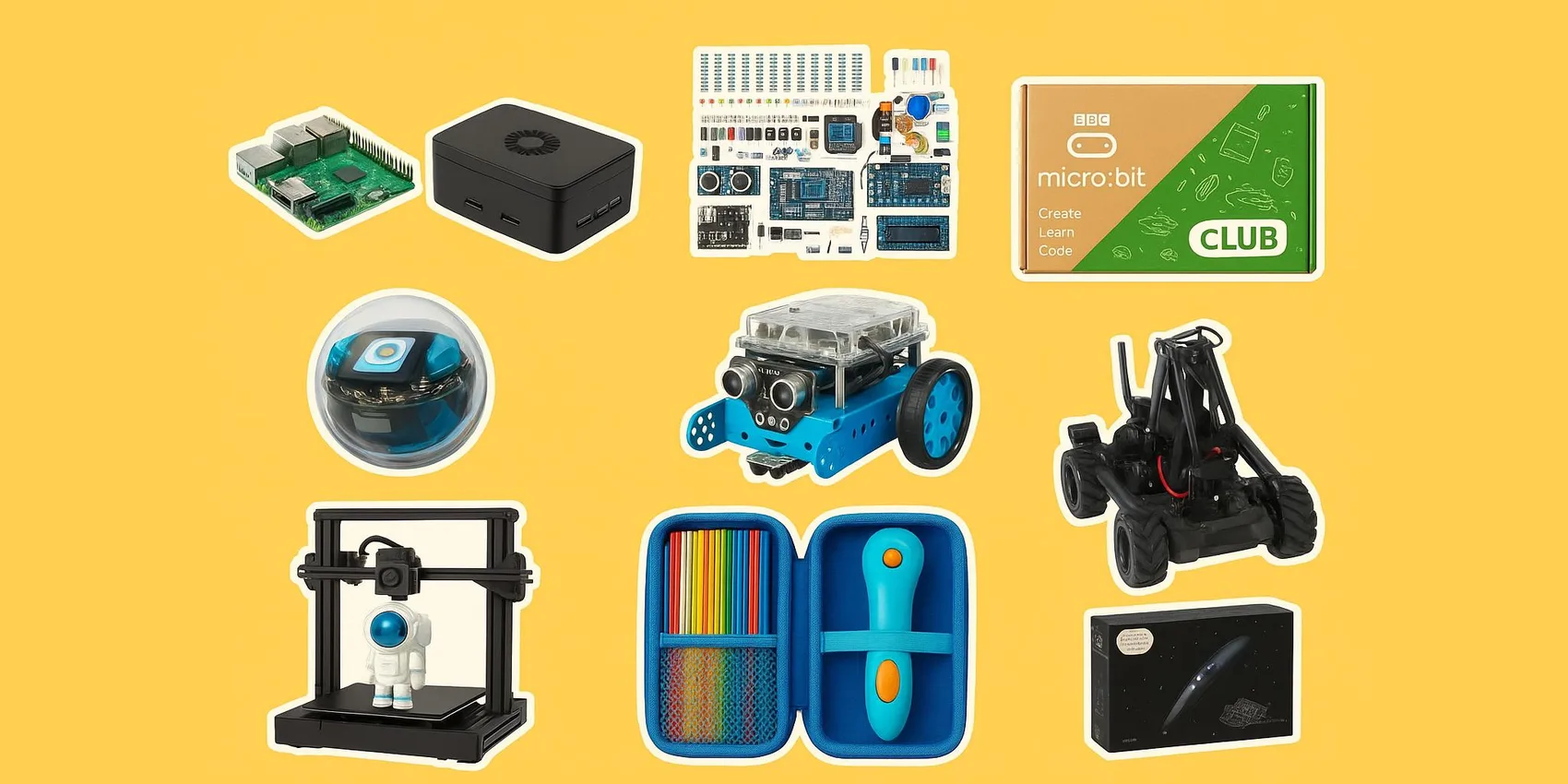
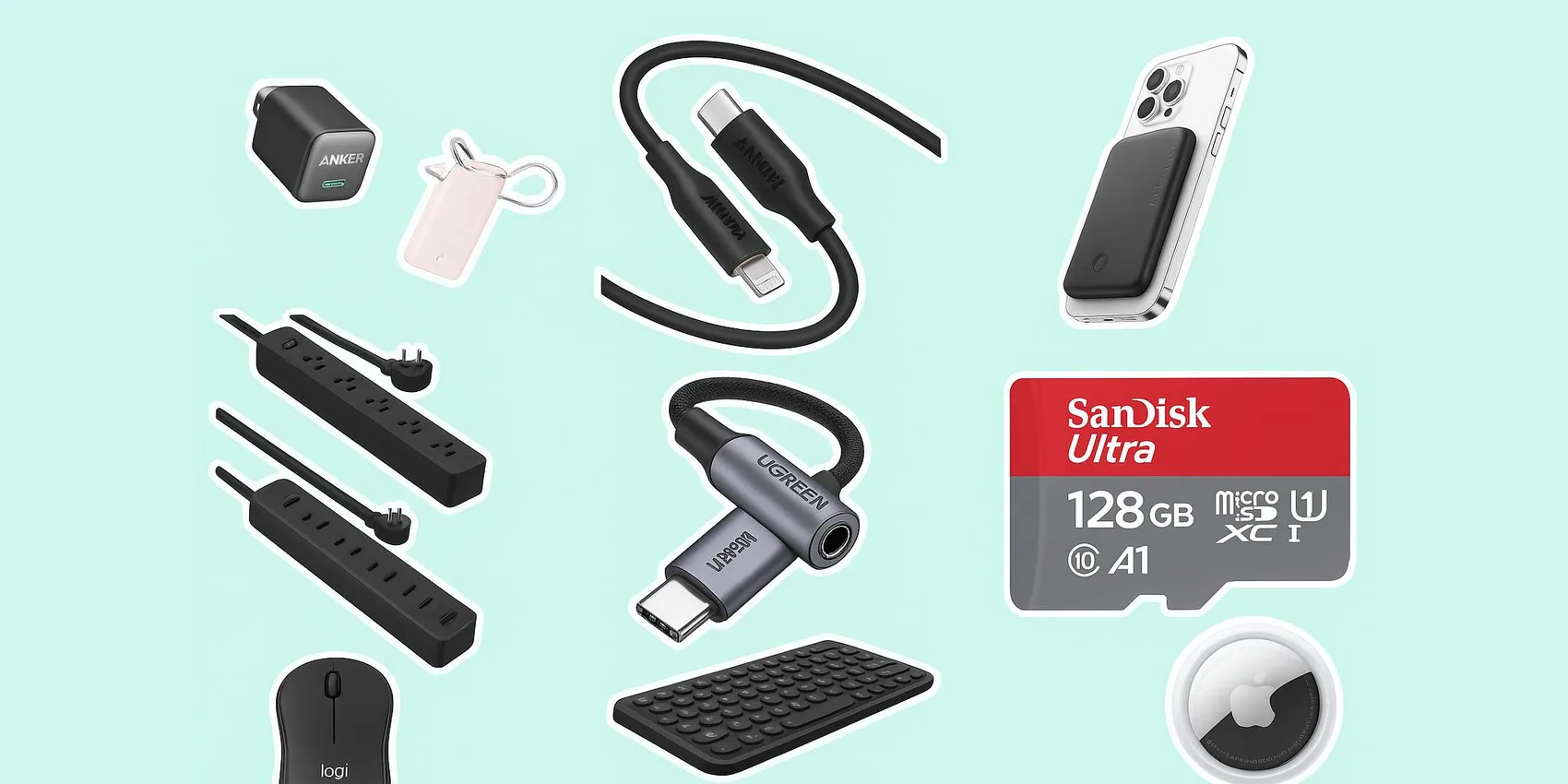
Looking for more insights? Explore related topics: Cool gadgets for STEM students 2026, Back-to-School, Best laptops for college students 2026 or find more on our Blog.