
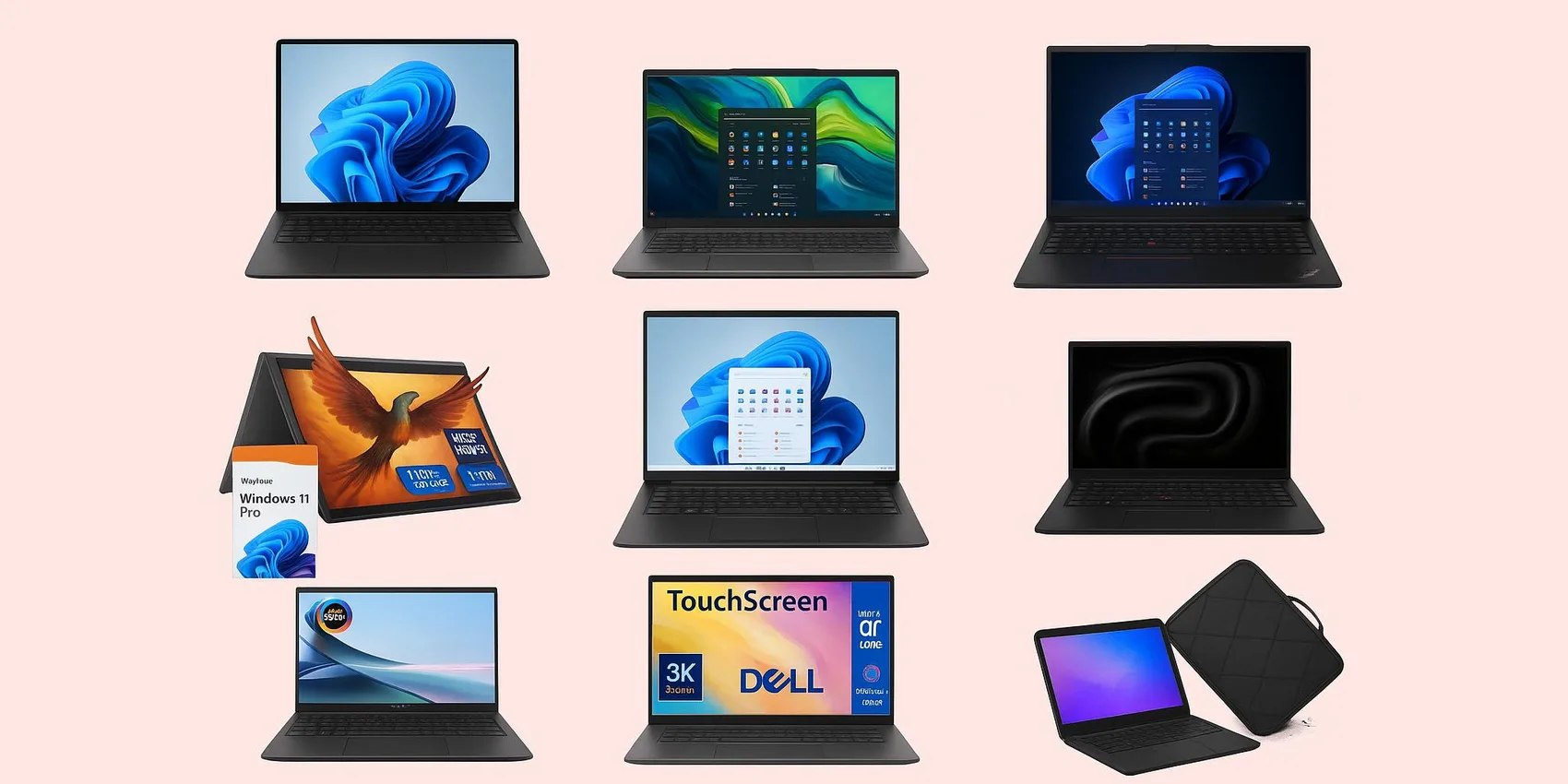
Best Laptops for College Students 2026 (By Major + Budget)
College laptop shopping in 2026 gets stressful fast: different majors need different power, and budgets can swing wildly. This guide helps students (and parents) pick confidently by matching common workloads to a few clear lanes—everyday note-taking, creative/media work, coding/data, and heavy engineering. You'll see what specs matter most, where to save, and when to spend, with realistic sweet spots across a wide range. Make your choice soon to avoid backorder delays and missed semester deals.
| Add-on magic: Save contenders, compare later, and share your shortlist with family using the WishDeck wishlist.
Table of Contents
Best for Most Students (All‑Around Value)
If you want one dependable laptop that can handle essays, tabs, Zoom, and light creative work in 2026, start here. These picks balance performance, portability, and price without overcomplicating the decision.
1. Microsoft Surface Laptop (7th Edition) (Snapdragon X Elite)
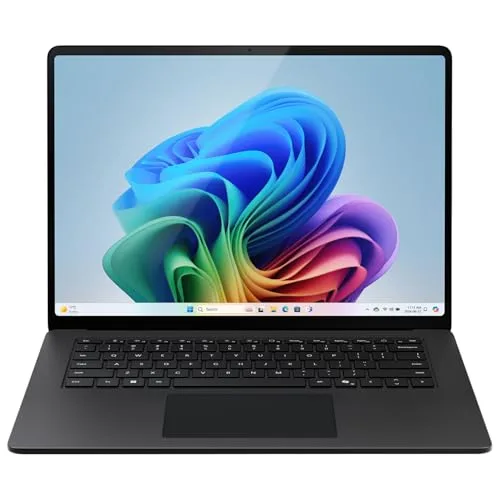
1. Microsoft Surface Laptop (7th Edition) (Snapdragon X Elite)
A sleek, premium-feeling Windows laptop built for Microsoft 365, web apps, and heavy multitasking—an excellent daily driver for long lecture days and library sessions.
2. Acer Swift Go 14
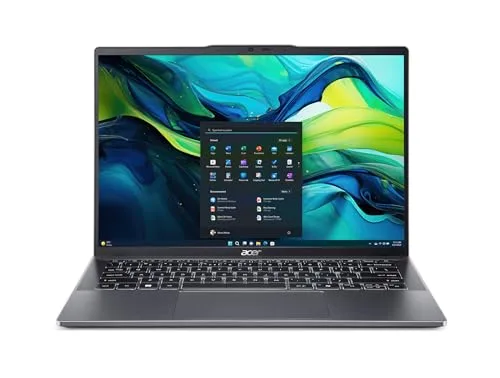
2. Acer Swift Go 14
A strong value pick for everyday student life—documents, research, streaming, and lots of browser tabs—without paying for pro-level extras you may not use.
Best for Writing, Research & All‑Day Portability
For majors that live in Google Docs, PDFs, and lecture recordings, the best laptop is the one you'll happily carry everywhere. These options emphasize a light footprint, strong battery habits, and comfortable typing for long papers.
3. Lenovo ThinkPad X1 Carbon Gen 14 Aura Edition
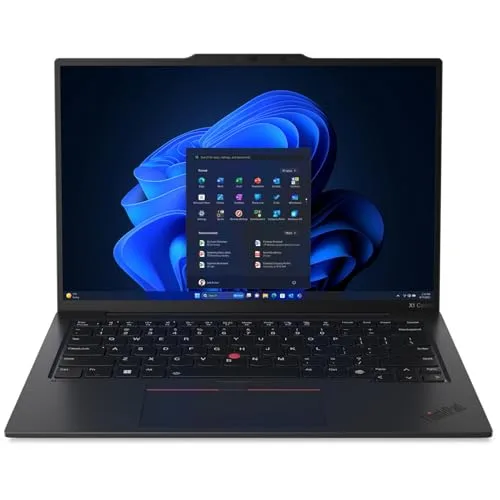
3. Lenovo ThinkPad X1 Carbon Gen 14 Aura Edition
A productivity-first workhorse with a famously comfortable keyboard and a durable, professional build—great for writing-heavy majors, presentations, and internship-ready reliability.
4. Apple MacBook Air (13-inch, M4, 2026)
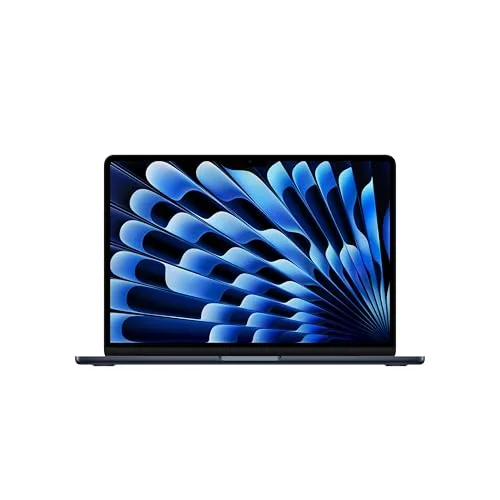
4. Apple MacBook Air (13-inch, M4, 2026)
A campus favorite for a reason: lightweight, quiet, and consistently smooth for writing, research, and light creative work—an easy "buy once, use for years" option.
Best 2‑in‑1s for Note‑Taking & Sketching
If your major involves diagrams, handwritten notes, or frequent annotation, a 2‑in‑1 can replace a stack of notebooks. These picks are great for students who want to switch between laptop mode and tablet mode fast.
5. Lenovo Yoga 7i 2-in-1 (14-inch)
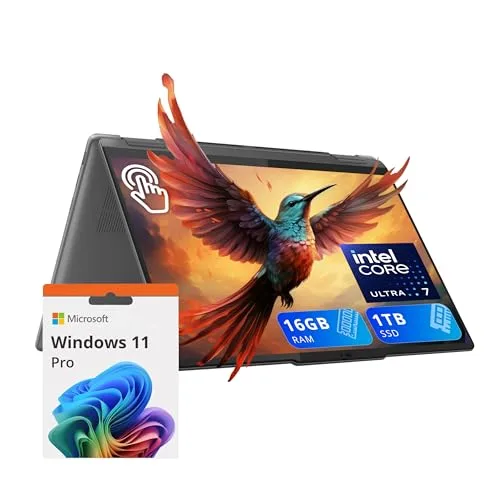
5. Lenovo Yoga 7i 2-in-1 (14-inch)
A practical 2‑in‑1 for lecture-heavy schedules—flip, tap, and annotate quickly while keeping a comfortable keyboard for papers, emails, and day-to-day campus multitasking.
6. HP Spectre x360 14
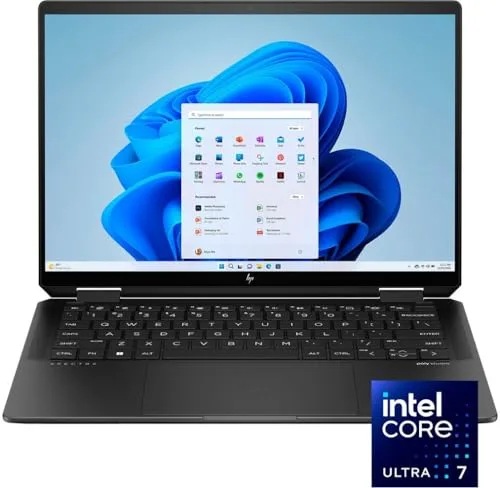
6. HP Spectre x360 14
A premium convertible that looks presentation-ready and works tablet-style for constant markups—perfect if you want a high-end feel plus flexible study modes.
Best for Creators (Design, Photo, Video)
Creative majors need a laptop that stays smooth under editing timelines, big files, and color-sensitive work. These options prioritize strong displays, responsive performance, and a setup that feels good for long studio sessions.
7. Apple MacBook Pro (14-inch, M4 Pro)
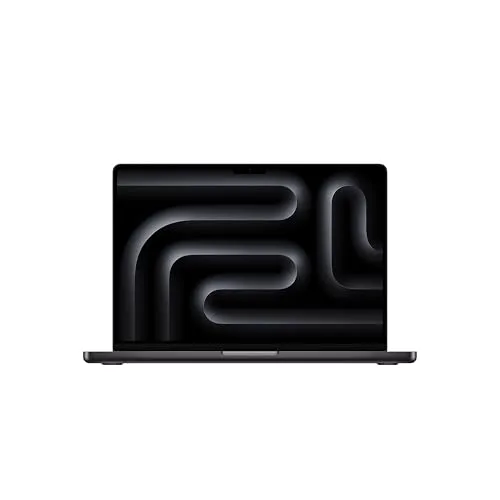
7. Apple MacBook Pro (14-inch, M4 Pro)
A sustained-performance powerhouse for demanding creative apps—ideal for video, audio, and design students who need smooth timelines, fast exports, and reliable speed under pressure.
8. ASUS Zenbook 14 OLED
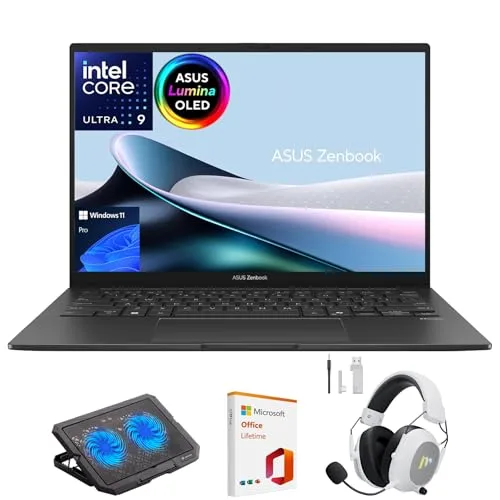
8. ASUS Zenbook 14 OLED
A portable creative companion with an OLED display that makes visuals pop—great for design-minded coursework, photo edits, marketing decks, and color-forward media classes.
Best for Engineering, CS & Gaming‑Level Performance
For CAD, simulations, heavy coding environments, or GPU-intensive work, you'll want headroom. These picks are for students who can't afford slowdowns during labs, builds, or late-night project crunches.
9. Dell XPS 14 (2026)
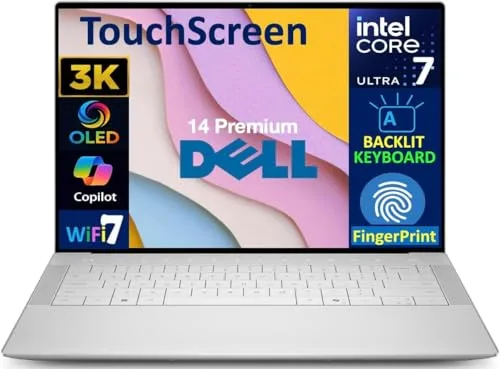
9. Dell XPS 14 (2026)
A premium Windows machine with a modern design and strong performance headroom—ideal for engineering, CS, and data-heavy majors juggling big projects and many tools at once.
10. ASUS ROG Zephyrus G14 (2026) GU405
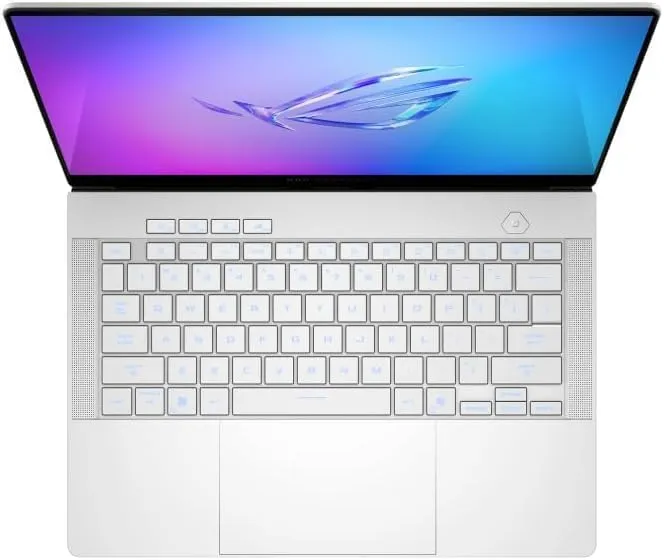
10. ASUS ROG Zephyrus G14 (2026) GU405
A compact, GPU-capable performance laptop for students who need serious power for demanding workloads—and also want a machine that can game smoothly after class.
Ready to Share Your Wishlist
Picking a college laptop in 2026 is easier when everyone can see the exact model and configuration you want. Add your favorites to WishDeck in one click, then share the list with family so they can coordinate and avoid duplicates using secret reservations. Create folders like 'Dorm Tech', 'School Essentials', or 'Graduation Upgrades', and save notes like RAM/storage, color, and preferred retailer. When it's time to buy, you're more likely to get the right laptop—no awkward guesswork. Use WishDeck here.
Frequently Asked Questions
Popular Reads




Looking for more insights? Explore related topics: Budget-Friendly Student Gadgets (2026), Back-to-School Gifts, Gaming Gear on Amazon 2025 or find more on our Blog.