
How to Make a Wishlist That People Actually Use (2026 Guide)
To make a wishlist people actually use, focus on three things: add items you genuinely want, organize them clearly so they're easy to browse, and share your list with the right people at the right time. A scattered list of random links creates confusion. A structured wishlist — with clear priorities, smart categories, and proper visibility settings — makes gift-giving simple and stress-free.
This guide walks you through every step, from your first item to sharing your finished list with family and friends.
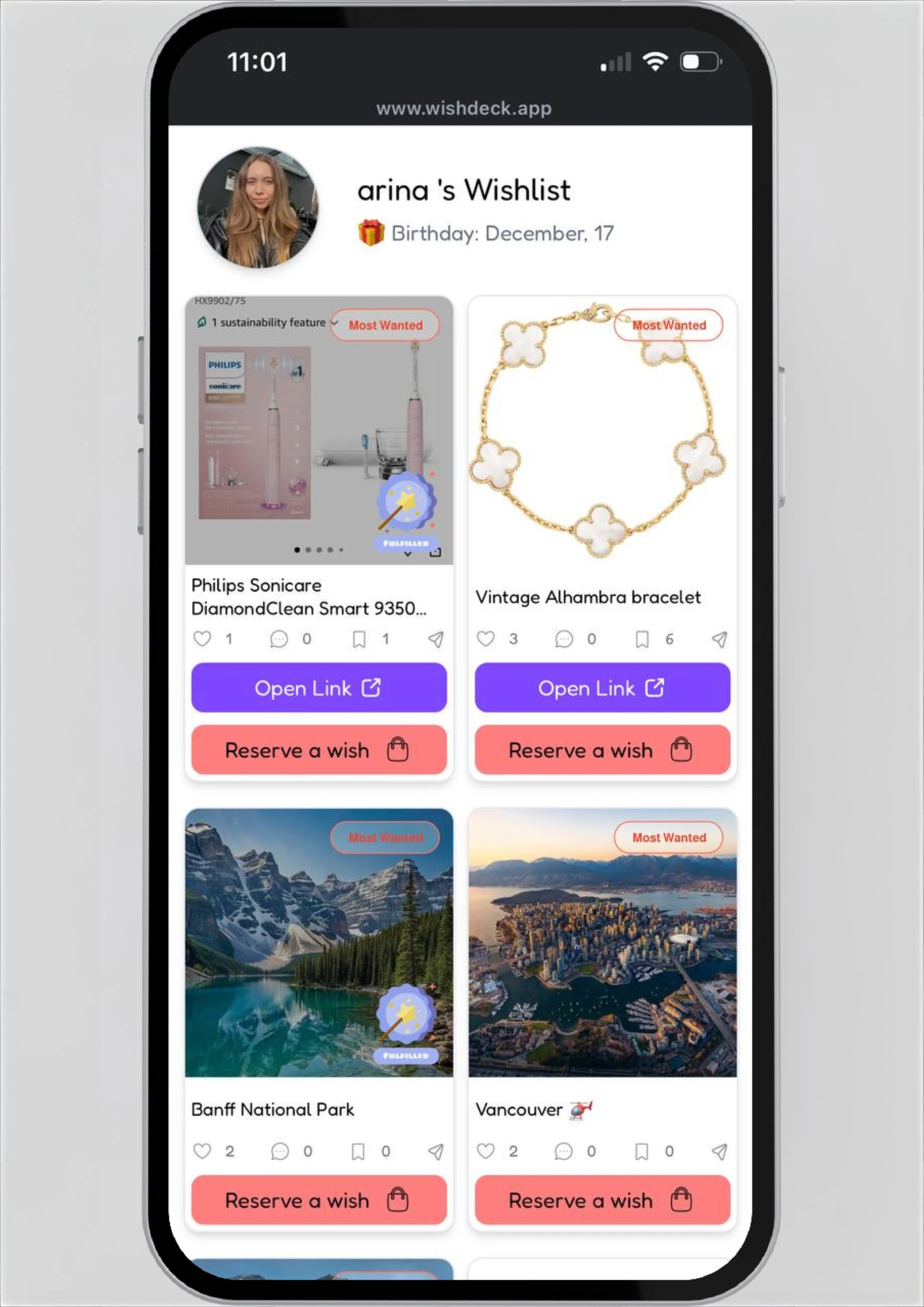
Table of Contents
Why Most Wishlists Don't Work (And What to Do Instead)
Here's something that happens every holiday season and birthday.
Someone asks what you want.
You panic and say, "Oh, anything is fine."
You end up with a gift card you'll forget about.
Or maybe you did make a list — buried in your Notes app, scattered across browser bookmarks, or jotted on the back of an envelope. No one notices it. No one buys through it. It simply fails.
The problem isn't that wishlists are a bad idea. The problem is that most people build them wrong.
A wishlist that actually works needs three things:
- Items you genuinely want (not just filler)
- A clear structure so shoppers can browse easily
- A sharing method that reaches the right people without the awkwardness
Let's build one from scratch.
How to Make a Wishlist in 6 Simple Steps
Step 1 — Start With What You Actually Want
Open a wishlist app like WishDeck and start adding things you'd be excited to receive. Think about:
- Things you've been putting off buying for yourself
- Items you've bookmarked or saved on Instagram and TikTok
- Experiences you'd love (concert tickets, spa days, subscriptions)
- Practical upgrades (new headphones, a better coffee maker, quality skincare)
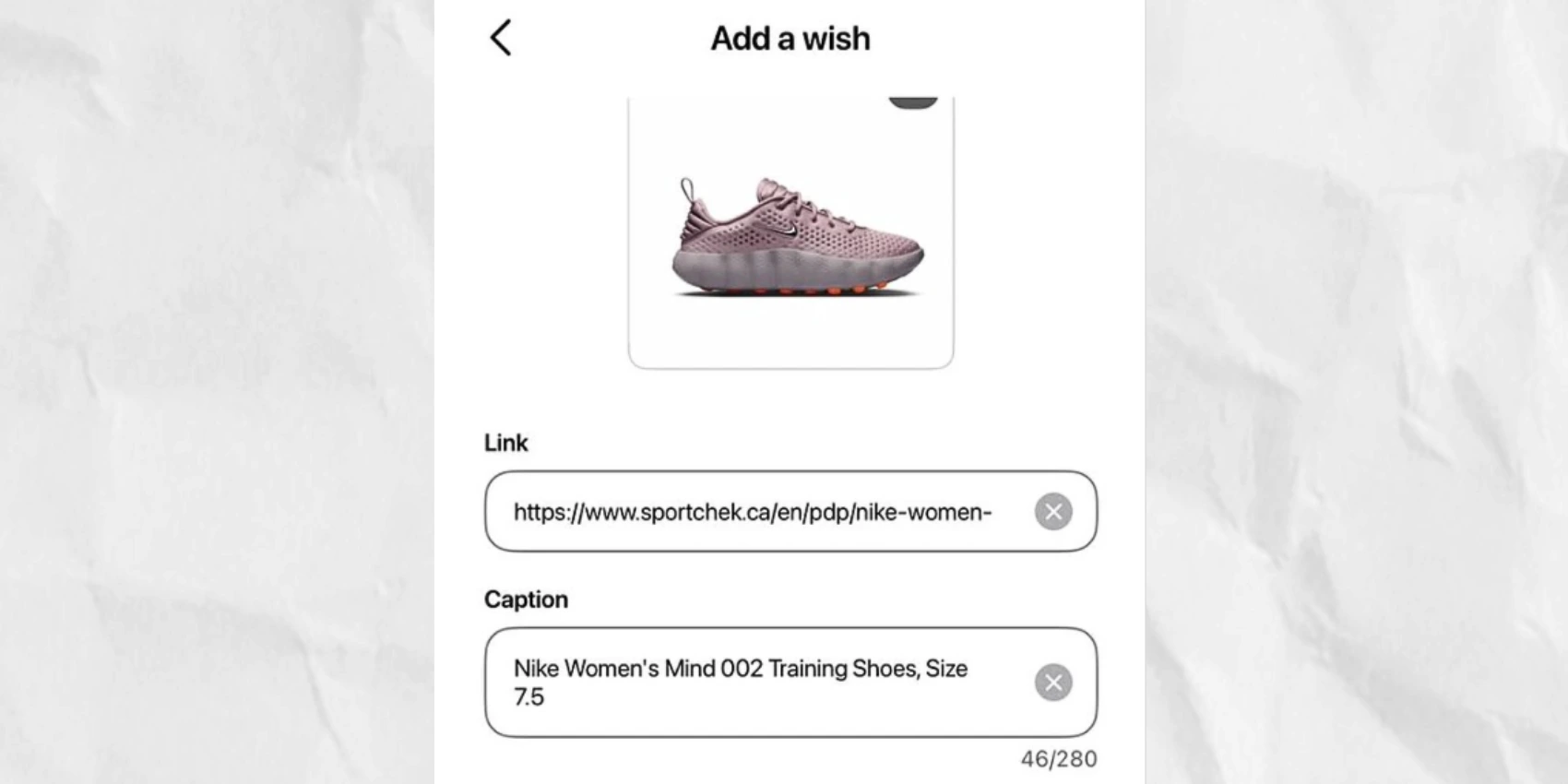
Pro tip: WishDeck lets you add items from any store — Amazon, Etsy, Sephora, Apple, and more. Just paste a link and the image with details auto-fill.
Step 2 — Mix Price Ranges
A common mistake is filling your list with only expensive items or only cheap ones. The best wishlists give shoppers options. Include:
- A few small items under $25 (stocking stuffers, beauty products, books)
- Several mid-range picks between $25–$75
- One or two bigger "dream" items over $100
This way, anyone shopping for you can find something in their budget. From a coworker doing Secret Santa to a parent wanting to splurge.
For budget-friendly inspiration, check out WishDeck's trending gifts guide for ideas that are actually worth buying.
Step 3 — Mark Your Most Wanted Items
Here's where most people miss a huge opportunity. When someone opens your wishlist and sees 30 items, they freeze.
In WishDeck, the Most Wanted feature lets you highlight the items you'd be happiest to receive. Marking your favorites as Most Wanted helps shoppers see them instantly and feel confident they're picking something you'll love.
This one small step dramatically reduces the "what if they don't like it?" anxiety that makes people default to gift cards.

Step 4 — Organize With Folders
If your list is longer than 10 items, organization makes a real difference. Instead of one long scroll, group items into categories that make sense for you.
Popular folder ideas:
- By category: Tech, Fashion, Home, Books, Experiences
- By occasion: Birthday, Christmas, Just Because
- By budget: Under $25, $25–$50, Splurge-Worthy
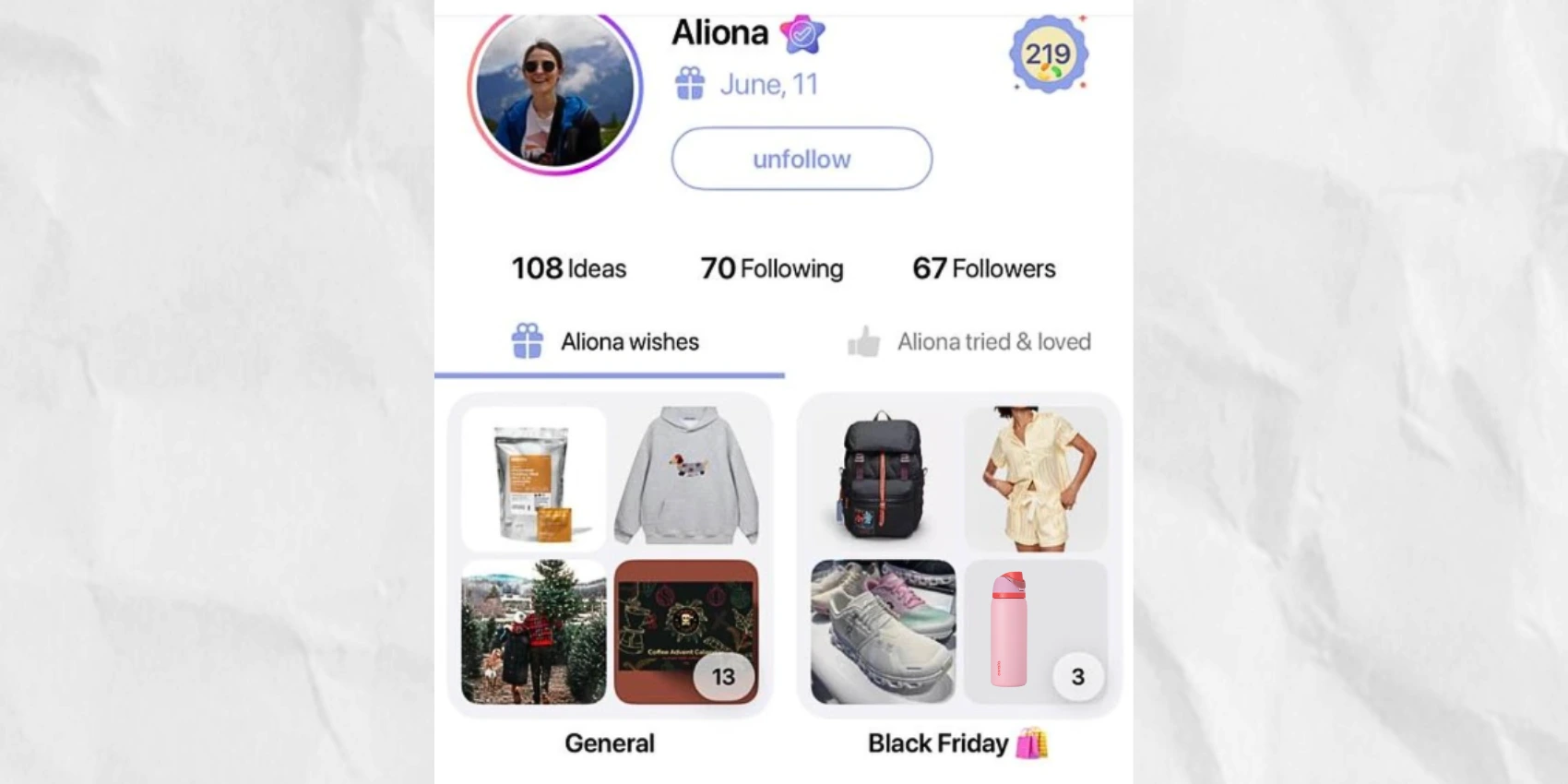
WishDeck's Folders feature lets you create as many groupings as you need. Shoppers can jump straight to the category they want instead of scrolling through everything.
Step 5 — Set Your Visibility (Public, Private, or Circles)
Not every list suits everyone. A wedding registry should be public. Your personal "treat yourself" list can stay private. And your Christmas wishlist might only need to reach your immediate family.
WishDeck gives you three visibility options:
- Public: Anyone with the link can see it. Great for registries, public profiles, and gift guides.
- Private: Only you can see it. Perfect for personal tracking and "someday" lists.
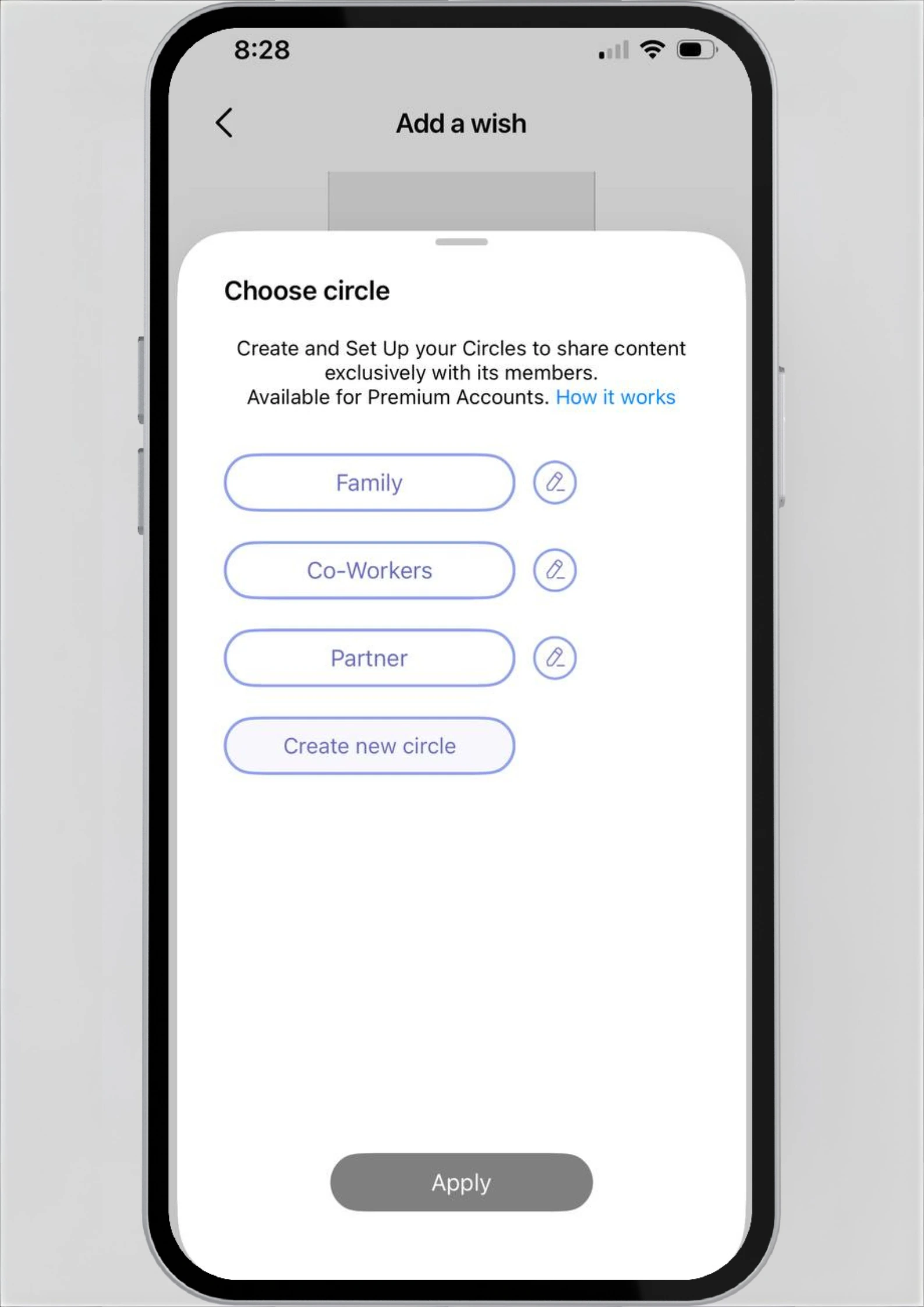
- Circles: Share with specific groups — family, close friends, or your partner. This is the sweet spot for most gifting situations.
Circles solve the awkward "I don't want my boss seeing my lingerie wishlist" problem. You control exactly who sees what.
Step 6 — Share It at the Right Time
Timing matters more than you think. Share your wishlist:
- 3–4 weeks before a birthday or holiday (gives shoppers time)
- Right after someone asks "what do you want?" (strike while they're motivated)
- As a pinned link in your family group chat (easy access)
With WishDeck, sharing is simple — just send a link. Anyone can browse your list and see your priorities. Registered users can also secretly reserve a gift so nobody buys duplicates.
How to Avoid Duplicate Gifts
Duplicate gifts are the silent killer of good gifting. Nothing deflates the joy of opening presents like getting the same book twice.
The secret reserve feature solves this completely. When someone buys an item from your list, they tap "reserve." Someone marked it as taken. Other shoppers can see it.
You cannot see it (no spoilers!) — unless you tap Reveal Reserved Wishes. Everyone coordinates without a single group text.
What to Put on a Wishlist (When You're Drawing a Blank)
If you're staring at an empty list wondering what to add, try these categories:
- Something you use every day that needs upgrading (worn-out wallet, old headphones)
- Something you'd never buy yourself but would love to have
- An experience (cooking class, concert tickets, travel essentials)
- Something cozy (quality candles, a weighted blanket, luxury pajamas)
- Something for a hobby you want to start or grow
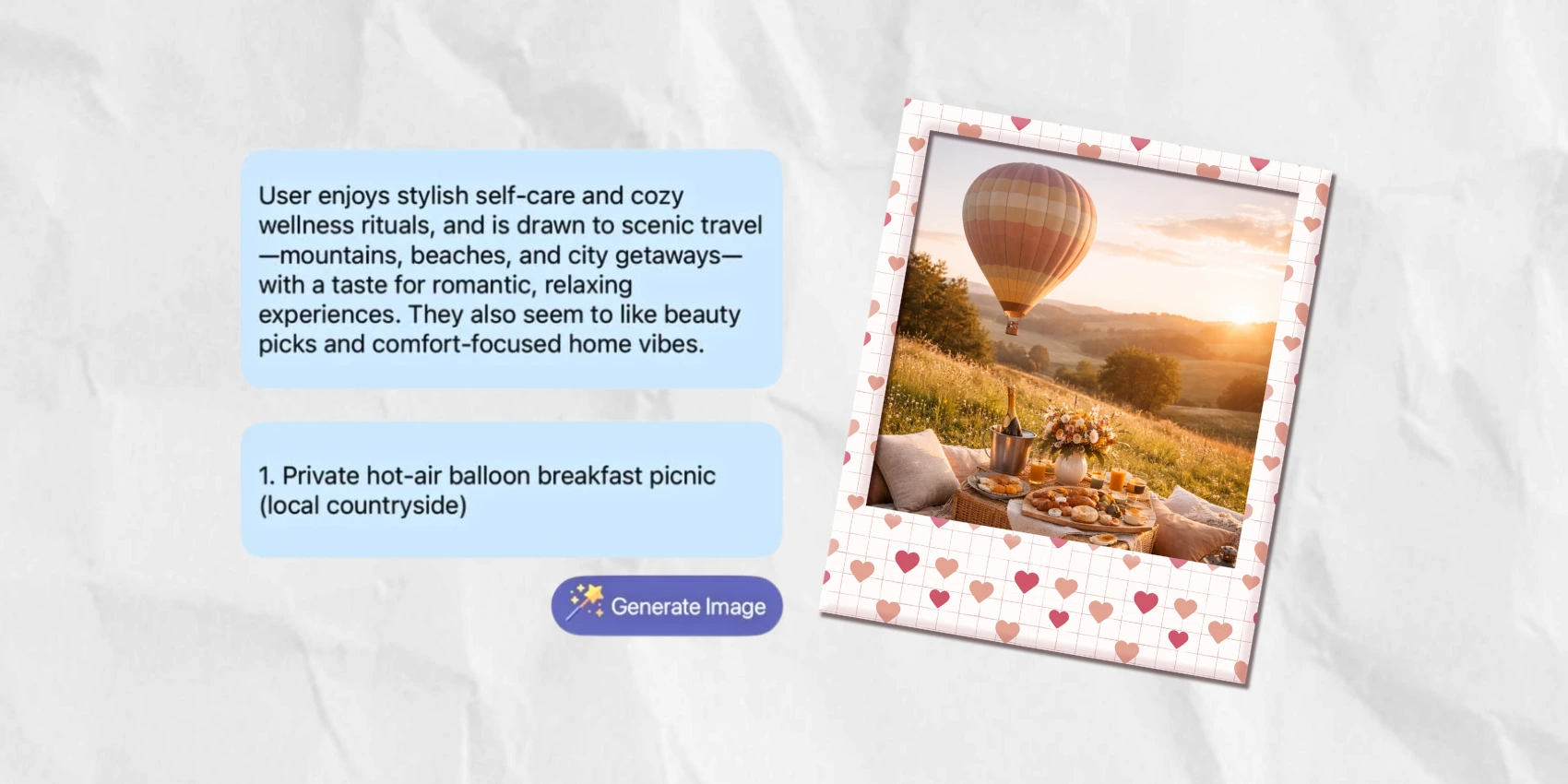
Still stuck? WishDeck's AI Assistant can suggest personalized ideas based on your interests and profile. It's surprisingly good at surfacing things you didn't know you wanted.
For more inspiration by category, browse WishDeck's curated gift guides — from trending beauty picks to the best tech gadgets for every budget.
Wishlist Checklist (Save This)
Before you share your wishlist, make sure it has:
- At least 10–15 items (gives shoppers real choices)
- A mix of price ranges (small, medium, and dream items)
- Most Wanted items clearly marked
- Items organized into folders or categories
- Correct visibility settings for your audience
- Updated links that actually work
- A short note or description on any item that needs context (like a specific color or size)
How many items should I put on a wishlist?
Aim for 10–20 items for a single occasion. Enough to give shoppers real options, but not so many that it becomes overwhelming. Use Most Wanted markers to guide people toward your favorites.
Can I have more than one wishlist?
Absolutely. In fact, it's better to have separate lists for different occasions or audiences.
WishDeck lets you create many lists. Make one for your birthday, one for Christmas, or one for home updates. Share each list with the right people.
What if someone buys something not on my list?
That's totally fine — and it happens. A wishlist is a guide, not a rule book. The goal is to reduce guesswork, not eliminate surprising. The best gifts sometimes come from someone knowing you well enough to go off-script.
How do I share my wishlist without being awkward?
The easiest approach: wait for someone to ask. When they do, send your link casually — "Here's my list if it helps!" You can also pin it in a family group chat or text it to close friends before a holiday. WishDeck links are clean and don't require the other person to sign up for anything.
How do I keep my wishlist private?
Set your list to Private in WishDeck and it stays completely invisible to everyone except you. When you're ready to share specific lists with specific people, switch to Circles and choose who gets access.
Why Making a Wishlist Is Worth the Effort
Wishlists aren't just shopping tools. Research shows that receiving a gift you actually wanted creates a stronger emotional connection between giver and receiver.
When someone nails a gift, both people feel closer. The giver feels successful. The message helps the receiver feel understood.
A well-made wishlist removes the barriers that prevent that connection from happening. It's not laziness. Not demanding. A kindness to the people who want to make you happy.
So take 15 minutes, build your list the right way, and give the people in your life the gift of knowing exactly how to make your day.
Ready to build yours? Create your free wishlist on WishDeck and start adding the things that would genuinely make you smile.
Popular Reads
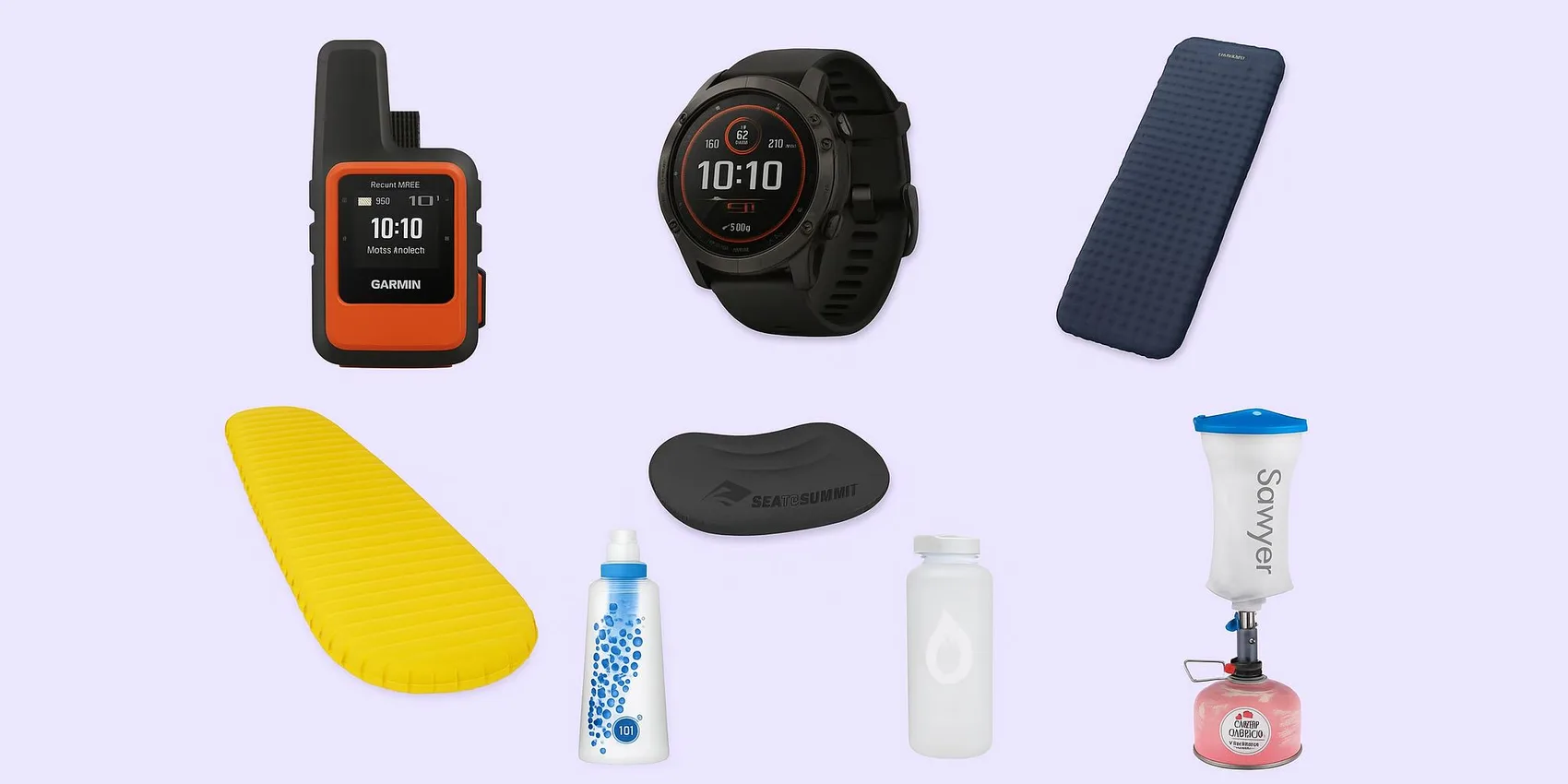
- Gifts for Hikers & Campers (Lightweight, Not Gimmicky) 2026
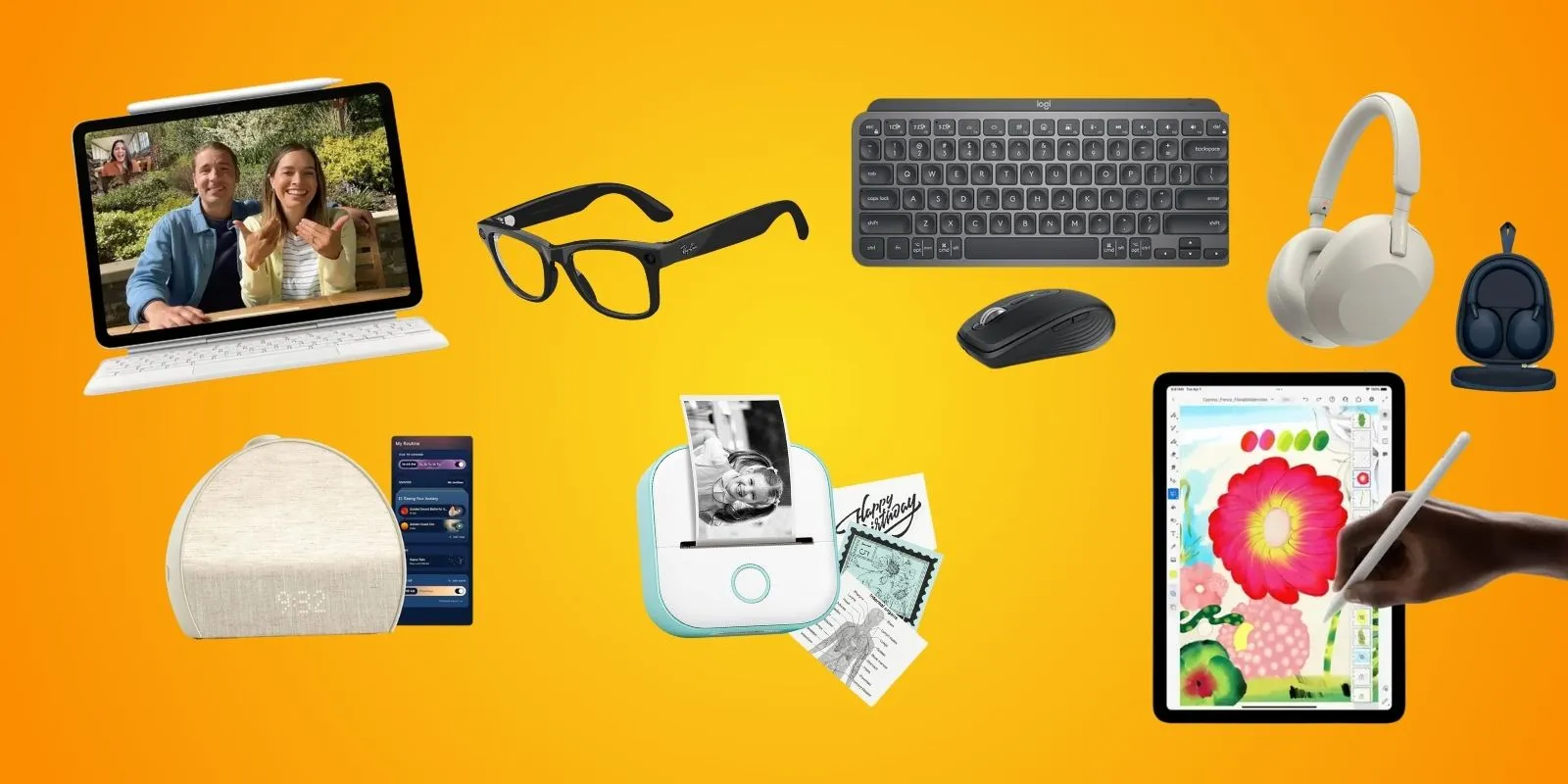
- 15 College Gadgets Students Actually Use Daily (2026)
- Wishlist-Worthy Small Kitchen Appliances Under $50: Apartment & Dorm-Friendly Gifts for Any Occasion
- First Apartment Essentials: Checklist by Room (Starter Setup) 2026
- Gifts for Book Lovers (Not Just Books) 2026
Looking for more insights? Explore related topics: Gifts for Hikers & Campers 2026, Budget-Friendly Student Gadgets (2026), Kitchen Gifts Under $50 or find more on our Blog.