
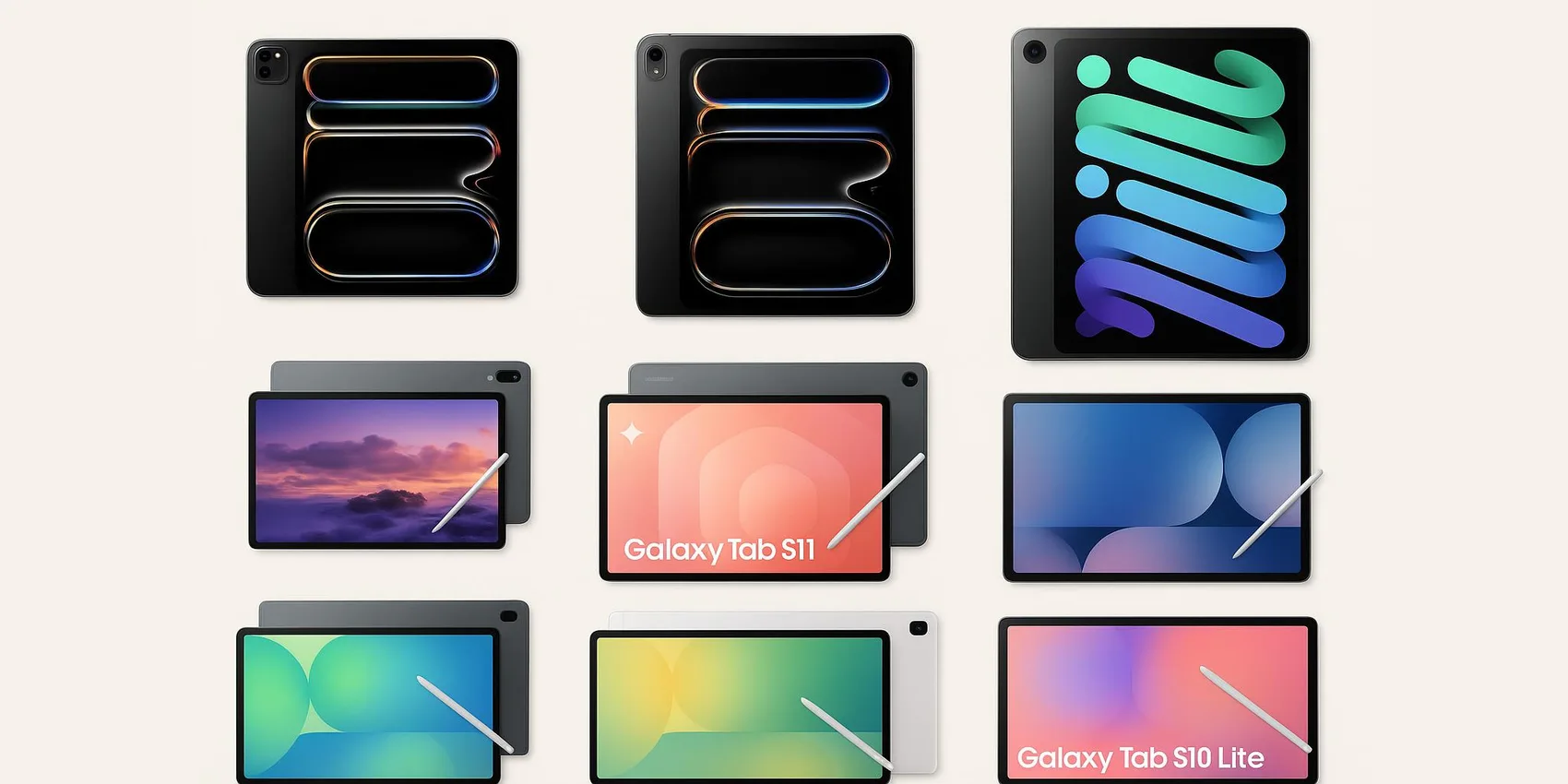
iPad vs Galaxy Tab for Students: Best for Notes (2026)
Every student tablet claims to be "the best for notes" — but handwriting feel, battery life, and app support vary wildly between iPad, Galaxy Tab, and budget Android options. Below are 10 tablets compared head-to-head on the details that actually matter in a lecture hall: pen latency, screen glare, multitasking, and real battery under note-taking load. Prices range from $29 to $1,100, with a quick-pick table so you can jump straight to your budget tier.
For more student tech, explore our College Gadgets guide, Best Laptops 2026, or STEM Gadgets 2026 for labs and diagrams.
Table of Contents
Premium iPad Picks for All-Day Note-Taking
For students who want the smoothest pen experience, top-tier displays, and enough power for heavy multitasking. These are ideal for majors juggling PDFs, diagrams, and creative projects in 2026.
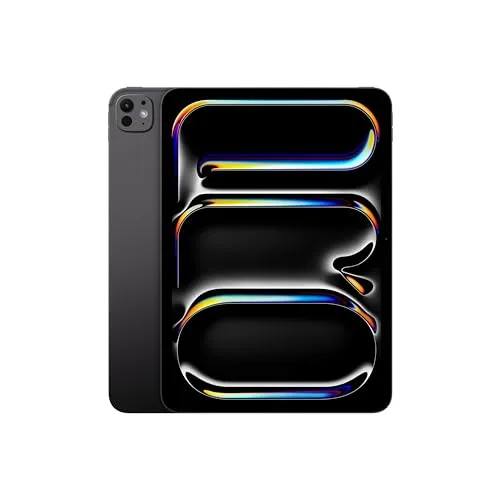
1. Apple iPad Pro 11-inch (M4)
1. Apple iPad Pro 11-inch (M4)
A compact, high-end iPad built for fast handwritten notes, split-screen research, and crisp textbook reading in 2026. The 11-inch size is great for backpacks and small desks while still feeling roomy for annotating PDFs. It's a strong fit for students who want premium performance without the larger footprint. Pair it with a stylus and keyboard for a flexible "notes-to-essay" workflow.
- Portable size that still supports serious multitasking
- Excellent for handwriting + PDF annotation workflows
- Premium build that feels like a long-term device
- Accessories (stylus/keyboard) add to total cost
- Overkill if you only need basic notes and reading
- Limited ports compared with many laptops
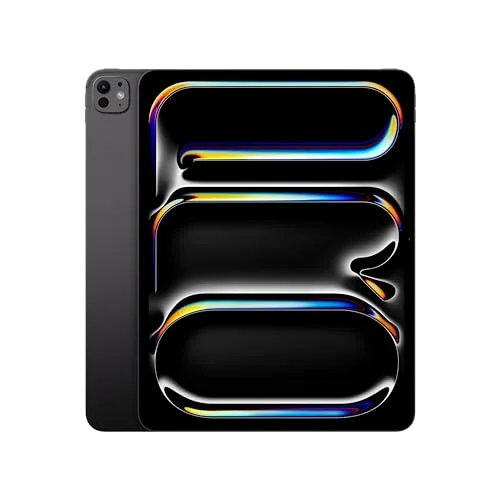
2. Apple iPad Pro 13-inch (M4)
2. Apple iPad Pro 13-inch (M4)
A big-screen iPad that feels closest to a "digital notebook + textbook" combo in 2026. The larger display is especially helpful for side-by-side notes and lecture slides, or for math and science students who need space for diagrams. It's best for students who study at a desk often and want a premium, laptop-adjacent experience. Consider it if readability and workspace matter more than ultra portability.
- Large screen makes split view and annotation more comfortable
- Great for reading full-size PDFs without constant zooming
- Strong choice for creative + academic workloads
- Less backpack-friendly than smaller tablets
- Higher upfront cost, especially with accessories
- Can feel oversized for quick in-class jotting
iPad Value Picks for Students on a Budget
These iPads hit the sweet spot for everyday note-taking, lecture recording, and PDF markup without going full premium. Great for students who want a reliable school tablet in 2026 and prefer to spend less on the device (or save room for accessories).
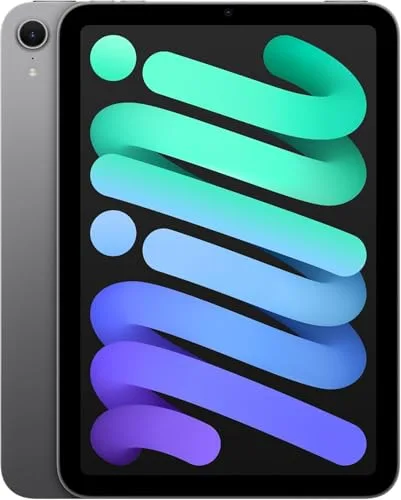
3. Apple iPad mini (A17 Pro, 2024)
3. Apple iPad mini (A17 Pro, 2024)
A small, backpack-friendly tablet that's perfect for quick notes, reading, and highlighting on the go in 2026. It's a great fit for commuters, clinical rotations, or anyone who wants a "pocket study buddy" that still handles PDFs smoothly. The compact size makes it easy to pull out in crowded lecture halls. Choose it if portability matters more than having a large writing surface.
- Ultra portable for commuting and tight spaces
- Great for reading and quick annotations
- Easy to use one-handed between classes
- Smaller screen can feel cramped for long handwritten notes
- Not ideal for heavy split-screen workflows
- Keyboard typing is less comfortable due to size
4. Apple iPad Air 11-inch (M3, 2026)
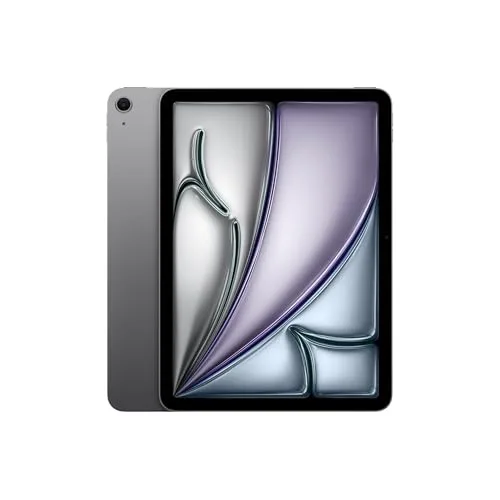
4. Apple iPad Air 11-inch (M3, 2026)
A balanced iPad that's ideal for students who want a lightweight note-taking tablet that still feels fast in 2026. The 11-inch size is easy to carry between classes and works well for highlighting readings and writing summaries. It's a smart pick for most majors, especially if you plan to add a stylus and a simple keyboard case. Consider it the "do-everything for school" choice without the Pro pricing.
- Lightweight and easy to carry all day
- Plenty of performance for notes, PDFs, and multitasking
- Great middle ground between base iPad and Pro
- Not as premium as the Pro lineup for heavy creative work
- Accessory costs can close the gap vs higher models
- Storage upgrades can get pricey
5. Apple iPad Air 13-inch (M3, 2026)
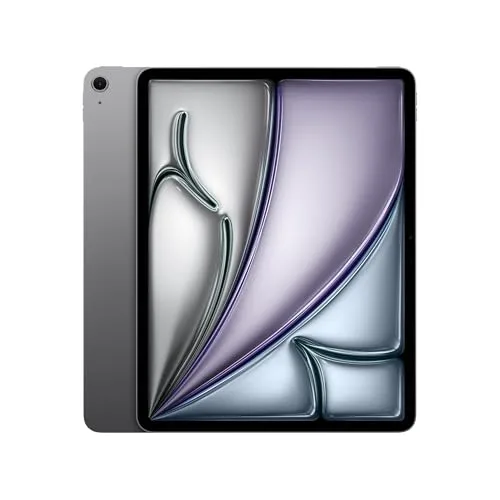
5. Apple iPad Air 13-inch (M3, 2026)
A larger iPad Air that gives students more room to write, sketch diagrams, and keep references open in 2026. It's great for those who like a big canvas but don't necessarily need the top-end Pro tier. The extra space is especially helpful for STEM note-taking and reading dense PDFs. Choose it if you mostly study at a table and want comfortable split-screen use.
- Bigger canvas for handwriting and diagrams
- Comfortable for split-screen notes + slides
- Strong value if you want large-screen iPad feel
- Less convenient to hold one-handed for long periods
- Still a significant investment once accessorized
- Large cases and keyboards add bulk
6. Apple iPad (11th generation, A16, 2026)
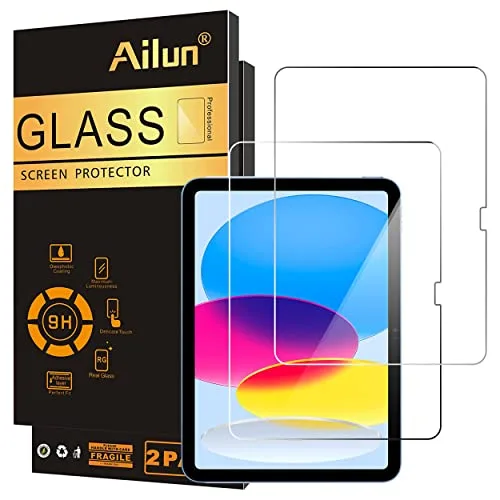
6. Apple iPad (11th generation, A16, 2026)
A straightforward iPad that covers the essentials for student note-taking in 2026: reading, highlighting, basic handwriting, and class organization. It's a practical gift when you want the iPad experience without paying for premium tiers. This is best for high school and college students who mainly need a reliable device for daily coursework. Add a compatible stylus and you've got a simple, effective digital notebook.
- Solid everyday tablet for classes and homework
- Good entry point into digital notes and PDF markup
- Widely available across major retailers
- Not as powerful for heavy multitasking or creative apps
- Base storage may feel tight over time
- Display and accessories feel more "basic" than Air/Pro
Samsung Galaxy Tabs for Android Note-Takers
If the student uses Android, Google apps, or Samsung phones, these tablets make note-taking feel seamless. They're especially strong for multitasking, big displays, and flexible study layouts in 2026.
7. Samsung Galaxy Tab S11 Ultra
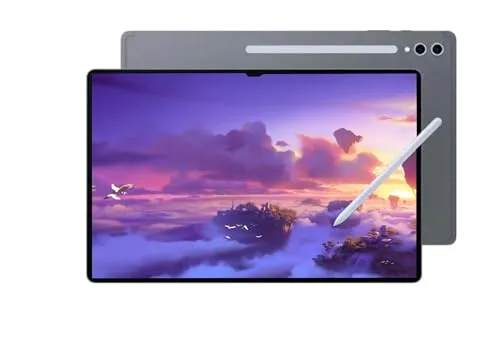
7. Samsung Galaxy Tab S11 Ultra
A massive-screen Android tablet that's built for split-screen studying and handwritten notes in 2026. It's excellent for keeping a lecture video, slides, and a notebook open at once without feeling cramped. This is best for students who want a premium, desktop-like tablet experience and don't mind the larger size. Great for heavy note-takers who live in PDFs and markup tools.
- Huge display makes multitasking and annotation comfortable
- Great for desk-based studying and digital textbooks
- Strong premium Android ecosystem option
- Large size is less convenient for commuting
- Premium pricing compared with midrange tablets
- Keyboard case and accessories add bulk
8. Samsung Galaxy Tab S11
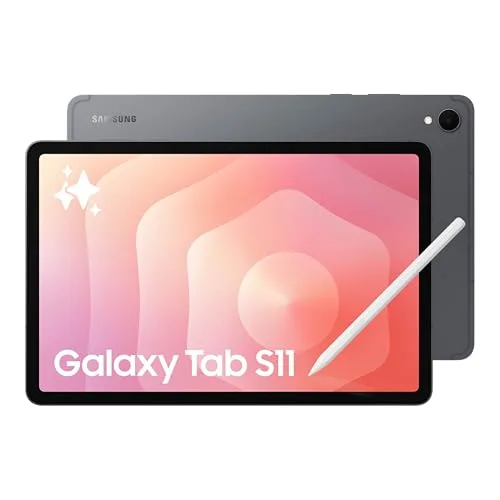
8. Samsung Galaxy Tab S11
A premium Android tablet that balances portability and screen space for student note-taking in 2026. It's a strong option for handwriting, organizing class folders, and working in multiple windows during research. This model suits students who want high-end performance without going to the Ultra's oversized footprint. A great pick for Android-first households shopping from Amazon or Walmart.
- Good balance of screen size and portability
- Excellent for multitasking with multiple apps open
- Strong choice for Android and Google-based workflows
- Top-tier tablets can still get expensive with accessories
- Some school software ecosystems favor iPad or Windows
- Large PDFs may still feel better on bigger screens
9. Samsung Galaxy Tab S10 Ultra
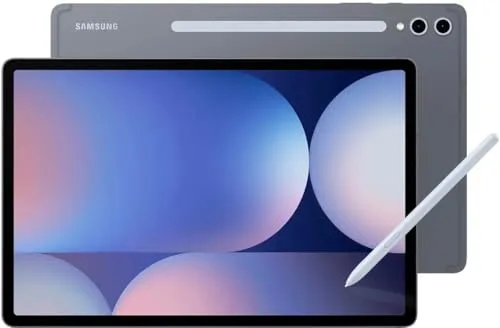
9. Samsung Galaxy Tab S10 Ultra
A previous-gen Ultra that can be a smart buy in 2026 if you find a good deal and want maximum screen space. It's designed for students who keep multiple study materials open—think lecture slides, a notebook, and a browser at the same time. Great for dorm desks and long study sessions where comfort matters. If you want a big Android canvas but don't need the newest model, it's worth comparing.
- Large display is excellent for split-screen studying
- Potentially better value than the newest Ultra generation
- Great for long PDF reading and markup sessions
- Less portable than standard-size tablets
- Older generation may miss some newer features
- Big screen can be awkward for handheld note-taking
10. Samsung Galaxy Tab S10 FE+
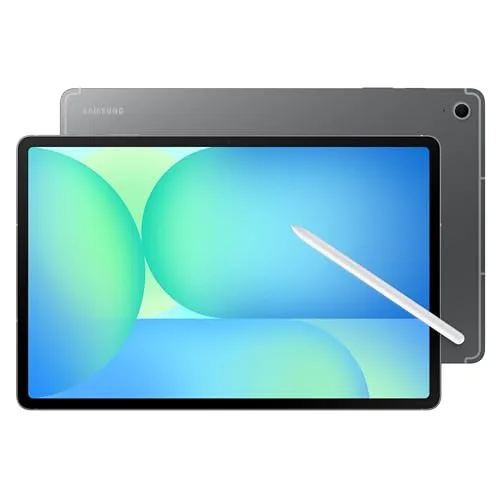
10. Samsung Galaxy Tab S10 FE+
A student-friendly Android tablet that focuses on value while still feeling spacious for notes in 2026. The larger "plus" size is helpful for writing neatly and keeping reading material visible. It's a good fit for students who want a reliable school tablet for notes, Google Docs, and streaming lectures without paying flagship prices. Consider it if you want a big screen but a more practical budget.
- Large screen at a more approachable tier than flagships
- Good for handwriting, PDFs, and everyday school tasks
- Available at multiple major retailers
- Not as premium as Ultra models for heavy multitasking
- May feel less "snappy" under intense workloads
- Accessory ecosystem can vary by region/store
11. Samsung Galaxy Tab S10 FE
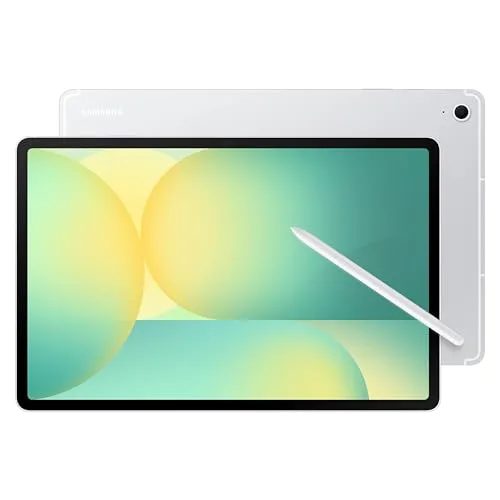
11. Samsung Galaxy Tab S10 FE
A midrange Android tablet that's a practical note-taking companion in 2026 for students who want solid basics. It's well-suited for lecture notes, reading assignments, and organizing class materials in cloud drives. This is a good pick for students who don't need an Ultra-sized screen but still want a modern Samsung tablet experience. Great for everyday school use with a stylus and a simple case.
- Midrange price tier for dependable daily use
- Portable enough for backpacks and lecture halls
- Good for notes, PDFs, and Google-based assignments
- Not ideal for power users who multitask heavily
- Smaller screen than FE+ for split-screen work
- Premium accessories may not be as widely discounted
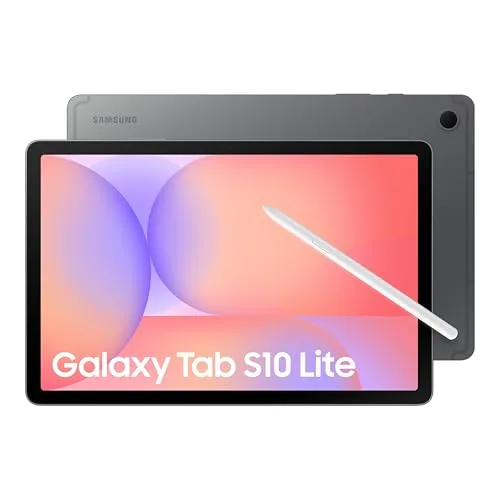
12. Samsung Galaxy Tab S10 Lite
12. Samsung Galaxy Tab S10 Lite
An entry-level Samsung tablet that's geared toward simple note-taking and studying in 2026. It's best for students who mainly need a device for reading, basic handwriting, and keeping class files organized. This can be a smart gift for younger students or as a secondary device for campus. Choose it when budget matters most but you still want a recognizable Android tablet brand.
- Affordable way to get into digital notes and reading
- Good for lighter workloads and younger students
- Available directly from Samsung and major retailers
- Not built for heavy multitasking or demanding apps
- May feel limited for advanced majors and large projects
- Screen size and performance can be a compromise
Windows 2‑in‑1 for Notes + Full Desktop Apps
For students who need handwritten notes and full desktop software (certain majors, labs, or internships). A 2‑in‑1 can replace a laptop while still supporting pen-based note workflows in 2026.
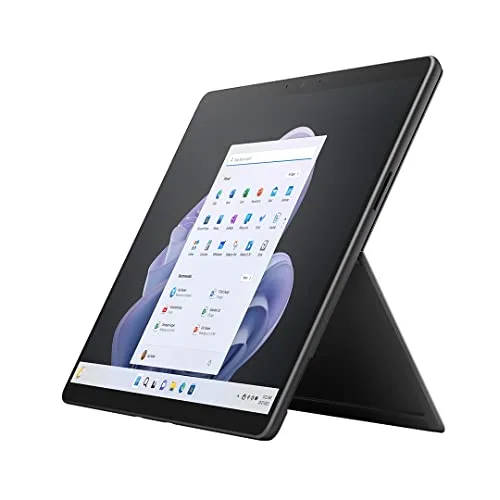
13. Microsoft Surface Pro 9
13. Microsoft Surface Pro 9
A Windows 2‑in‑1 that works well for students who want tablet note-taking plus real desktop apps in 2026. It's great for majors that rely on Windows-first tools, while still letting you handwrite in class and type papers later. The kickstand design makes it flexible for dorm desks, libraries, and labs. Add the keyboard and pen to turn it into a true "notes-to-laptop" setup.
- Runs full Windows apps for school and internships
- Flexible tablet-to-laptop form factor with kickstand
- Good choice for students in Windows-heavy programs
- Keyboard and pen are often separate purchases
- Tablet mode can feel less app-optimized than iPad/Android
- Battery life varies a lot by workload and settings
Budget-Friendly Tablets for Basics & Reading
If the goal is affordable digital notes, reading, and light productivity, these picks keep costs down. They're ideal for younger students, secondary devices, or anyone who mainly annotates PDFs and watches lectures in 2026.
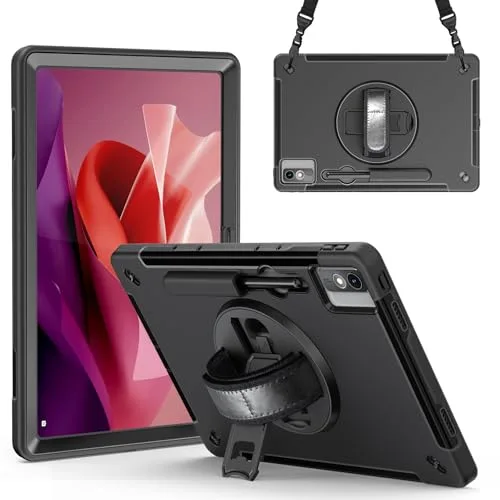
14. Lenovo Tab P12
14. Lenovo Tab P12
A larger-screen Android tablet that can be a smart budget-friendly study device in 2026. It's well-suited for reading course materials, taking typed notes, and doing light handwritten annotations depending on your preferred apps and accessories. Great for students who want a roomy display for textbooks without flagship pricing. Consider it as a practical "homework hub" for dorm rooms and shared spaces.
- Large display is comfortable for reading and studying
- Good value option for everyday school tasks
- Easy to shop at Amazon or Walmart
- Not a flagship-level performance tablet
- Pen/keyboard experience depends on accessories and apps
- May not suit heavy multitasking power users
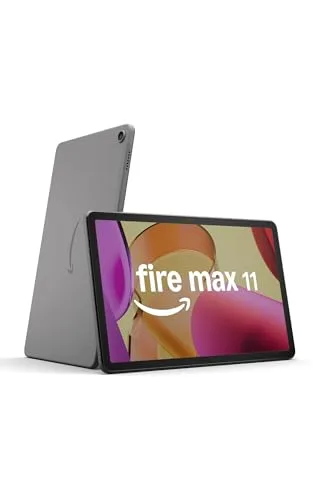
15. Amazon Fire Max 11
15. Amazon Fire Max 11
A budget-friendly tablet that's best for reading, streaming lectures, and basic note-taking in 2026—especially if you're already in the Amazon ecosystem. It's a good pick for students who mainly need a simple device for course content, checklists, and light productivity. The 11-inch size is comfortable for ebooks and PDFs, and it's easy to replace if it gets tossed in a backpack daily. Choose it when price and simplicity are the priority.
- Budget-friendly option for reading and lecture streaming
- Comfortable 11-inch size for everyday use
- Easy to buy from multiple retailers
- App ecosystem is more limited than iPad/standard Android
- Not ideal for advanced note-taking workflows
- May require workarounds for certain school apps
Ready to Share Your Wishlist
Build your perfect study setup in minutes with WishDeck. Open the app and add any tablet from this guide in 1 click, so you don't lose the model, color, or storage option you liked. Then share your list with friends and family—they can reserve the gift they're buying, which helps you avoid duplicates (no receiving the same tablet twice). Create folders for different occasions (new semester, graduation, "desk upgrade") and keep your note-taking picks organized. Get started on WishDeck wishlist and share your list in one tap.
Frequently Asked Questions
Popular Reads
- 15 Study Gadgets College Students Actually Use (2026)

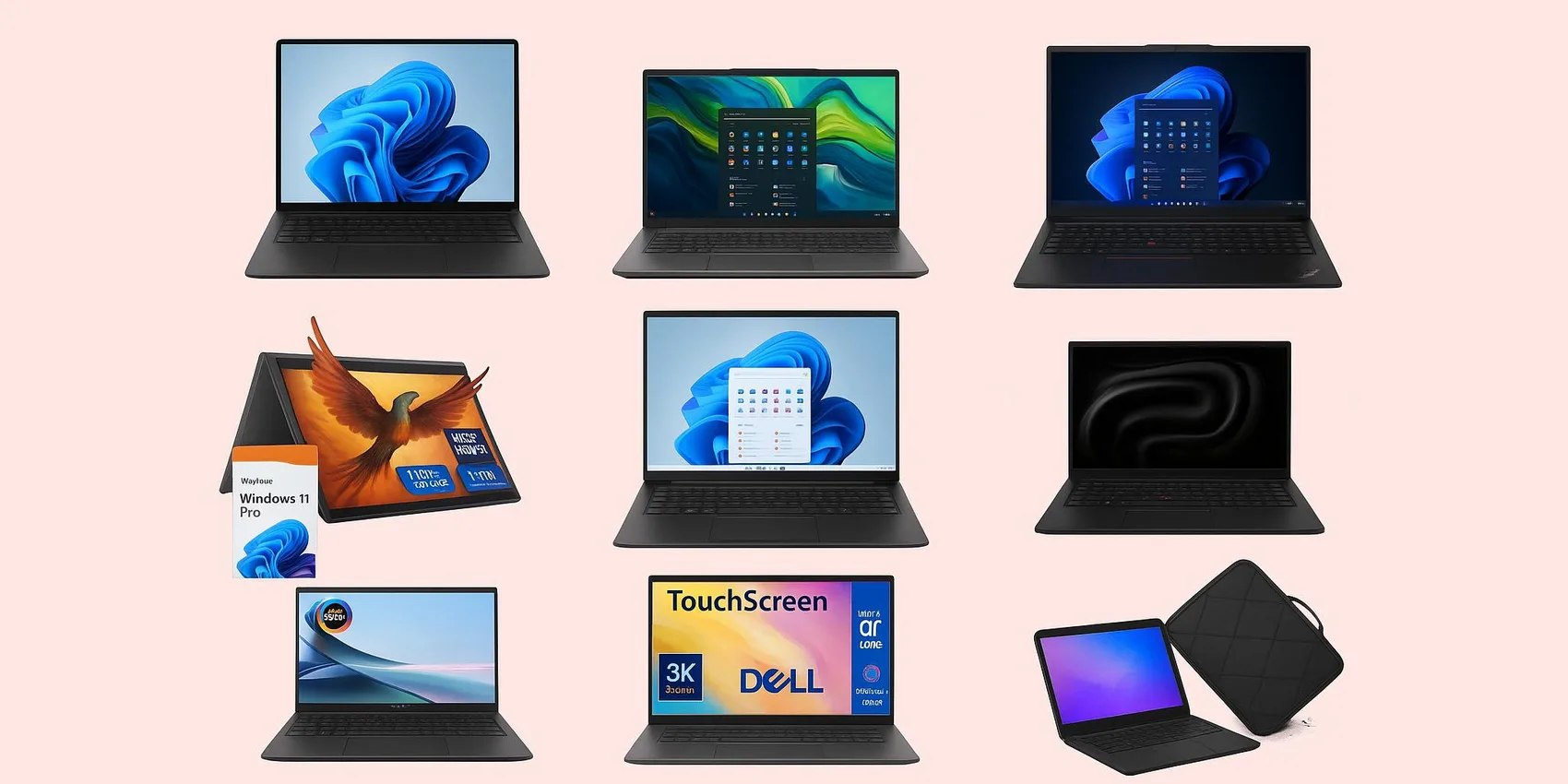
- Best laptops for college students 2026 (by major + budget)
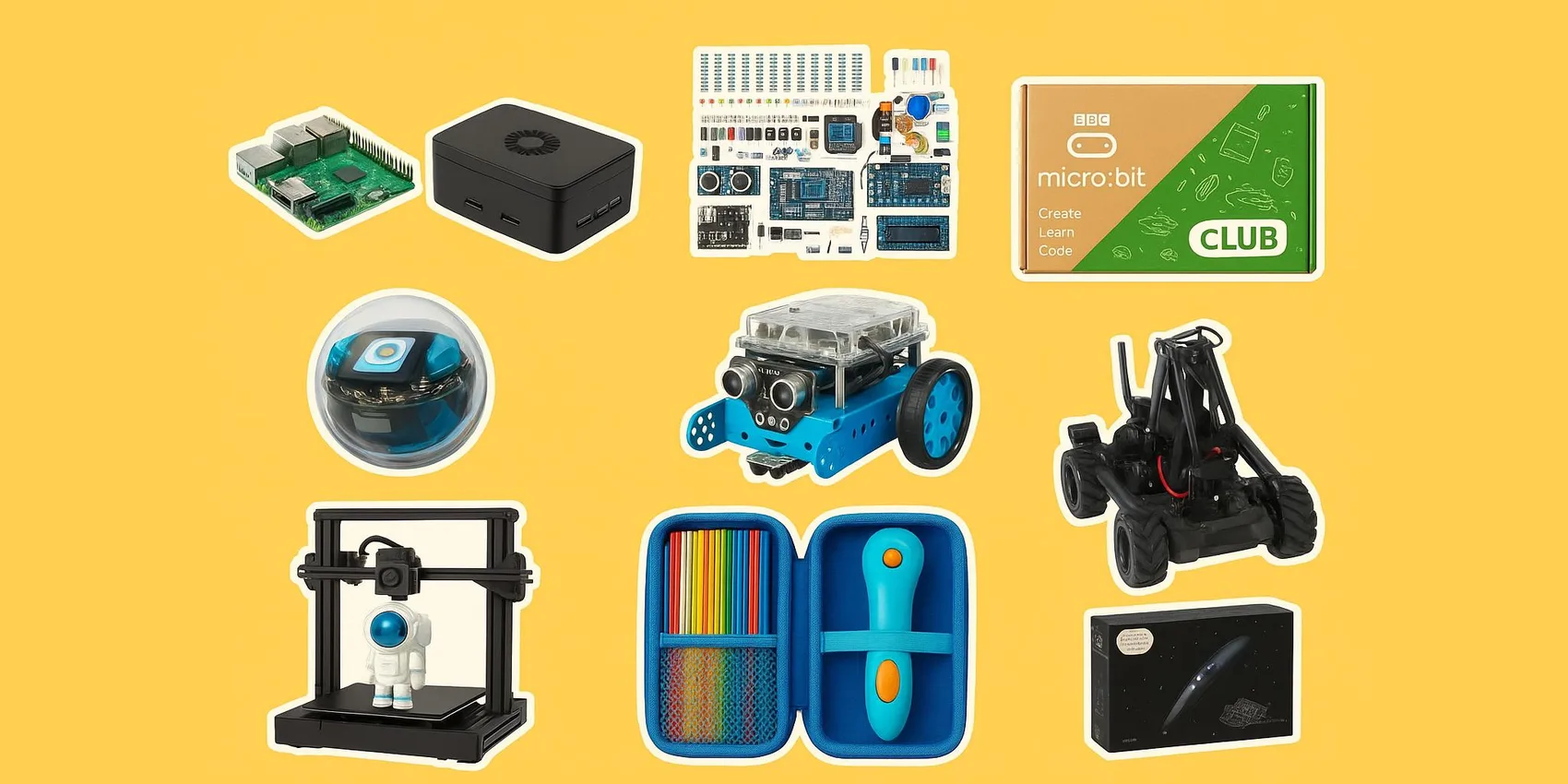
- Cool gadgets for STEM students (coding, calculators, kits) 2026
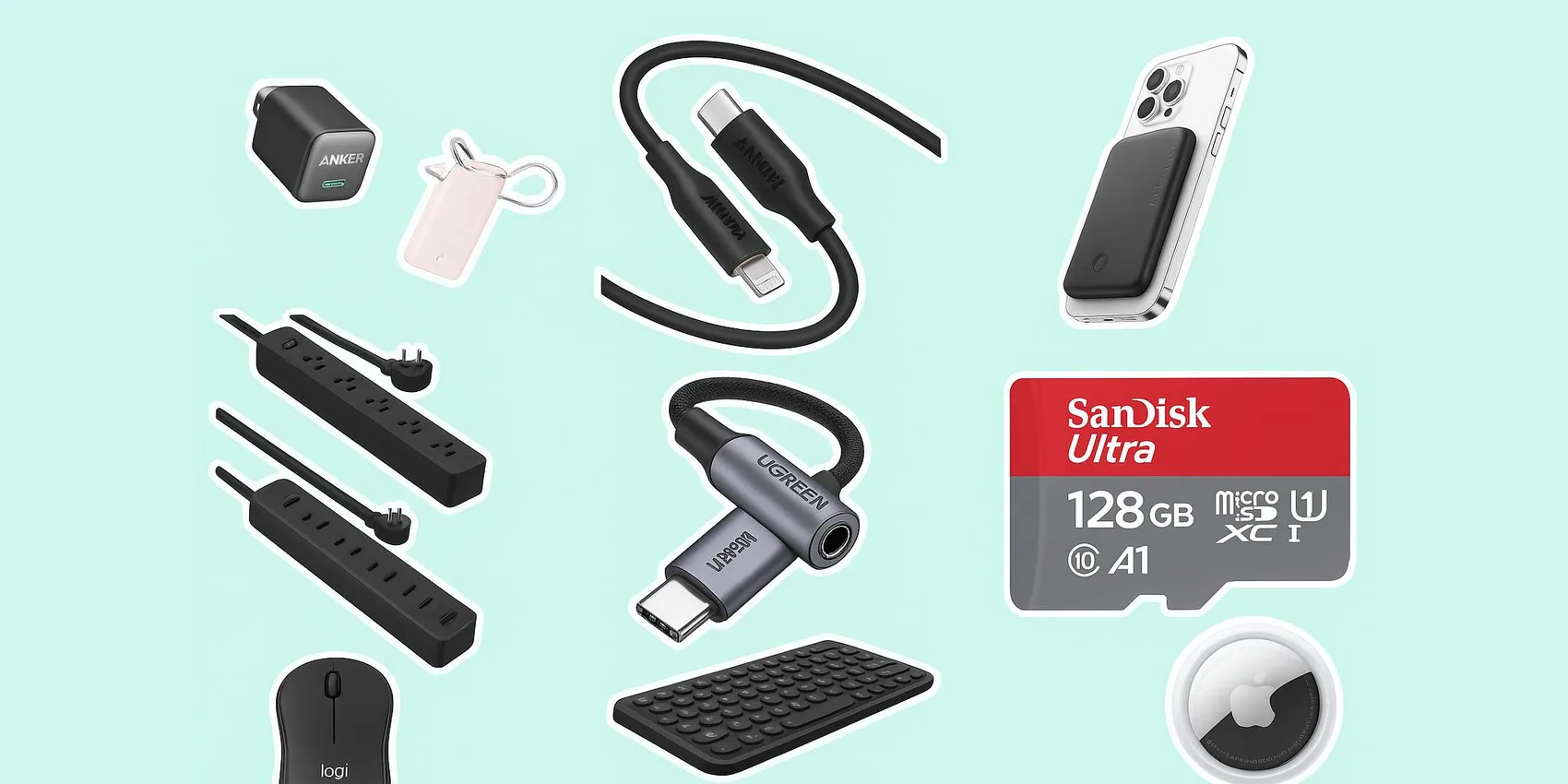
- Dorm Tech Under $55 (2026): Small Upgrades Students Actually Use
- Best Noise-Cancelling Headphones for Students 2026 (Under $100)

Looking for more insights? Explore related topics: Budget-Friendly Student Gadgets (2026), Best laptops for college students 2026, Cool gadgets for STEM students 2026 or find more on our Blog.