
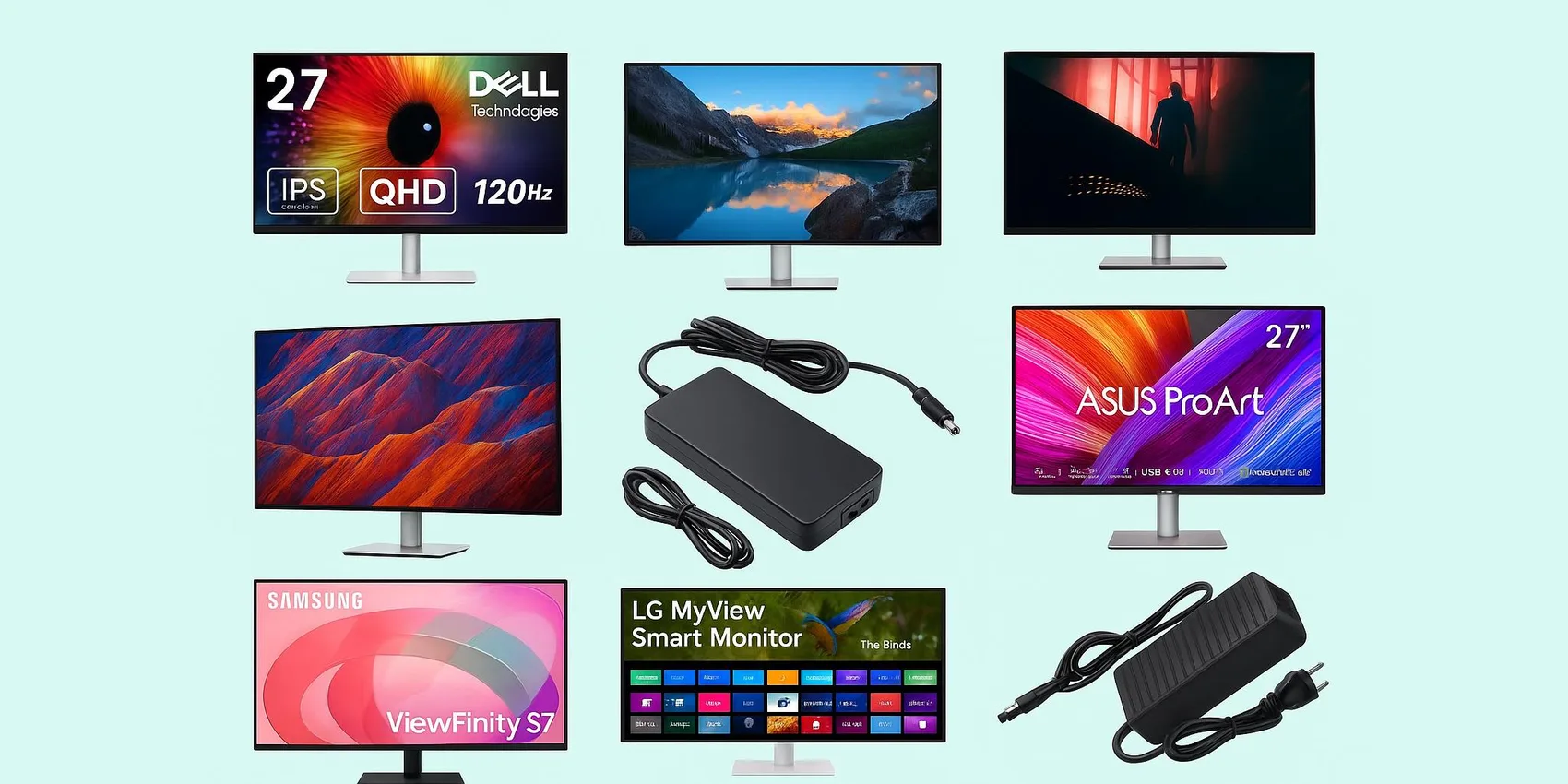
Best External Monitors for Students 2026: Dorm‑Desk Picks
Shopping for an external monitor as a student in 2026 can feel overwhelming, especially when you're balancing a dorm desk, tight space, and a real budget. Whether you're rounding out your TikTok desk setup or comparing with our best laptops for college students 2026, this guide is for students (and parents or friends buying for them) who want a screen that boosts studying, coding, design, and streaming without wasting money. We break down what matters—size, resolution, ports, ergonomics, and eye comfort—so you can pick quickly and buy before back‑to‑school deals disappear.
Add-on magic: Add monitor picks to your WishDeck wishlist fast, share it in seconds, and end the "what do you need?" confusion. Keep 2–4 dorm‑friendly options, compare later, and share anytime.
Table of Contents
Best All‑Around Dorm Desk Monitors (27-inch Sweet Spot)
These are the "do-everything" picks for a student's main workspace in 2026—great for essays, spreadsheets, and split-screen lectures. Look for comfortable text clarity, solid stands, and easy laptop connectivity.
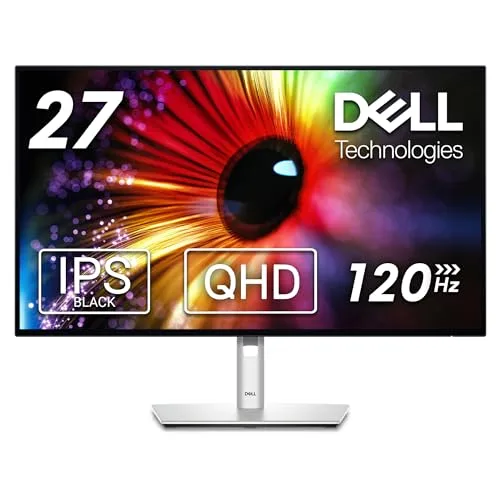
1. Dell UltraSharp U2724D
1. Dell UltraSharp U2724D
A 27-inch QHD monitor that hits the sweet spot for dorm desks: more space than 1080p without the scaling quirks some students hit with 4K. In 2026 it's a strong choice for long study sessions thanks to crisp text and a clean, professional look. Great for business majors, coders, and anyone living in Google Docs all day. It's also a nice "giftable" upgrade that feels premium without being over-the-top.
- QHD resolution keeps text sharp without heavy scaling
- Premium build that looks great on a small desk
- Strong all-around fit for school + casual gaming/streaming
- Not a 4K panel for detailed photo/video work
- 27-inch may feel large on very narrow dorm desks
- Often priced higher than basic student monitors
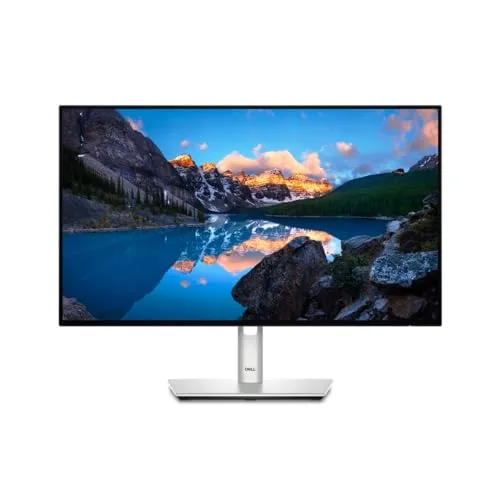
2. Dell UltraSharp U2424H
2. Dell UltraSharp U2424H
A 24-inch monitor that's easier to fit on compact dorm desks while still feeling like a major upgrade from a laptop screen. In 2026, 24-inch is a great "first external monitor" size for freshmen who are still figuring out their space. It's ideal for note-takers, writers, and anyone who wants a clean, sharp workspace without the bulk of a 27–32 inch display. A solid pick when you want premium comfort in a smaller footprint.
- Dorm-friendly size that still boosts productivity
- Great for reading-heavy work and long writing sessions
- Premium feel without going oversized
- Less room for side-by-side apps than a 27-inch
- Not a 4K option for detailed creative work
- Can be pricier than basic 24-inch monitors
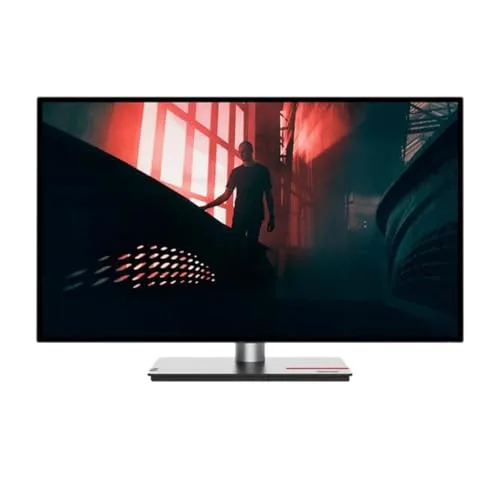
3. Lenovo ThinkVision P27h-30
3. Lenovo ThinkVision P27h-30
A 27-inch WQHD productivity monitor built for students who treat their dorm desk like a mini office in 2026. It's a smart pick for internships, remote work, and heavy multitasking—think research tabs on one side and notes on the other. Ideal for business, engineering, and pre-law students who want a reliable, no-nonsense screen. Lenovo's ThinkVision line is also known for practical ergonomics and clean design.
- WQHD workspace is excellent for multitasking
- Business-ready look that fits study-focused setups
- Good choice for remote internships and docking-style desks
- Not the cheapest way to get a 27-inch screen
- May be more "office" than "gaming" for high-refresh fans
- Stand/footprint can take space on shallow desks
4K Upgrades for Creators & Movie Nights
For students editing photos/video, designing, or just wanting a sharper, bigger screen for shared streaming in 2026. These picks shine when you care about detail, color, and a more "premium dorm" vibe.
4. Dell UltraSharp U2723QE
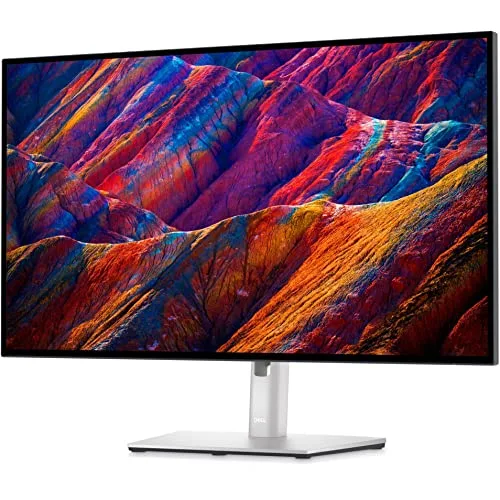
4. Dell UltraSharp U2723QE
A 27-inch 4K monitor that's a serious upgrade for students who want crisp detail for design work and clean text for research-heavy days. In 2026, it's especially useful for hybrid schedules—one screen can handle class notes, a video call, and project files without feeling cramped. Best for upperclassmen, grad students, or anyone building a long-term desk setup. It's a splurge gift that feels like a "grown-up" workstation.
- 4K clarity is excellent for detailed coursework and creative projects
- 27-inch size balances sharpness with desk space
- Premium pick that can last beyond graduation
- Higher price than most student monitors
- Some laptops may need scaling tweaks at 4K
- Overkill if used only for basic writing and email
5. LG UltraFine 32UQ850-W

5. LG UltraFine 32UQ850-W
A 32-inch 4K monitor for students who want a big canvas—perfect for design boards, data-heavy dashboards, or shared streaming nights in 2026. It's best for larger desks or students who can mount/position it thoughtfully in a dorm. Great for creators who like working with multiple panels and timelines without constantly zooming. If the student's laptop screen feels cramped, this is the "instant space" upgrade.
- Large 32-inch screen feels expansive for multitasking
- 4K detail helps with creative work and dense documents
- Great for shared viewing in small rooms
- Can overwhelm a small dorm desk without careful placement
- 4K at 32-inch may still need scaling preferences dialed in
- Often benefits from a monitor arm for best ergonomics
6. ASUS ProArt Display PA279CRV
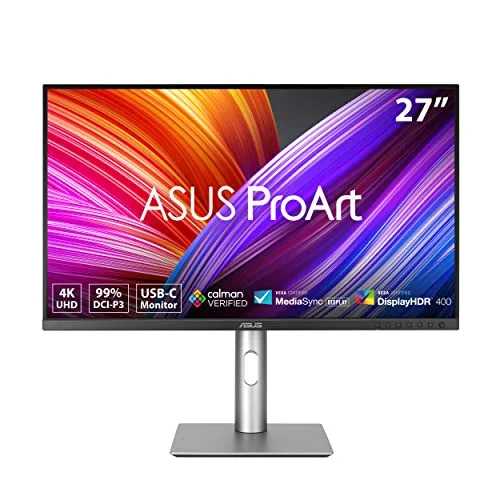
6. ASUS ProArt Display PA279CRV
A creator-focused 27-inch 4K monitor designed for students who care about color and consistency in 2026—think photography, film, architecture, and design. It's a strong pick for portfolio-building because it's meant to be dependable for editing and presentation work. Great for students who want their dorm setup to double as a mini studio. If you're gifting to an art major, this is the "serious tools" vibe without going full pro-studio.
- Creator-friendly focus for editing and portfolio work
- 27-inch 4K gives sharp detail without massive desk demands
- Clean, professional look for a studio-style setup
- Pricier than general-purpose 27-inch monitors
- More features than needed for basic coursework
- May require time to tune settings to personal preference
7. Samsung ViewFinity S7 27-inch (S70D)
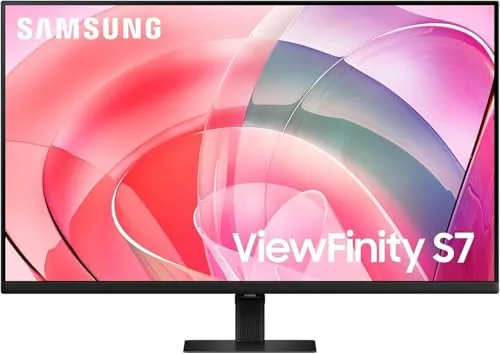
7. Samsung ViewFinity S7 27-inch (S70D)
A 27-inch 4K option that's great for students who want sharp visuals for both coursework and downtime in 2026. It suits majors who bounce between reading PDFs, building slides, and streaming shows after class. The 27-inch size keeps things crisp without dominating the desk. A strong "one monitor for everything" pick when you want 4K without jumping to a huge panel.
- 4K resolution makes text and diagrams look crisp
- 27-inch size fits most dorm desks comfortably
- Good all-rounder for schoolwork and entertainment
- May require scaling adjustments depending on laptop/OS
- Not aimed at high-refresh competitive gaming
- Stand ergonomics vary by setup preferences
Space‑Saving & Ergonomic Problem‑Solvers
Dorm setups in 2026 are all about flexibility: shared desks, awkward angles, and limited room for stands. These monitors prioritize adjustability, vertical space, and multi-purpose features to make small spaces work harder.
8. LG MyView Smart Monitor 32SR85U
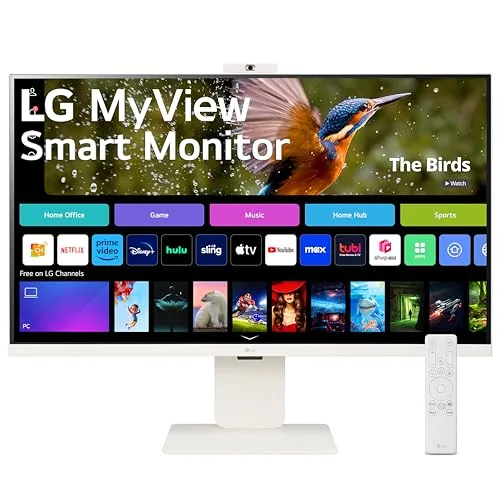
8. LG MyView Smart Monitor 32SR85U
A smart monitor that can double as a dorm TV-style screen in 2026—handy when the student wants one display for studying and streaming. It's a great fit for students who don't want to rely on a laptop for everything and like the idea of built-in "smart" functionality. Ideal for shared rooms where the monitor becomes a mini entertainment hub after classes. Choose it when versatility matters as much as pixels.
- Multi-purpose: study screen by day, streaming screen by night
- Big 32-inch size works well for shared viewing
- Convenient for students who want fewer devices on the desk
- 32-inch can feel oversized for tight desks
- Smart features add complexity vs a simple monitor
- Audio may still benefit from external speakers/headphones
9. LG DualUp Ergo 28MQ780-B

9. LG DualUp Ergo 28MQ780-B
A uniquely tall, space-saving monitor that stacks your workspace vertically—amazing for reading, coding, and writing in 2026. It's perfect for students who live in long documents, research PDFs, or IDEs and want less neck craning than a laptop. The included ergonomic-style stand helps reclaim desk space and dial in a comfortable posture. A standout gift for productivity nerds and anyone who hates constant window switching.
- Vertical workspace is great for docs, coding, and research
- Ergo-style stand helps free up desk surface
- Feels like two screens without needing a dual-monitor setup
- Unusual aspect ratio isn't for everyone
- Some apps/content may not scale nicely to the tall layout
- Needs thoughtful placement to avoid blocking shelves or windows
Portable Second Screens for Backpack Life
Perfect for students who move between dorm, library, and group study rooms in 2026. These are lightweight add-ons that make laptop work feel less cramped—especially during project weeks.
10. ASUS ZenScreen MB16ACV
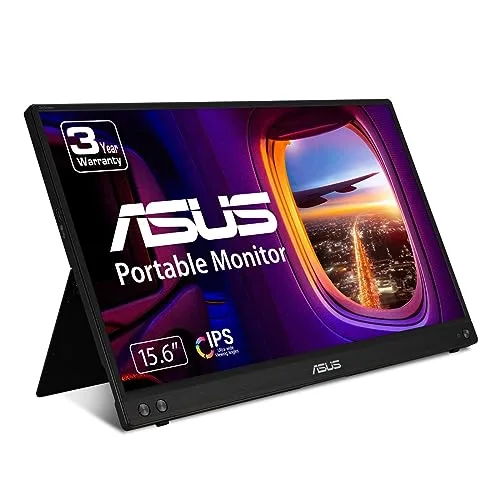
10. ASUS ZenScreen MB16ACV
A portable monitor that turns any table into a two-screen study station in 2026—great for class notes on one screen and research on the other. It's ideal for commuters, frequent library workers, and students who do group projects in different spaces. The simple, travel-friendly design makes it easy to pack without reorganizing your whole bag. A practical gift that students actually use weekly.
- Easy way to add a second screen anywhere on campus
- Great for notes + research split-screen workflows
- Travel-friendly for backpacks and small dorm storage
- Smaller than a desk monitor for all-day primary use
- Durability depends on how carefully it's packed
- May require a compatible cable/port setup on the laptop
11. Lenovo ThinkVision M14t Gen 2
11. Lenovo ThinkVision M14t Gen 2
A portable monitor with a more premium, productivity-first feel for students in 2026 who work on the go. It's especially useful for presentations, note-taking workflows, and tight study spaces where a full monitor isn't realistic. Great for business students, grad students, and anyone who lives out of a laptop bag. If you want "portable, but serious," this is the vibe.
- Excellent for mobile productivity and travel-heavy schedules
- Useful for presentations and collaborative work sessions
- Premium-feeling option vs basic portable screens
- Costs more than many portable monitors
- Still not a replacement for a large desk display
- May need careful setup for comfortable viewing angles
Budget‑Friendly Study Boosters
Not every student needs a premium panel—sometimes you just want a comfortable, reliable screen for essays and online classes in 2026. These picks focus on value while still feeling like a meaningful upgrade.
12. ASUS ProArt Display PA278CGV
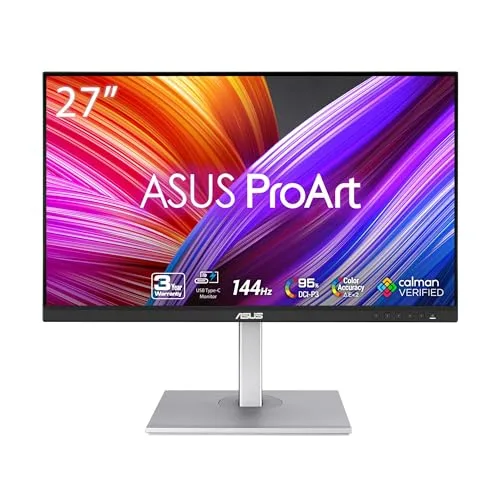
12. ASUS ProArt Display PA278CGV
A 27-inch ProArt monitor that's a smart middle ground for creative students in 2026 who want a nicer screen without jumping to a top-tier 4K price. It's great for design coursework, photo editing practice, and content creation while still being comfortable for everyday studying. Ideal for students building a portfolio who also need a monitor that handles normal school tasks gracefully. A thoughtful gift when you know they'll actually use the extra workspace.
- Strong balance of creative-friendly features and everyday usability
- 27-inch size is excellent for multitasking and timelines
- Good "portfolio builder" pick without going ultra-premium
- Not the cheapest 27-inch option
- May be more monitor than needed for basic note-taking
- Desk footprint can be noticeable in tight dorm setups
13. BenQ GW2486TC

13. BenQ GW2486TC
A practical 24-inch monitor that's easy to recommend for students in 2026 who want a straightforward productivity boost. It's ideal for first apartments, dorm desks, and anyone who's tired of writing papers on a 13-inch laptop. Great for general education coursework, online classes, and part-time remote work. If you're gifting on a tighter budget, this is a sensible, useful choice.
- Good value for a primary dorm desk screen
- 24-inch size fits small desks and shared rooms
- Solid everyday pick for writing, classes, and browsing
- Less workspace than 27-inch options
- Not aimed at advanced color-critical creative work
- Built-in speakers (if used) are usually basic
Ready to Share Your Wishlist
Build your monitor shortlist in minutes so you don't lose tabs during busy 2026 school shopping. Add any pick from this guide in 1 click, then organize options into folders (Dorm Desk, Portable, 4K Upgrade) so it's easy to compare later. Pair your setup with our Best Note‑Taking Tablets for Students 2026 and Gadgets for College & School guides for a full desk. Share your list with friends and family—they can reserve a gift to help you avoid duplicates, so you won't receive the same monitor twice. When you're ready, turn favorites into a clean, shareable WishDeck wishlist via the app.
Frequently Asked Questions
Popular Reads

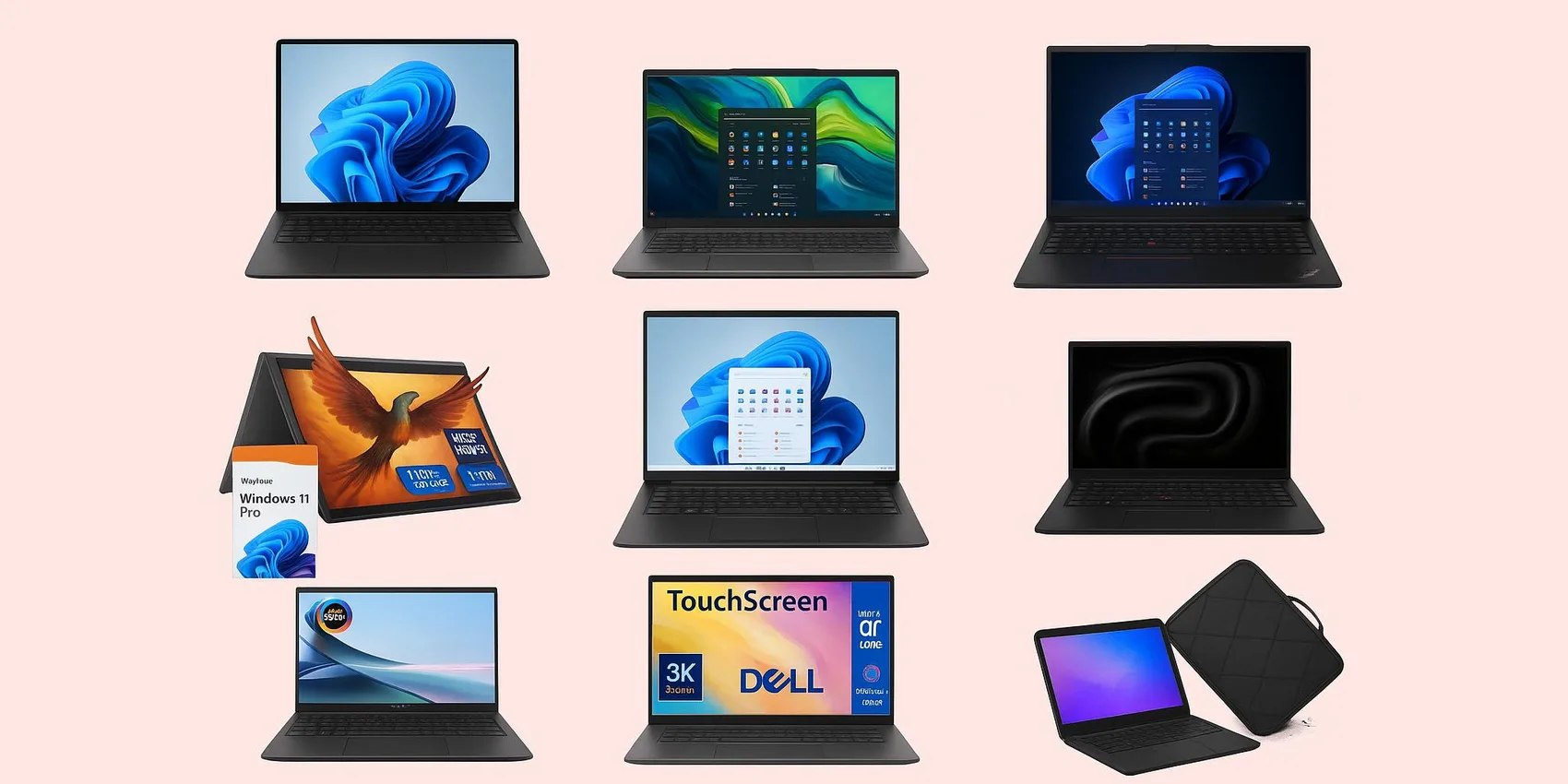
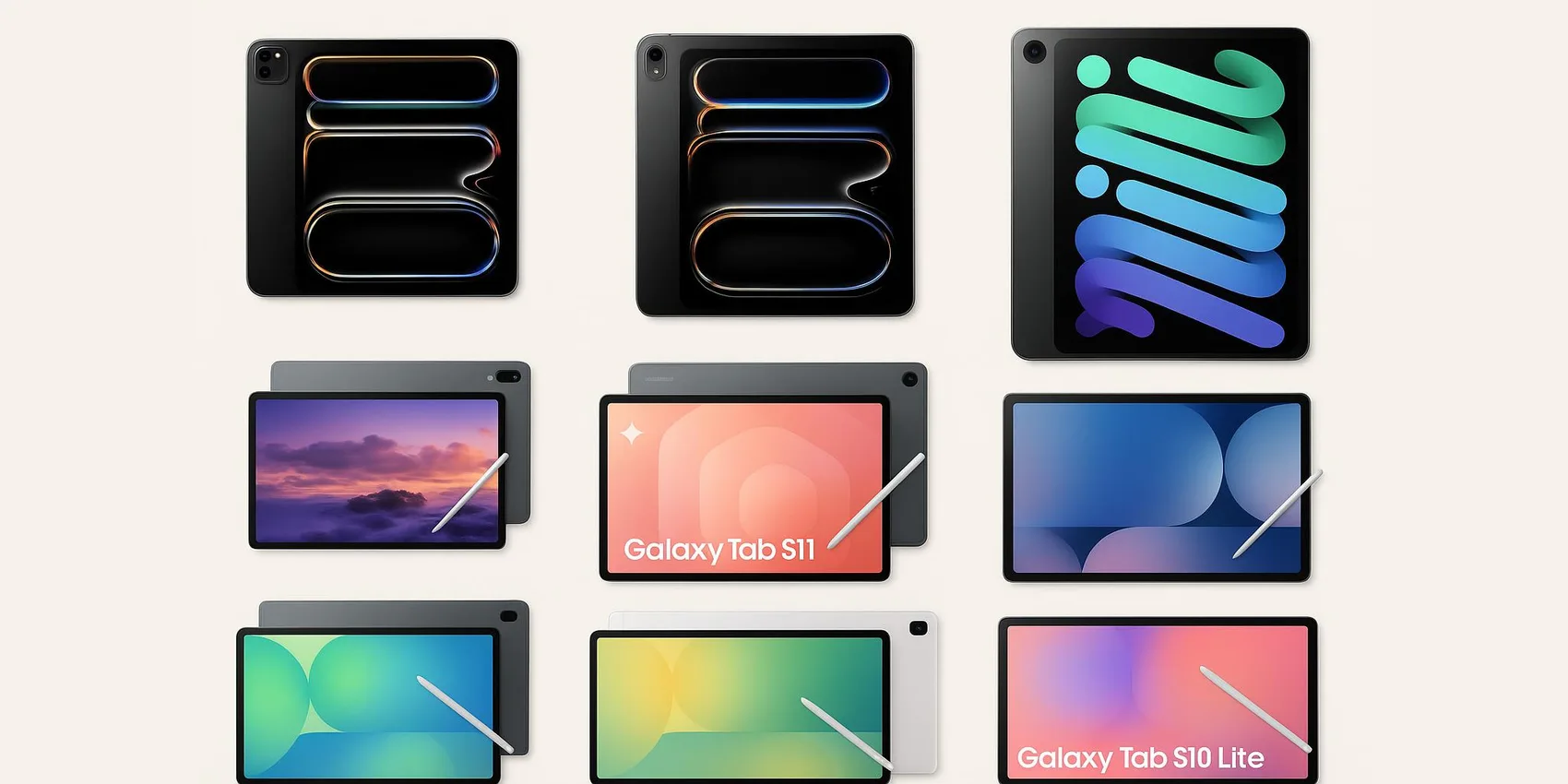

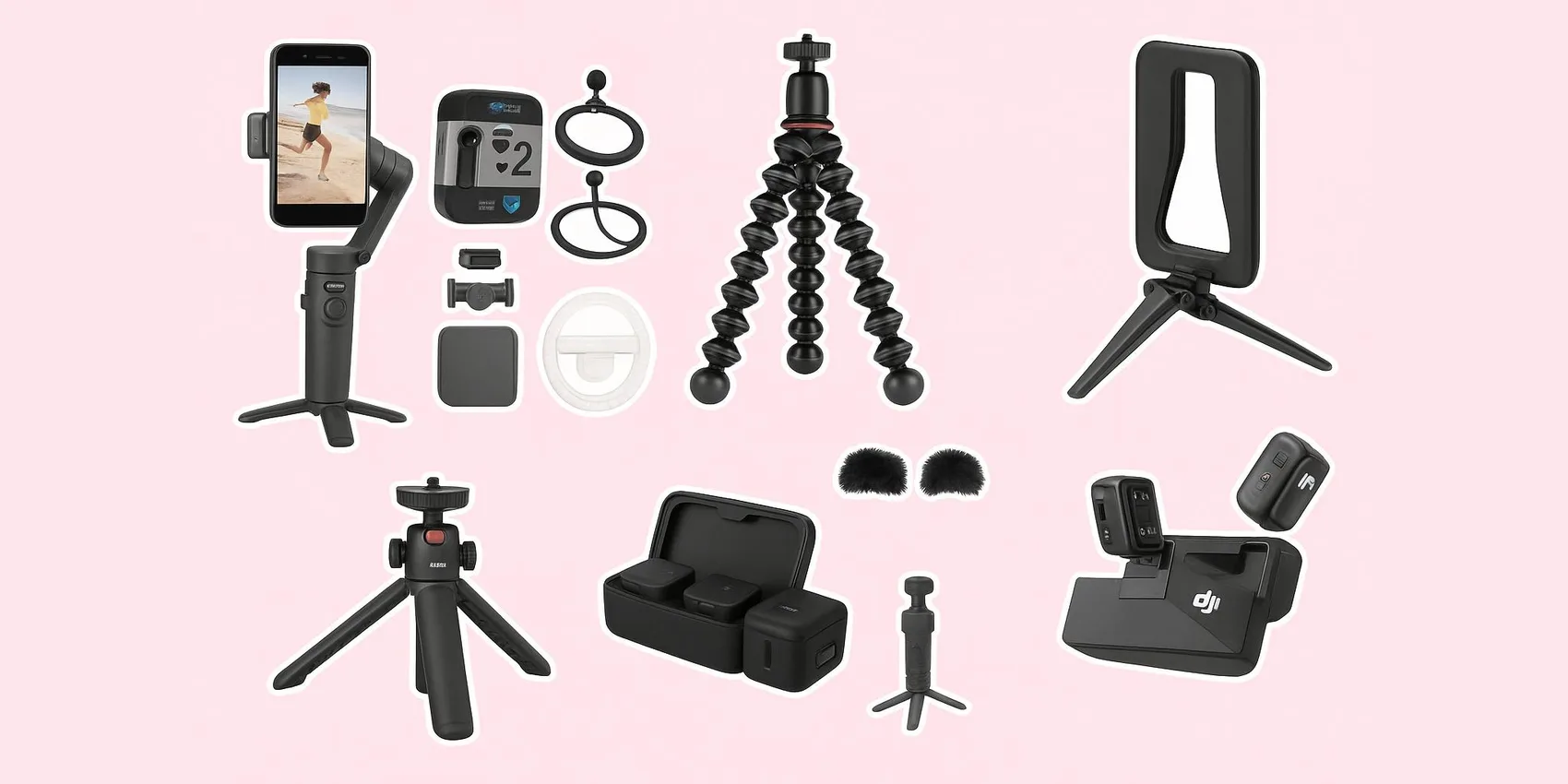
Looking for more insights? Explore related topics: TikTok desk setup finds (Students, 2026), Best laptops for college students 2026, Best Note-Taking Tablets for Students 2026 or find more on our Blog.